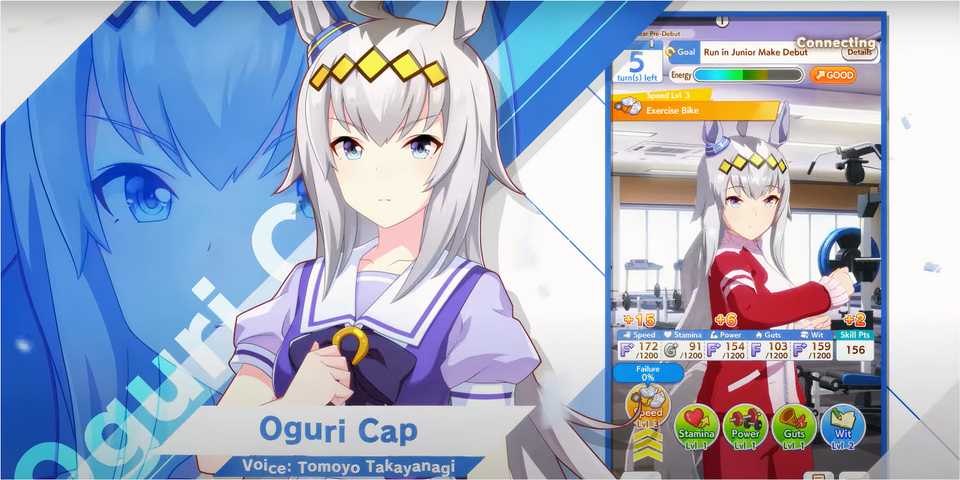
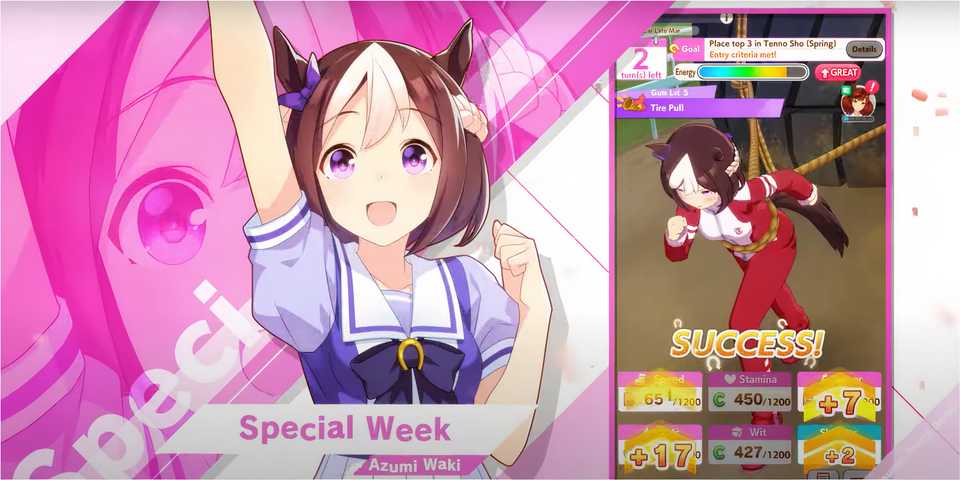
Cygames' Umamusume: Pretty Derby is all about training racers known as Umamusume, which basically means horse girls with big dreams. Your goal is to guide them through their careers, helping them debut in races, rise in fame, and eventually reach Legend class. Players can roll for their favorite ones using the Gacha and train them to climb the ranks.
That said, the game has a few confusing parts, one of them being the age confirmation screen that appears before you can jump into the server. This guide will explain the correct way to enter your age in Umamusume: Pretty Derby so you can hop in without any trouble.

What Is The Uma Musume Franchise, And Why Is It Popular In Japan?
What is popular in Japan isn't always hitting it big in the states. Why is a horse girl anime so popular overseas?
How to Confirm Age in Umamusume Pretty Derby
When you first launch Umamusume: Pretty Derby on your PC, you’ll be asked to agree to the terms and select your country from a long list. Right after that, the game prompts you to confirm your age. The tricky part is that it uses a year-month format, which is quite common in many Chinese and Japanese games, and adding your birthdate the other way around can, of course, stop you from accessing the game's content. What makes it even more frustrating is the on-screen message telling you to type your month and year without any explanation, completely leaving you stuck on that window.
To confirm your age correctly in Umamusume Pretty Derby, you need to enter your birth year first, followed by the two-digit month. For example, if you were born in January 1990, you should type "199001". Since January is the first month, it must be written as 01 right after the year. And if you were born in the 2000s, the format remains the same. For instance, if your date of birth is February 2002, you would add "200202" in the age confirmation box.
Make sure to enter your age using the Gregorian calendar. Other calendar systems likely won't be accepted. Also, don’t include any dashes or spaces between the year and month; just type them together as a six-digit number.
Once you lock in your age, there’s no way to change it later in the game, and since it directly affects your real-money purchase limits (like how many Carats or gems you can buy), it’s important to type it in as required. The good news is that minors can still play Umamusume Pretty Derby without any issues. However, as clearly stated by the devs, they’ll need permission from a legal guardian when making purchases with real currency.



-
 OpenCritic Reviews
- Critics Rec: 100%
- Released
- June 26, 2025
- Developer(s)
- Cygames
- Publisher(s)
- Cygames, Kakao Games, BiliBili