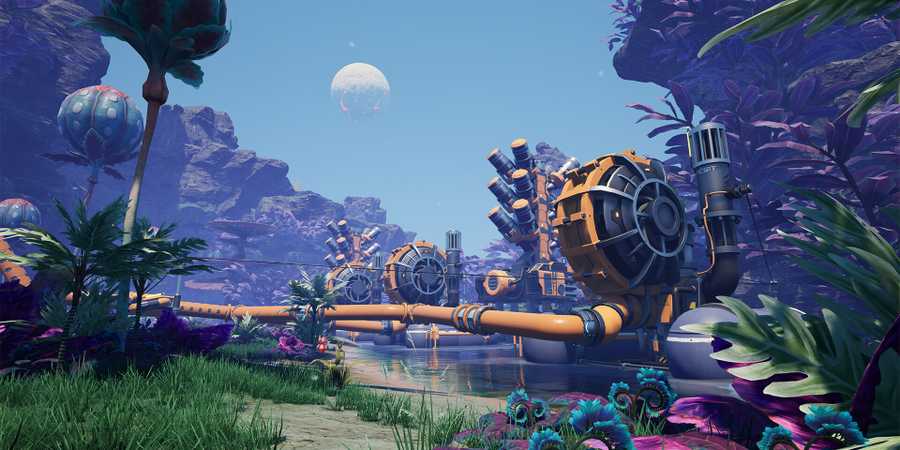
Ready to land on a desolate planet and harvest all of its natural resources? Satisfactory leads you on exactly that kind of journey. As you land on the alien planet, you will be tasked with finding iron ore and mining it to create The HUB. At first, you will be fine mining ores with your hands, but sooner or later, you'll need to focus on automating resource collection to help you tackle bigger projects.
Automating mining is one of the first few features you unlock in Satisfactory. After building The HUB and upgrading it, you will unlock recipes for building the Equipment Workshop, a station where you can craft useful equipment like the Portable Miner. Follow this guide to learn about the Portable Miner in Satisfactory - its crafting recipe, how to gather the necessary materials, and how to use it.
Updated September 13, 2024 by Manish Kumar Choudhary: With the release of Satisfactory 1.0, fans of factory simulation games have been raving about this title from Coffee Stain Studios, creators of Goat Simulator. This updated guide will help you get started with Portable Miners, a handy machine unlocked early in the game.

Satisfactory: Best Starting Area For Beginners
Satisfactory pioneers will have the option of selecting between four different worlds, which all come with their own difficulty level and struggles.
Satisfactory: How to Make a Portable Miner

The Portable Miner is one of the first machines you unlock in Satisfactory. To unlock it, you will need to build the Equipment Workshop, which becomes available after upgrading The HUB for the first time. You will need 6 Iron Plates and 4 Iron Rods to build the Equipment Workshop.

After building the Equipment Workshop, enter the station and press "E" to interact with it. You can find the Portable Miner under Tools. To craft a Portable Miner in Satisfactory, you will need the following items:
- 2 Iron Plates: Crafted using 3 Iron Ingots
- 4 Iron Rods: Crafted using 4 Iron Ingots
Once you have the required number of Iron Plates and Iron Rods, interact with the Equipment Workshop and select the Portable Miner. Then, either hold Space or the Left Mouse Button for about 4 seconds to craft one Portable Miner. You can craft multiple Portable Miners at once if you plan to deploy them on various mineral nodes.
Satisfactory: How to Use a Portable Miner

After crafting a Portable Miner, you will need to look for mineral nodes. Satisfactory features various nodes, ranging from common Iron and Copper ore nodes to rare Uranium and SAM nodes. To find a node, hold "V" to pull out the ore scanner and select the ore you want to search for. By default, it searches for nearby Iron ore nodes.
After finding an ore node, mine it to reveal the ore vein. Then, press "Tab" and move the Portable Miner from your inventory to your hands. Use your mouse scroll wheel to switch to the Portable Miner from the Xeno-Zapper. Then, press the Left Mouse Button to place the Portable Miner. Within a few seconds, the Portable Miner will be up and running.

A Portable Miner can only store one stack of ores, which is 100 items. It also has a decent mining speed, causing the miner to reach the full stack in just a few minutes. However, the Portable Miner has a downside - you cannot use a conveyor belt to move items from a Portable Miner to a storage unit. This limits its usage mainly to the early game, though it can also be useful when farming nodes far away from The HUB.
Don’t hesitate to use Portable Miners when you are new to Satisfactory. These machines remain helpful even as you progress further into the game. After you have gathered enough of a particular ore, you can pick up the Portable Miner and reuse it on a different node. You can also reuse Portable Miners when building larger miner buildings like Miner Mk.1, Miner Mk.2, and Miner Mk.3.

Satisfactory
- Released
- September 10, 2024



WHERE TO PLAY





- ESRB
- Everyone 10+ / Fantasy Violence
- Developer(s)
- Coffee Stain Studios
- Publisher(s)
- Coffee Stain Publishing
- Engine
- Unreal Engine 5
- Multiplayer
- Online Co-Op
- Platform(s)
- PC, PlayStation 5, Xbox Series X, Xbox Series S
- How Long To Beat
- 105 Hours
- Genre(s)
- Simulation, Sandbox, Base Building, Open-World, Management