


Dead Eye is one of the defining mechanics of the Red Dead Franchise. It's been used since the first game in the franchise, Red Dead Revolver, and further refined into Red Dead Redemption, which is an entry point in the series for most players. There's a certain satisfaction to precisely aiming your reticle at the target and unleashing a barrage of shots in slow motion.
The Dead Eye mechanic slowly evolves through its multiple levels in Red Dead Redemption as players progress through the story. It's one of the most useful mechanics in the game, which makes taking down either a quick-moving target or mowing down hoards of enemies possible in a split second.

Red Dead Redemption Or RDR2: Which Is Better & Why?
I grew up with the original Red Dead Redemption and am really looking forward to its re-release on PC this week. But it's hard to deny just how impressive Red Dead Redemption 2 is, especially for when it released. It's arguably one of the best western simulation games with all of its survival and gameplay mechanics, with some of the best graphics of all time and a movie-quality story to boot. Red Dead Redemption is a great game, but it ultimately laid the foundation for its superior sequel.
How to Use Dead Eye Targeting in Red Dead Redemption 2
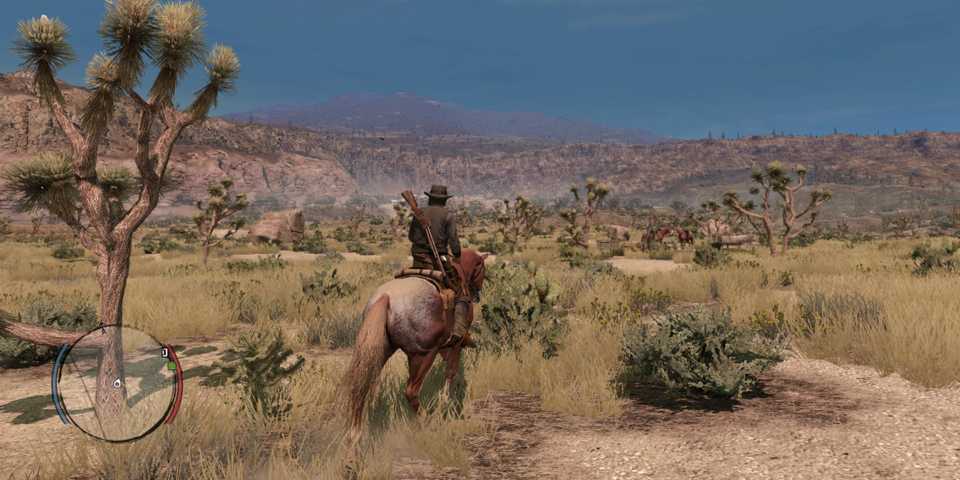
Players unlock the Dead Eye ability at level 1 after completing "New Friends, Old Problems", the second mission in Red Dead Redemption. This mission starts right after John wakes up on MacFarlane's farm and Bonnis takes him on a horse ride to hunt rabbits.
There are different levels to the Dead Eye Targeting mechanic in the game. Here's an explanation of all the Dead Eye levels and how to unlock them.
|
Level |
How Does It Work? |
How To Unlock |
|---|---|---|
|
Dead Eye Level 1 |
Allows players to slow down time and land a single shot on the enemy. After firing a single shot, the time slowdown ends. |
Complete the second mission of the game, "New Friends, Old Problems" by Bonnie. |
|
Dead Eye Level 2 |
After activating Dead Eye, hovering the reticle over enemies will automatically place markers on them. Once the meter runs out or the players decide to execute, John will target and start shooting where the markers were placed. |
During the "You Shall Not Give False Testimony, Except for Profit" mission by Nigel West Dickens. |
|
Dead Eye Level 3 |
The final upgrade of the Dead Eye lets players manually place markers on enemies and shoot once ready. |
Complete the "The Gunslinger's Tragedy" mission after reaching Mexico for Landon Ricketts in Chuparosa. |
The maximum number of markers placed on enemies depends on the number of rounds the player's current weapon has. E.g. A shotgun with 2 bullets in the chamber will only let you place 2 markers on an enemy.
Using Dead Eye on a Keyboard or Controller
Here's how to use Dead Eye on different input devices in Red Dead Redemption.
|
Input Device |
Activate Dead Eye |
Placing Markers |
Execute |
|---|---|---|---|
|
Keyboard |
Middle Mouse Click |
"Q" key |
Left Mouse Click |
|
Controller |
Right-Stick Click (RS or R3) |
Right Bumper (RB or R1) |
Right Trigger (RT or R2) |
How to Refill Dead Eye Meter
Dead Eye isn't unlimited and needs to be earned before players can use it to start shooting enemies left and right. Here are all the ways to refill the Dead Eye meter in Red Dead Redemption.
- Kill enemies without using Dead Eye
- Drink Moonshine (it refills the meter and makes it infinite for 10 seconds)
- Use Snake Oil
- Consume a crafted Tonic
- Use Chewing Tobacco


Red Dead Redemption




-
 OpenCritic Reviews
- Top Critic Avg: 79 /100 Critics Rec: 73%
- Released
- May 18, 2010
- ESRB
- M For Mature 17+ Due To Blood, Intense Violence, Nudity, Strong Language, Strong Sexual Content, Use of Drugs
- Developer(s)
- Rockstar San Diego
- Publisher(s)
- Rockstar Games


WHERE TO PLAY


- Engine
- rockstar advanced game engine
- Multiplayer
- Online Multiplayer
- Franchise
- Red Dead Redemption
- PC Release Date
- October 29, 2024
- Nintendo Switch Release Date
- August 17, 2023
- Platform(s)
- Nintendo Switch, PC, PlayStation 3, PlayStation 4, Xbox 360, PlayStation 5, Nintendo Switch 2, Xbox Series X, Xbox Series S, Android, iOS
- Genre(s)
- Open-World, Adventure
- How Long To Beat
- 18 Hours
