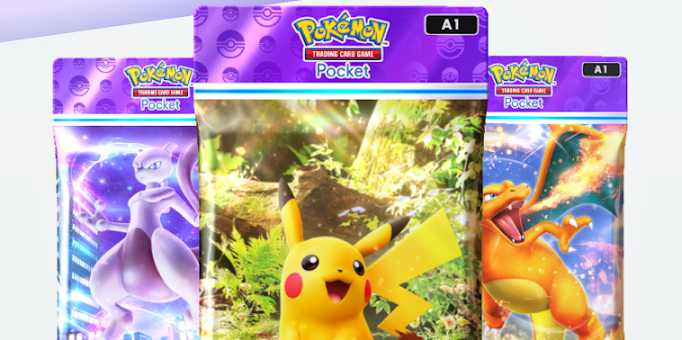
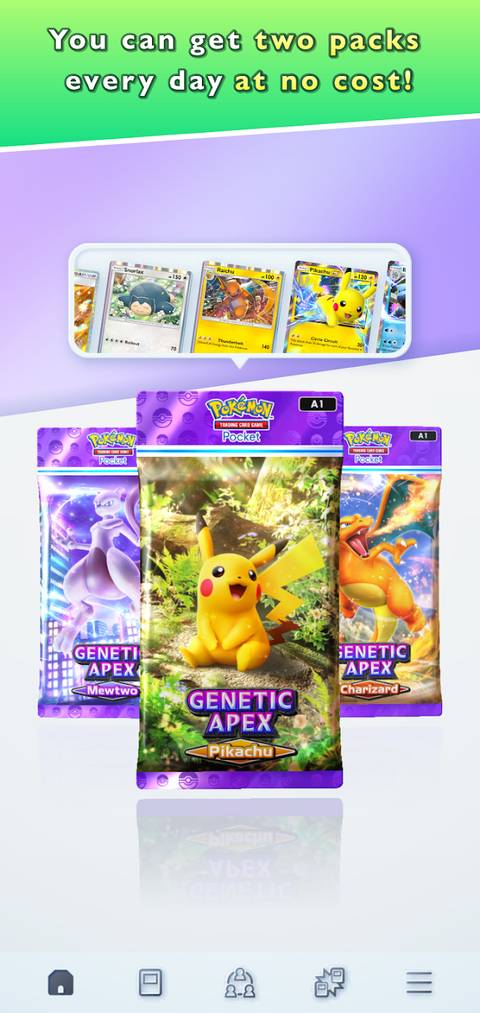
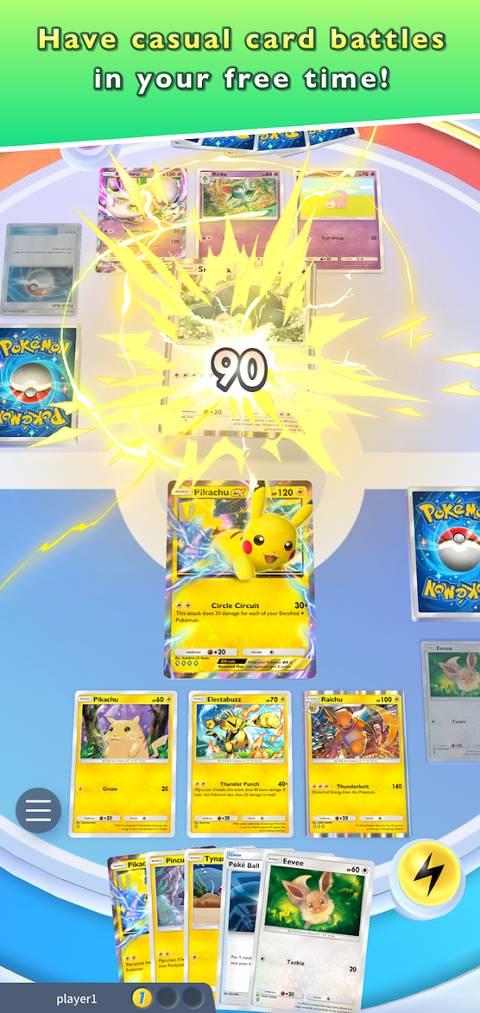
Pokemon Pocket's first collaboration with a third-party brand arrives as a giveaway for McDonald’s customers! Until the end of February, you can snag TCG booster packs and Pocket-exclusive redeem codes by purchasing a Happy Meal.

Pokemon TCG Pocket Leak Reveals New Currencies
A Pokemon TCG Pocket leak reveals two new potential currencies on their way to the game, and the community speculates on how they will work.
However, this multi-game collaboration (involving both TCG and Pocket) has left some players puzzled. While some haven’t received their rewards, others are unsure how to redeem their codes. To clear up any confusion, we’ve created a detailed guide to help you claim, redeem, and maximize your rewards from the Pokemon Pocket and McDonald’s promotion.
How to Redeem Codes in Pokemon Pocket

- Go to the official Pokemon Pocket Gift webpage.
- Enter your Support ID at the top.
- Copy and paste the redeem code to the second tab.
- Click “Send.”
- Collect the rewards from the in-game “Gifts” section.
How to Find Your Support ID

- Open the Pokemon Pocket app.
- Tap the menu button (lower right of the screen).
- Tap the code just above your avatar. (It says “Support ID.”)
How to Get the McDonald’s Collaboration Code
Until February 28, 2025, you need to order a Happy Meal through the McDonald’s app to receive a promo code. If you’ve enabled "My McDonald’s Rewards," the code will be sent to your email.
- Opt into email notifications on the McDonald’s app.
- Place an order that includes at least one Happy Meal.
- Check your email for the Pokemon Pocket redeem code.
- Note that each Pokemon Pocket account is eligible for one promo code.
If you don’t receive the code within a few minutes of your purchase, check your junk or spam folder.
Why You Didn’t Receive the Redeem Code

There are usually two reasons why you may not have received your McDonald’s x Pocket promotion code:
- You haven’t enabled “My McDonald’s Rewards” on the app.
- The email has been sent but is in your junk or spam folder.
If neither of these applies, you should contact McDonald’s support for assistance.
Pokemon Pocket x McDonald’s Collab Details
|
End Date |
February 31, 2025 |
|
Rewards |
Pokemon TCG booster packs, a Pokemon Poster, Pokemon stickers, 24 Pack Hourglasses, 12 Wonder Hourglasses |
|
Eligibility |
Only available in the US (for now). Pokemon Pocket rewards are only collectible if you place an order on the McDonald’s app |
The McDonald’s x Pokemon Pocket collaboration will run for approximately two and a half months in the US. It’s also likely that the promotion will expand to other countries, such as New Zealand, in the coming months.
Each special Happy Meal in the promotion includes a mini booster pack containing four cards, with one guaranteed to be a Hollow. The card pool is limited to 15 Pokemon, and the featured characters on the boxes are Charizard, Rayquaza, Roaring Moon, and Pikachu & Dragonite.
List of All Pokemon TCG Cards in McDonald’s Toys
Pokemon TCG x McDonald’s promotion is a Dragon-themed launch called “Dragon Discovery.” It includes the following promo cards:
- Pikachu
- Charizard
- Miraidon
- Jigglypuff
- Hatenna
- Dragapult
- Quagsire
- Koraidon
- Umbreon
- Hydreigon
- Roaring Moon
- Dragonite
- Eevee
- Rayquaza
- Drampa


- Released
- October 30, 2024
- Developer(s)
- DeNA, Creatures Inc.
- Publisher(s)
- The Pokemon Company
- Multiplayer
- Online Multiplayer
- Cross-Platform Play
- Yes