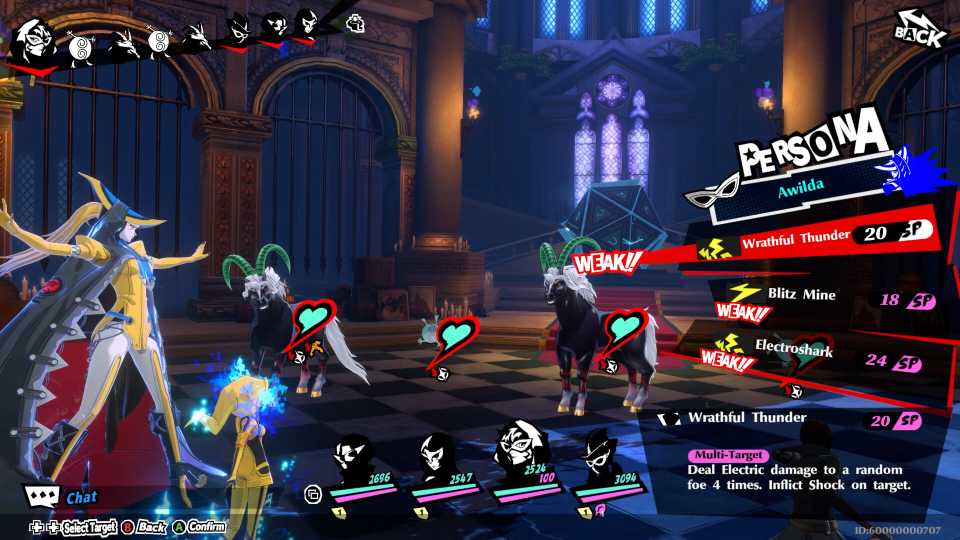
Persona 5: The Phantom X has been region-locked in a ton of different countries, preventing fans of the series from playing this spin-off. While the reason for closing off access to the game in said countries isn't specified, it seems like this decision won't be changing anytime soon. If you're like me and can't wait to get your hands on the P5X as soon as it launches, this guide is for you. Here's how to bypass "this item is currently not available in your region" and play Persona 5 Phantom X on PC in a country where the game's region-locked.
This method requires the use of third-party VPN software. Make sure you have a paid or free one that can switch to a particular country's server.

Why Persona 5: The Phantom X Surpassing Royal's Peak Player Count is Only the First Hurdle
Persona 5: The Phantom X has already claimed one major milestone, but that achievement is only a small part of its road to success.
Create a New Google Account

The first thing you should do is download and install third-party VPN software and connect to a region that Persona 5 Phantom X supports, i.e, USA, UK, Canada, etc. Once the VPN service is activated, open up the incognito tab in your browser and create a new Google account. Once you've filled in the credentials, make sure you select the same country as the one you've connected to via VPN.
During your account creation, you'll be prompted to verify it via a phone number. Using your own phone number in this section will not affect the region of your account. So, there's no need to use any temporary phone numbers from any other region. After a few more steps, your new Google account will be up and running. Make sure not to disconnect the VPN just yet.
Download Persona 5: Phantom X via Google Play Games for PC

After creating your new Google Account, visit the Persona 5: Phantom X Google Play Store page and click on the Install for Windows button. This will start by downloading the Google Play Games beta software, which will allow you to play the mobile port on your PC officially.
Once Google Play Games has been downloaded and installed, sign in with your new Google ID, and you'll be prompted to create a gamer profile. After this process, head over to the search tab and look for the Persona 5: Phantom X store page, and click on the installation button.
This will start with an initial download, which will install the game's primary launcher on your PC. Once that's done, it'll start downloading the actual game files, which will be around 37 GB. Once the main download starts, feel free to disconnect the VPN, and you won't need it to download and play P5X on your PC from here on out.
Once you're on the title page, make sure to bind your guest account with your Google Account before starting the game to make sure your progress is saved both locally and on the cloud.



-
 OpenCritic Reviews
- Top Critic Avg: 75 /100 Critics Rec: 67%
- Released
- June 26, 2025
- Publisher(s)
- Perfect World Entertainment, Atlus