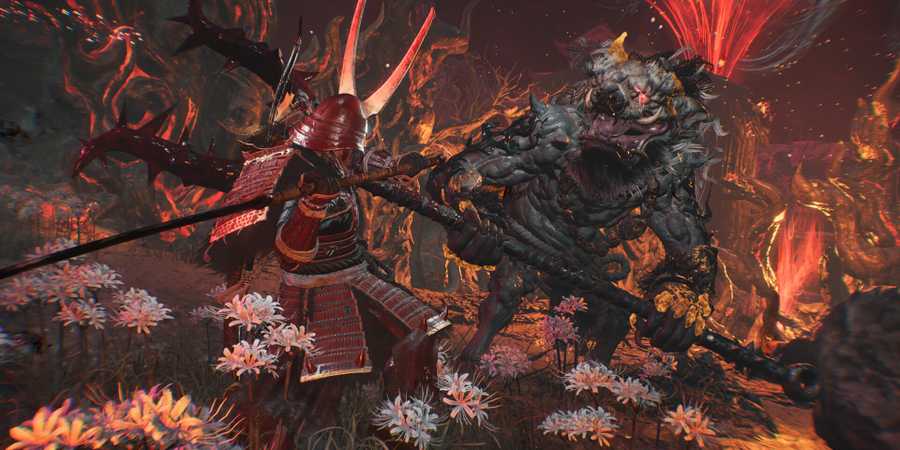
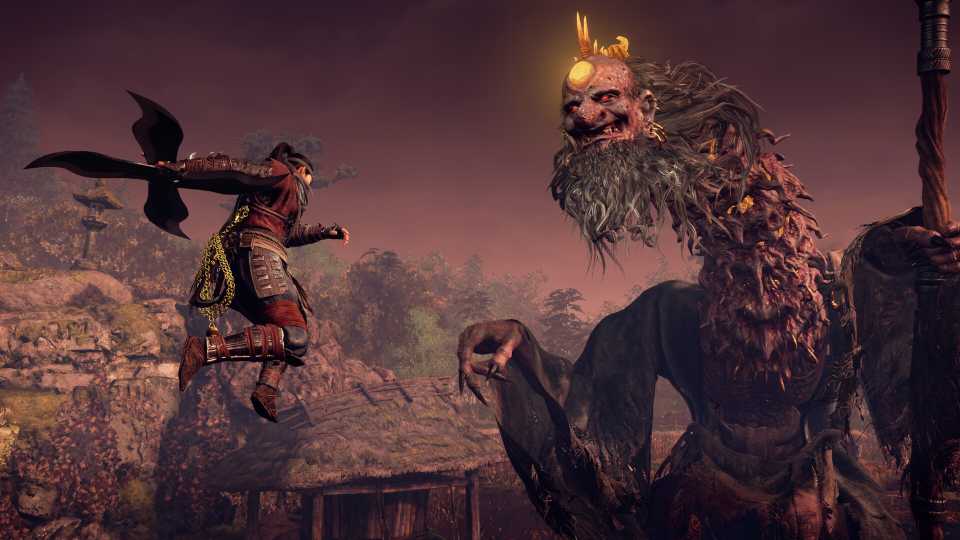
Although appearance doesn't play a huge role gameplay-wise in Nioh 3, it's certainly nice to be fashionable while slaying enemies. Luckily, there is a way for players to change their appearance later on if they are not satisfied with their current looks, as well as transmog their equipment to become more stylish. Here's how to change appearance and transmog equipment in Nioh 3.

8 Best Adventure Soulslike Games, Ranked
These great soulslike (and soulslike-adjacent games) emphasize the spirit of adventure through their thrilling combat and enticing narratives.
How To Change Appearance In Nioh 3

To change appearance in Nioh 3, head to the Eternal Rift and interact with the mirror located in the northern house on the upper floor. Choose Change Appearance to be taken to the character customizing screen.

Here, you are free to change the character however you see fit. Players can revisit all seven sections to add some details or change everything and make a new character. Similarly to the start of the game, you can also input a code to get a character that's created by other players.
How To Transmog Equipment In Nioh 3

In the same mirror where players change their appearance in the Eternal Rift, choose Equipment Appearance to transmog armor and weapons. You can change the appearance of each armor piece to whatever you desire. Players can also remove the equipment completely while retaining the special effects.

The same thing is applicable to weapons. You can change what they look like as long as it's the same weapon. For example, if you are wielding a Tonfa in Ninja Style, it's only possible to change the Tonfa's appearance and not transmog it into another weapon. Also, players can't transmog weapons they aren't using, so keep that in mind.
If you later on change your equipment to a higher-level weapon or armor that's more suitable for a certain boss, the appearance will stay the same. Players have to return to the Eternal Rift if they wish to remove the transmog or change it.
How To Unlock Eternal Rift In Nioh 3

The Eternal Rift is the equivalent of a safe haven in Nioh 3. It's a place stuck in time, and players can find some of their old masters and chat with them. They will also give you quests that can be accessed from the Battle Scroll at the Shrine.
While completing The Hamamatsu Incident main quest, Ii Naotora will eventually hand players a mirror. Your character will use it immediately as it will transport you to the Eternal Rift. This gives you access to a Blacksmith as well as other secrets you can explore in the area.

After familiarizing yourself with the Eternal Rift, head north towards the building and climb the stairs to the second floor. Ignore the NPC and enter the only room on the floor.

Approach the mirror to start changing your appearance and transmogging equipment in Nioh 3.



-
 OpenCritic Reviews
- Top Critic Avg: 85 /100 Critics Rec: 93%
- Released
- February 6, 2026
- ESRB
- Mature 17+ / Blood and Gore, Suggestive Themes, Violence, In-Game Purchases, Users Interact
- Developer(s)
- Koei Tecmo
- Publisher(s)
- Koei Tecmo