


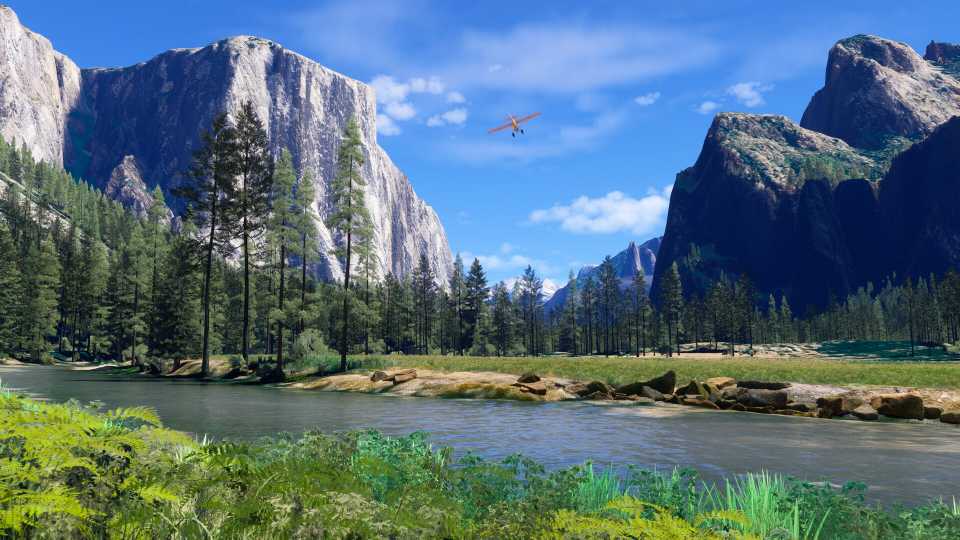
The launch has been buggy and messy for Microsoft Flight Simulator 2024. Now that some server traffic has settled down, players are finally taking off into the sky. The game streams real satellite map data to simulate the planet Earth. Try and find your hometown or visit far-away wonders that have been virtually recreated.
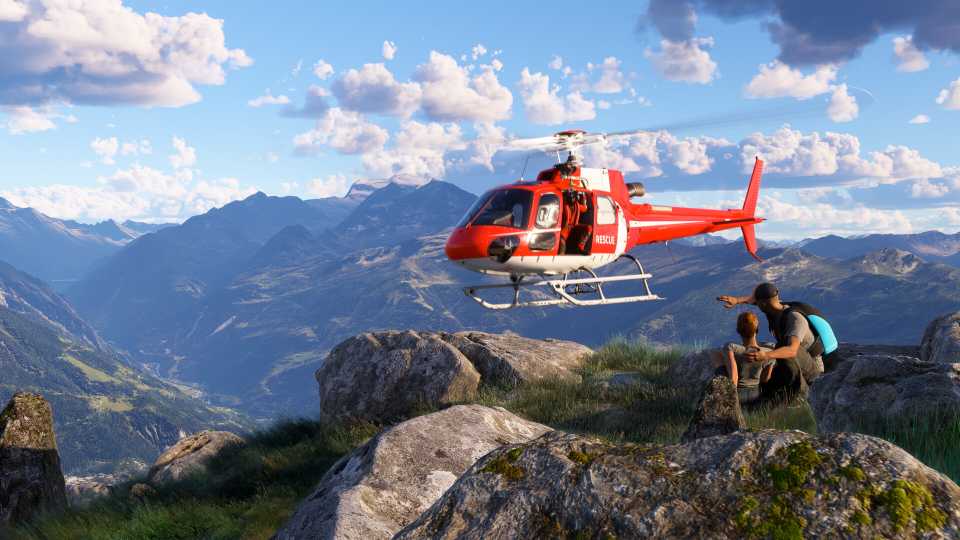
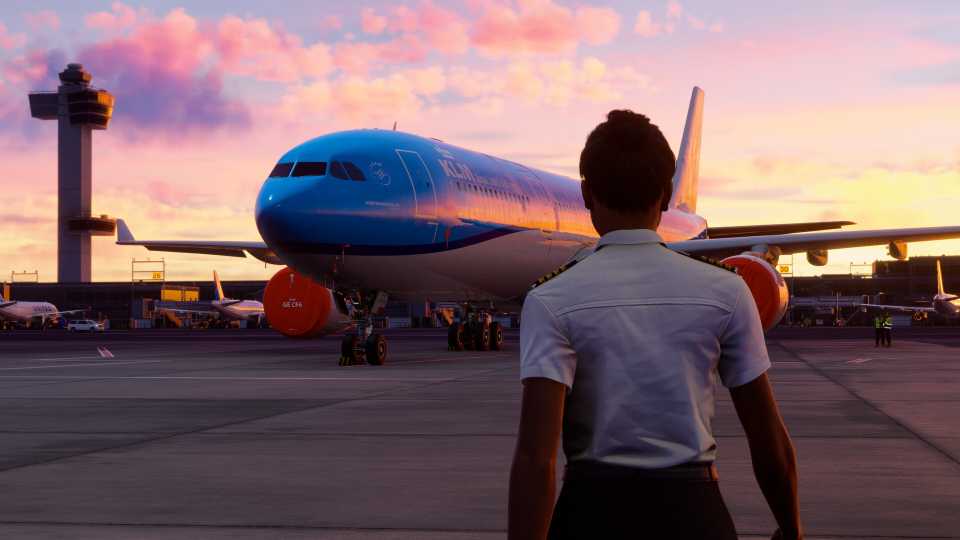
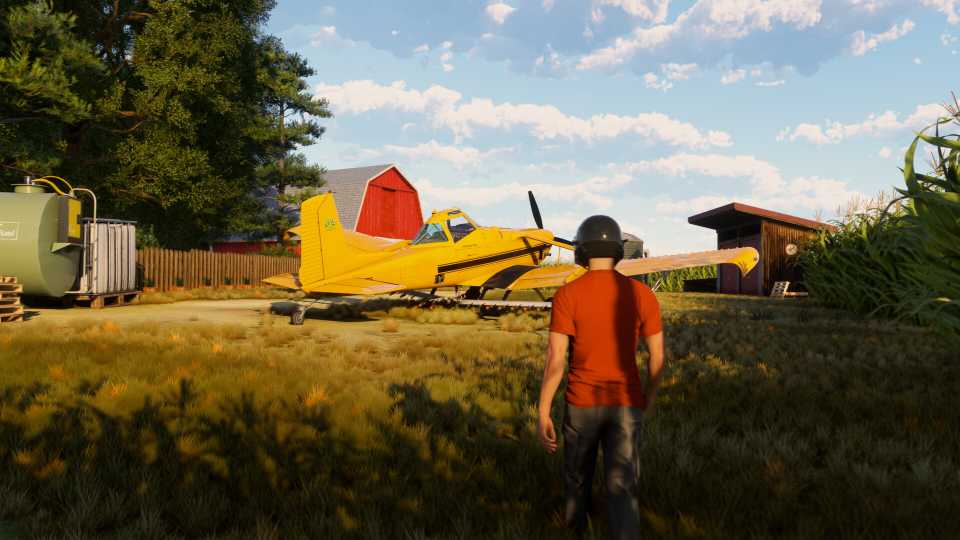
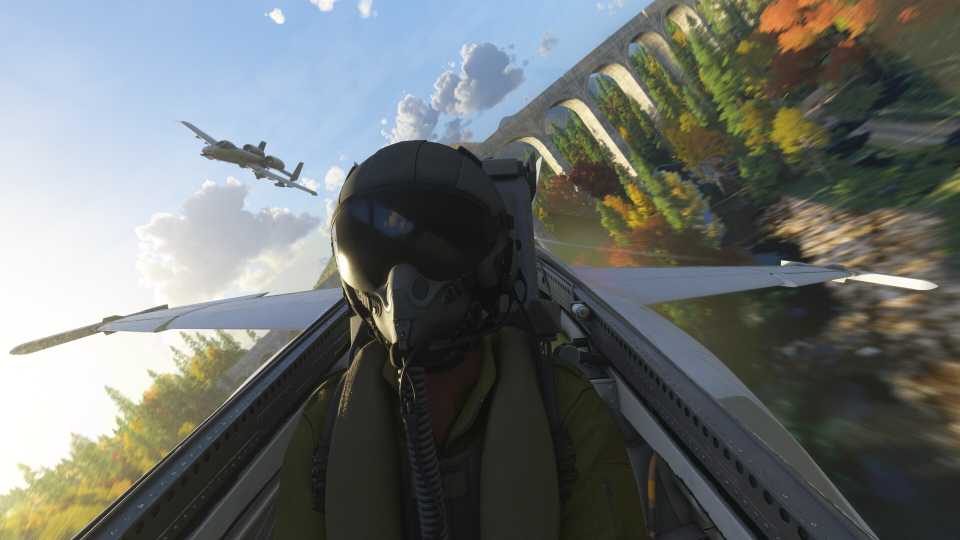
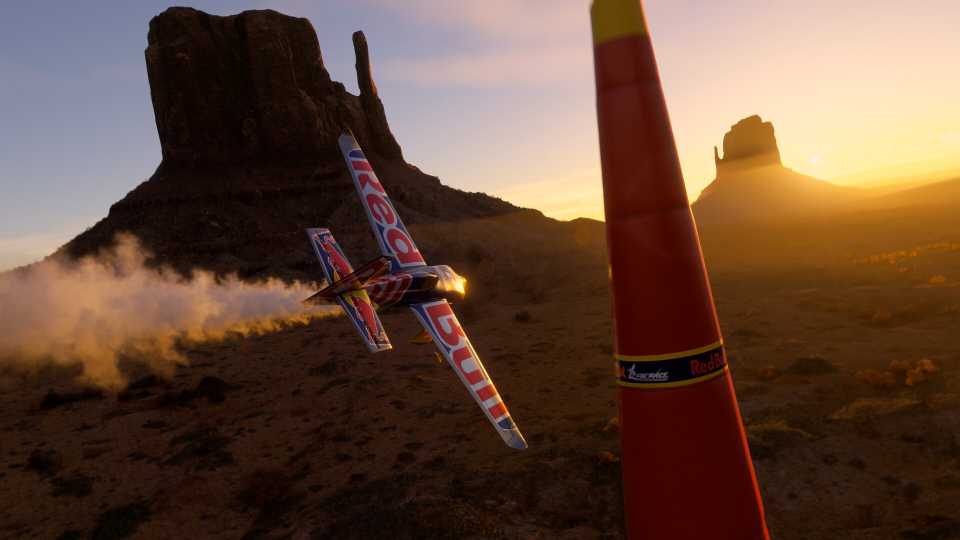
You can take pictures of these things, like the Great Pyramids or a stunning sunset peaking through a rainstorm by using the Photo Mode. There's even a World Photographer mode based around visiting iconic landmarks and taking perfect pictures by meeting certain conditions. All the aircraft in Microsoft Flight Simulator 2024 are highly detailed, and you can also get good captures of these intricate machines. Continue reading this guide to learn how to use the Photo Mode in Microsoft Flight Simulator 2024.

Best Games On PC Game Pass
Silksong, Clair Obscur, Doom, and Minecraft are only a few of the great games on PC Game Pass.
Photo Mode Controls

There are many different functions you can control in your aircraft. These will differ when you apply more assists. The console version of the game will require some functions to be bound to controls on your own. These are the Photo Mode controls on PC and Console versions of the game.
PC Photo Mode Controls
|
Toggle Photo Mode |
Shift + V |
|---|---|
|
Toggle Auto Exposure |
2 |
|
Toggle Auto Focus |
1 |
|
Exposure Decrease |
G |
|
Exposure Increase |
T |
|
Focus Decrease |
F |
|
Focus Increase |
R |
|
Take Picture |
Space |
Xbox Photo Mode Controls
|
Toggle Photo Mode |
LB + RB |
|---|---|
|
Photo Mode Off |
B |
|
Take Picture |
A |
|
Toggle Auto Focus |
X + Down on D-Pad |
|
Exposure Decrease |
X + LB |
|
Exposure Increase |
X + RB |
|
Focus Decrease |
X + LT |
|
Focus Increase |
X + RT |
How to Enable Photo Mode
You can enable Photo Mode whenever you are in-flight. Press SHIFT + V on PC or press LB + RB on Xbox. This will freeze your plane in place so you can begin photographing it. World Photographer challenges will involve meeting certain conditions to get a perfect 3-star picture.
On PC, you can also press ESC to Toggle Pause. On Xbox, you will press LB + Y. This will start the simulation so you can take pictures while your plane is in motion. Be careful while doing this, as you can still crash in Photo mode.
Where to View Photo Album

Press on your profile at the top right of the screen. You can do this by clicking on PC, or by pressing R3 on the console version. Here you can view your album of captured photos, which will include the time and location of the capture. You can delete any unwanted photos as well.




-
 OpenCritic Reviews
- Top Critic Avg: 76 /100 Critics Rec: 68%
- Released
- November 19, 2024
- ESRB
- Everyone / Users Interact, In-Game Purchases
- Developer(s)
- Asobo Studio
- Publisher(s)
- Xbox Game Studios







WHERE TO PLAY





- Platform(s)
- Xbox Series X, Xbox Series S, PlayStation 5, PlayStation VR2, PC
- Genre(s)
- Flight Simulator
