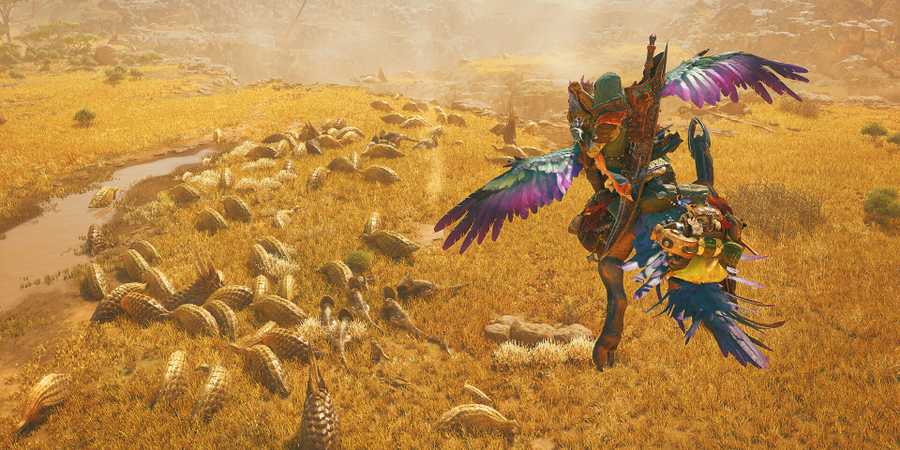
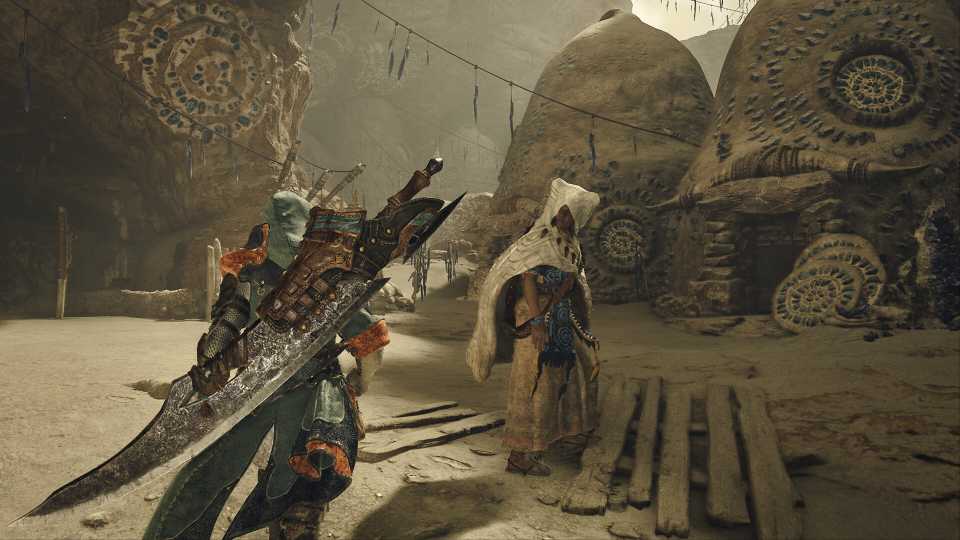
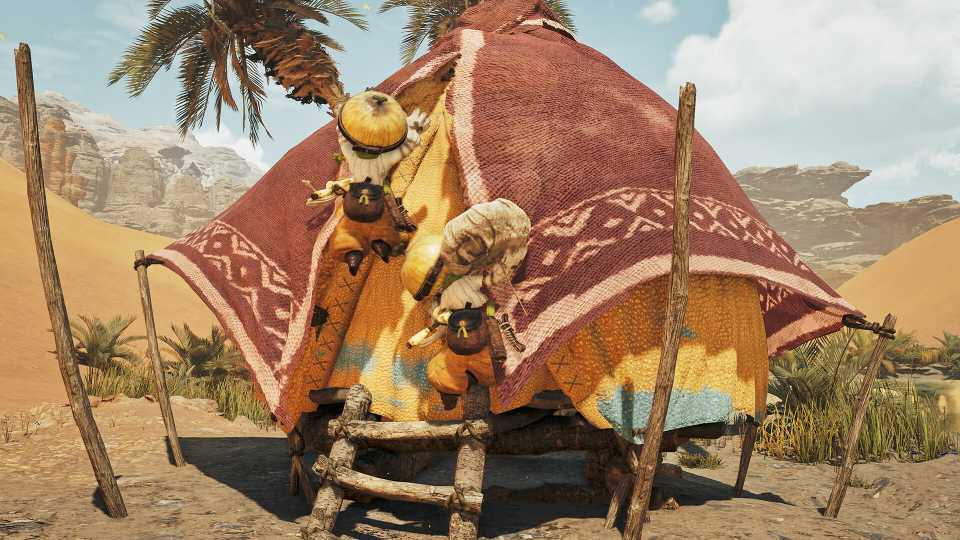
Healing Help is a Side Mission in Monster Hunter Wilds that players can initiate by speaking with their Palicoes after completing Chapter 4-1. This mission instructs players to capture a Vigorwasp, an endemic lifeform that can be found on the Plains, Forest, and Wyveria maps. This guide is here to help players address that task and complete Monster Hunter Wilds' Healing Help side mission.
Players will unlock Attract Vigorwasps upon completion of Healing Help. This Support Move is automatically assigned to the Palico, and it allows the companion to summon Vigorwasps to locations where they are not normally found.

Monster Hunter Wilds: How to Get Guardian Seikret Feather
Monster Hunter Wilds players can learn how to get Guardian Seikret Feathers, even if they have already reached High Rank, here.
Monster Hunter Wilds: How to Capture a Vigorwasp for Healing Help
Fast Travel to Windward Plains, Scarlet Forest, or Ruins of Wyveria

Players who are trying to capture a Vigorwasp should begin by traveling to the Windward Plains, Scarlet Forest, or Ruins of Wyveria maps. To perform that action, players should open the local map, press the "World Map" input that appears at the bottom of the screen, and select one of the aforementioned ecosystems in Monster Hunter Wilds. Players must then simply select one of the camps in the ecosystem to be instantly transported to it.
The Ruins of Wyveria are likely to be inaccessible to players who have just accepted the Healing Help side mission. While players can use one of Alma's optional quests to visit that map at any time, it may be easier to look for Vigorwasps in the Plains or Forest.
Use Filter Icons to Locate a Vigorwasp
After traveling to the Plains, Forest, or Wyveria, players should open the local map and navigate to the "Filter Icons" feature in the bottom-left corner of the screen. Players should then select the "Display All" setting within Filter Icons, scroll down to Vigorwasp, select it, and "set a waypoint." Once the waypoint is set, players can mount their Seikrets (by pressing up on a d-pad or tab on a keyboard) and use the auto-move feature to travel to the marked Vigorwasp.
Capture the Vigorwasp
Players should now browse through the Item Bar in the bottom-right corner of the screen, select the Capture Net, and equip the item. Players should then hold the Aim Slinger input, point the Slinger at the Vigorwasp, and press the Fire Slinger input to capture the creature.
Once the Vigorwasp has been captured, players should return to any ecosystem's Base Camp and speak with their Palico to complete the Healing Help side mission in Monster Hunter Wilds.




 OpenCritic Reviews