Blango Pelt+ is an Equipment Material in Monster Hunter Wilds that is used to craft various pieces of High Rank gear. To obtain this material, players must target a very specific type of monster, though they may be confused about exactly what monster that is. This guide is here to shine some light on this matter, and it will help players get Blango Pelt+ in Monster Hunter Wilds.
Players can only obtain Blango Pelt+ after reaching High Rank in Monster Hunter Wilds. As such, players who have not yet made it to High Rank should return to this guide after completing the game's third chapter.

Monster Hunter Wilds: How to Get Dragonbone Relic
This guide will help players find Dragonbone Relics, rare Equipment Materials in Monster Hunter Wilds that are used to craft High Rank gear.
Blango Pelt+ Location in Monster Hunter Wilds
Carve Blango Carcasses

Players who are looking for Blango Pelt+ must set their sights on Blangos, small ape-like monsters that appear in the Iceshard Cliffs. Monster Hunter Wilds players should be able to easily pinpoint the positions of those small monsters with the help of the Filter Icons feature, and here is how that is done:
- Open the Iceshard Cliffs' local map.
- Navigate to Filter Icons in the bottom-left corner of the screen.
- Select the "Small Monsters" category.
- Select the Blango entry, and choose "Set Highlight."
All the Blangos on the map will now be marked with blue dots, and players should open the local map, highlight one of those marked monsters, and set a waypoint. Players can then use their Seikret's Auto-move Mode to travel to the waypoint, and they should kill and carve the Blango to have a 50% chance at claiming a Blango Pelt+. Players should then repeat this process to navigate to other Blangos, each of which may a yield a Pelt when carved.
If, after killing and carving all the Blangos on the map, a player still needs more Blango Pelt+, they can force the monster to respawn by using Monster Hunter Wilds' fast travel feature to leave the Iceshard Cliffs and then using that feature again to return.
Wait for Blangonga to Spawn
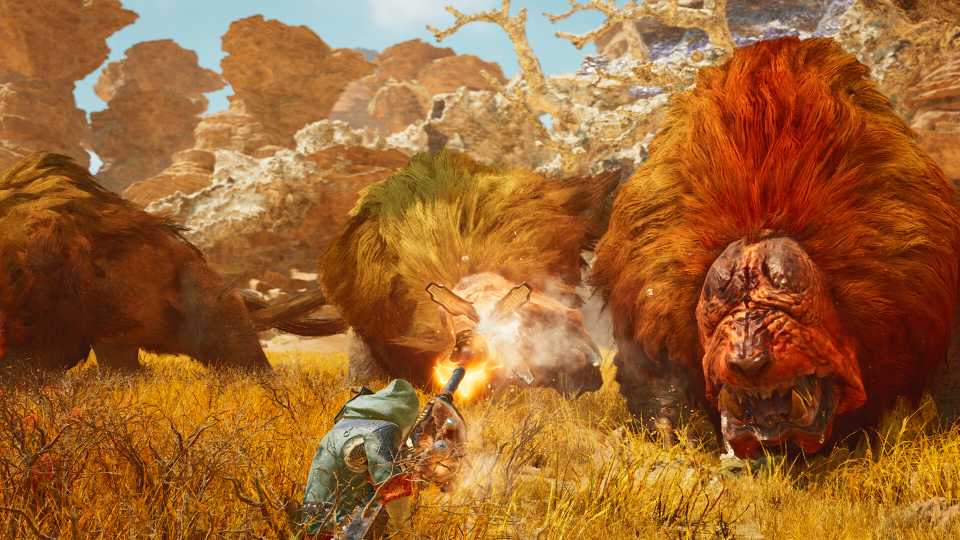
If a player is unable to find any Blangos with the Filter Icons feature, they may want to wait for a Blangonga to spawn. Indeed, Blangos have a tendency to appear around those large monsters in Monster Hunter Wilds, and players can check to see if one is available by opening the local map, pressing the "Environment Overview" input that is displayed at the bottom of the screen, and navigating to the "Current" tab. Players can then set a waypoint on the Blangonga, and they are likely to find several Blangos as they approach its position.
Players who have had no prior encounters with a Blangonga will see the monster as an icon with a red question mark on the map. Players should set a waypoint on that icon, and they may find a Blangonga, and some Blangos, after traveling to it.

Players who travel to the Iceshard Cliffs only to find that no Blangonga, or Blangos, are currently available can get a sense of when the next spawn will occur via the "Forecast" tab in the "Environment Overview" menu. Indeed, the chart that is under that tab indicates approximately how long it will be for various monster spawns to occur, and players are likely to see a Blangonga entry somewhere within it. Players can then simply wait for the spawn to occur, or they can use Monster Hunter Wilds' rest feature if they are feeling impatient.




-
 OpenCritic Reviews
- Top Critic Avg: 89 /100 Critics Rec: 95%