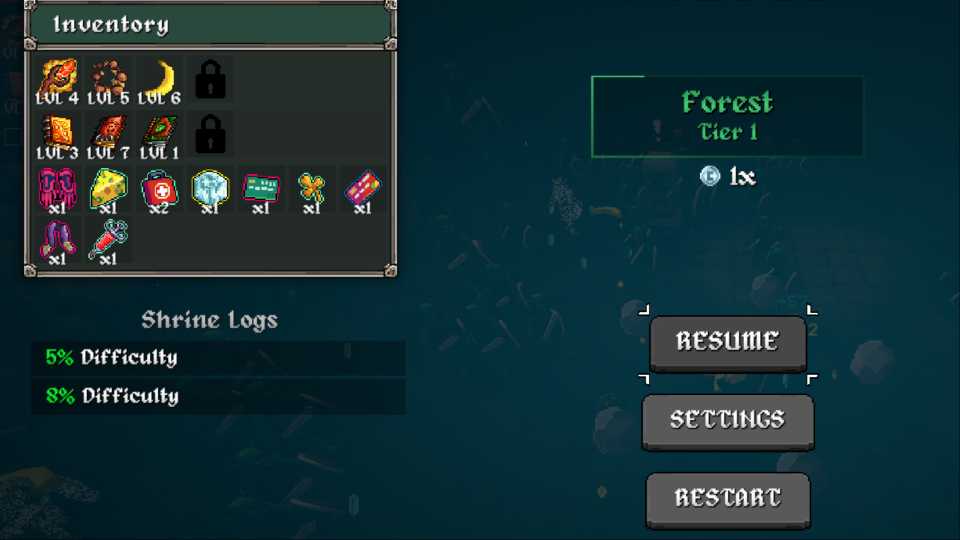
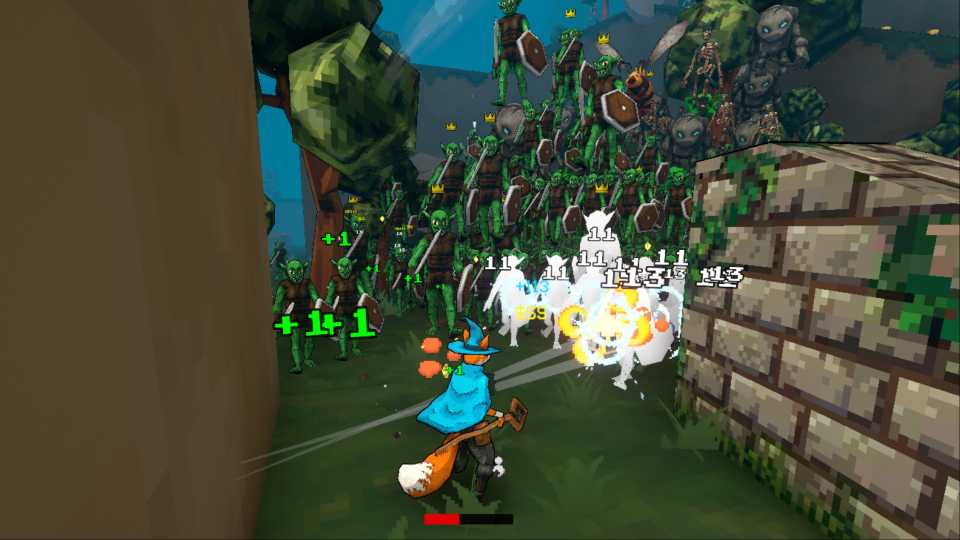
At the start of Megabonk, players only have two slots for weapons and tomes. Each character has a starting weapon that cannot be changed, so this means that gamers can only actually pick one weapon during their first runs. As for tomes, there are no pre-selected tomes, so they can pick two of their choosing regardless of the character.

Megabonk: All Characters (& How to Unlock Them)
Here is a list of all the characters available in Megabonk and how to obtain them.
As players unlock more tomes and weapons in Megabonk, they'll find themselves wanting to use more of them at a time. Thankfully, they can unlock more slots for both weapons and tomes, and this guide will show them how to do it.
How to Unlock More Weapon and Tome Slots in Megabonk
Obtaining more weapon and tome slots in Megabonk is crucial if players want to improve their arsenal and increase the number of builds they can try out. To get more weapon and tome slots in Megabonk, players must complete in-game quests. They don't have to complete any quests in particular; they just need to finish a certain number of quests.
|
Unlockable |
Cost |
How to unlock |
|---|---|---|
|
Additional weapon slot #1 |
25 Silver |
Complete 25 quests |
|
Additional weapon slot #2 |
125 Silver |
Complete 45 quests |
|
Additional tome slot #1 |
35 Silver |
Complete 35 quests |
|
Additional tome slot #2 |
135 Silver |
Complete 55 quests |
Once players complete 25 quests, the Weapon Slots upgrade will appear in the Shop, and once they complete 35 quests, the Tome Slots upgrade will appear there as well.
To get these upgrades, players have to purchase them. Therefore, besides completing the quests, players will also have to farm plenty of Silver in order to be able to unlock all additional slots in Megabonk. Players can increase their Silver output in Megabonk by completing challenges and quests and by selecting the Silver Tome and upgrading it.
There are 237 quests in Megabonk, and gamers can check out all of them in the Quests tab of the main menu. The quests that they are closest to completing will appear in the top left corner of the screen in the main menu. Before starting a run, players should check out their list of quests and then, during the run, select options that allow them to complete as many as possible in one go.


-
 OpenCritic Reviews
- Critics Rec: 100%
- Released
- September 18, 2025
- Developer(s)
- vedinad
- Publisher(s)
- vedinad