


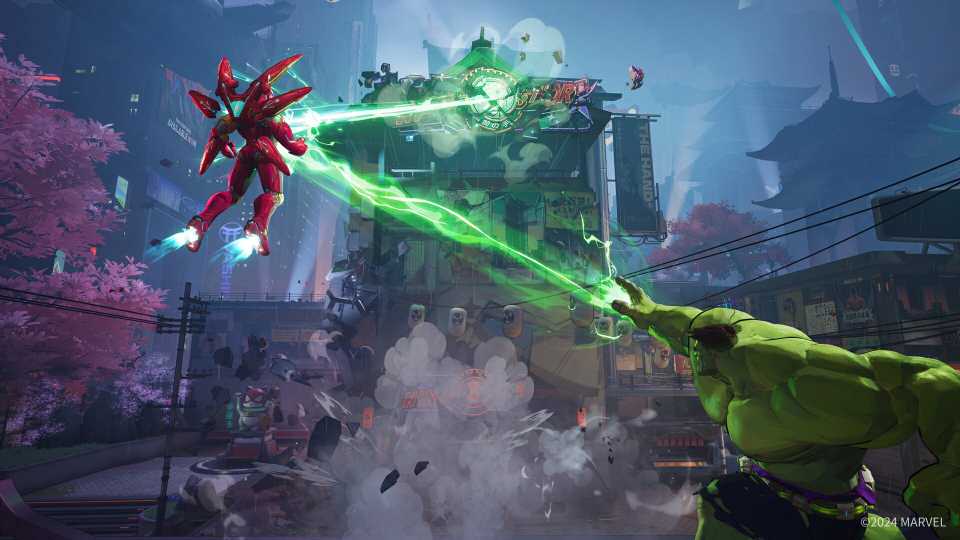
Even though the game is only in its closed beta right now, Marvel Rivals is gearing up to deliver plenty of content for its Marvel-based, superhero game through the use of Twitch Drops. While these drops would usually give players some unique cosmetics and costumes, the beta is currently running a method for people to get their codes to the closed beta.
Doing this can be tricky, as neither the game nor the website explains what you need to do as a player to get these drops. Luckily, that is why this guide is here to detail exactly what you need to do to get access to test out the new Overwatch-style shooter.

Marvel Rivals Closed Beta is Already a Big Hit
The ongoing Marvel Rivals closed beta test is already drawing in a massive amount of players, serving as a promising sign for the upcoming 6v6 title.
How To Unlock Twitch Drops In Marvel Rivals

The first thing to know is that Twitch Drops will be running for Marvel Rivals starting on July 25th at 8:00 EST and will end on July 28th at 8:00 EST. During this time, all you will need to do is watch one hour of a certified stream that is playing the game, and you will get a chance to earn a beta key. You will know what streams have this activated, as it will tell you in the description.
Each day has a limited number of codes that can be handed out, so you will want to make sure you get on as quickly as possible. But fear not: if you miss out on a code one day, you can watch the next day for a chance to get another one.
Once you have watched a stream for 60 minutes and have received your beta key, head over to the Marvel Rivals website, where you can select the "Twitch Drops" option at the top of the page. On this new page, click "Redeem Key," where you can enter the series of characters you were given. You can then choose which platform you want to download the beta on, and then you can head to that platform and enter the key to begin downloading.
Here are the official download instructions for the Marvel Rivals closed beta on each platform:
- Steam: Launch Steam, navigate to the menu bar, select "Games," then choose "Activate a Product on Steam." Input the Steam key you've received (format reference: GGQ6P-BBBBB-XXXXX), and follow the prompts to install and play Marvel Rivals.
- PlayStation 5: Go to the PlayStation Store menu, navigate to the "…" menu, select "Redeem Codes," enter the 12-character code, and select "Redeem." Then, find and download the Beta application in the Game Library under Your Collection.
- Xbox Series X|S: Press the Xbox button to open the guide, select Store, then select Redeem. Enter the 25-character code, follow the prompts, and access the content associated with the code on your Xbox Series X|S.
Once the beta is done downloading, you can hop in and take on your opponents as your favorite Marvel heroes.


Marvel Rivals



-
 OpenCritic Reviews
- Top Critic Avg: 78 /100 Critics Rec: 84%
- Released
- December 6, 2024
- ESRB
- T For Teen // Violence
- Developer(s)
- NetEase Games
- Publisher(s)
- NetEase Games





WHERE TO PLAY




- Platform(s)
- PlayStation 5, Xbox Series X, Xbox Series S, PC
- Genre(s)
- Third-Person Shooter, Action, Multiplayer
