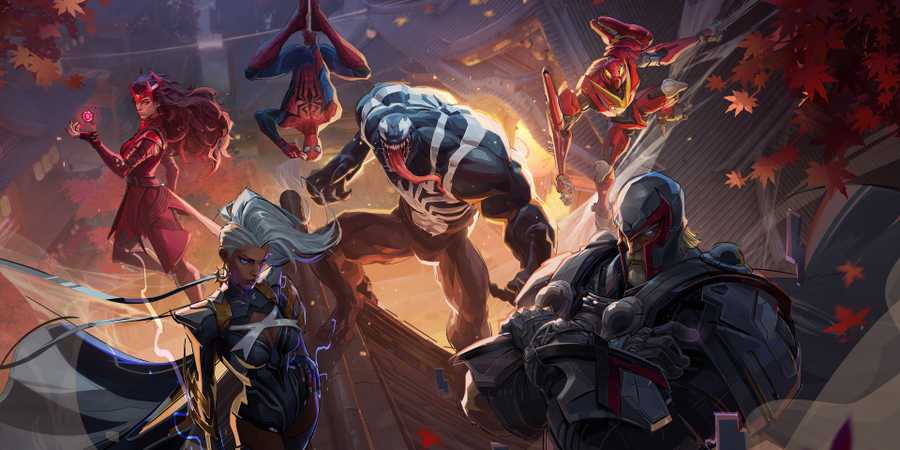
Marvel Rivals offers players an exciting hero-based PvP shooter experience, which also receives new updates frequently. However, as with other multiplayer games, some patches fix old bugs and create new ones. Therefore, in this guide, we will tell you how to fix the Disk Write error in Marvel Rivals.
Players encounter this error when downloading a new update via Steam. As a result, the installation of the patch stops, leaving you in the dark. Luckily, there are several ways to almost certainly get rid of this problem.

Marvel Rivals: 8 Best Ranged Heroes, Ranked
When it comes to long-ranged gunfights, these are the Marvel Rivals heroes ae among the best on the battlefield.
Marvel Rivals Disk Write Error

First of all, it is worth noting that the main victims of this error are Steam players. Therefore, the reason for the Marvel Rivals Disk Write error is incorrect installation or loss of files. Also, in some cases, the villain is your antivirus. Based on this, there are several ways that will help you fix the Marvel Rivals Disk Write error.
Verify Game Files
Sometimes corrupted game files may not affect your gaming experience in any way, until you try to install a fresh update. To fix this case, you just need to verify the Marvel Rivals game files via Steam.
- Open your library and find Marvel Rivals there.
- Next, right-click on the game icon and go to Settings.
- After that, go to the Properties tab and select Installed Files.
- Finally, click Verify integrity of the game and wait until the check is finished.
- You will only have to restart Steam and install the fresh Marvel Rivals update.

Marvel Rivals: 8 Best Heroes For Defense, Ranked
When it comes to holding down defensive positions, none do it better than these Marvel Rivals heroes and villains.
Launch Steam as an Administrator
If the first method did not help you, you should try to launch the Steam client as an administrator.
- First, close Steam.
- Then, right-click on the client icon and go to Properties.
- Your next step will be to select the Compatibility tab.
- There you will find the Run this program as administrator option, which you need to activate.
- After that, launch Steam and check if the Marvel Rivals Disk Write error has been fixed.
Check Antivirus Quarantine
Many players report that the antivirus quarantines some key Marvel Rivals files. For some reason, most often, such players use Norton. Therefore, if you experience the Marvel Rivals Disk Write error, then check the quarantine of your Antivirus. Having found the game files there, you should restore them. But be careful not to accidentally delete them. In the latter case, you will have to verify the game files.

Marvel Rivals

- Released
- December 6, 2024



WHERE TO PLAY




- ESRB
- T For Teen // Violence
- Genre(s)
- Third-Person Shooter, Action, Multiplayer
- Platform(s)
- PlayStation 5, Xbox Series X, Xbox Series S, PC