


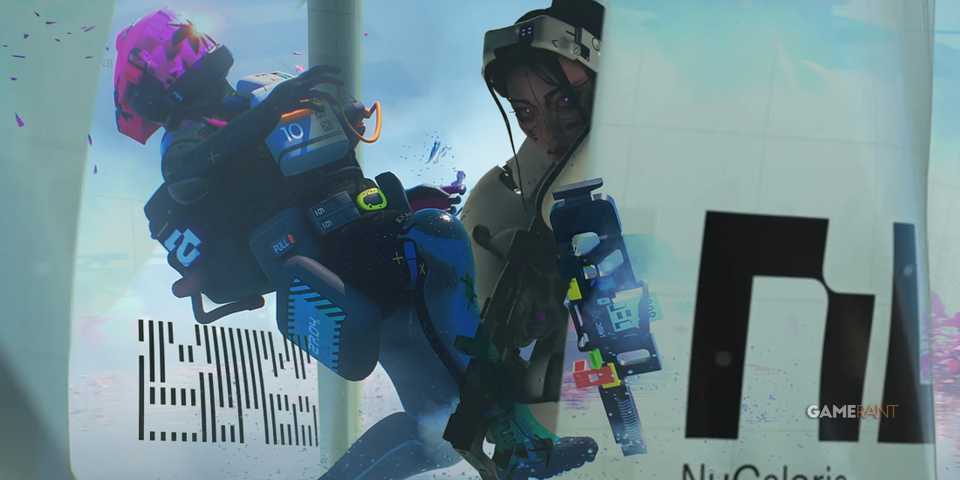
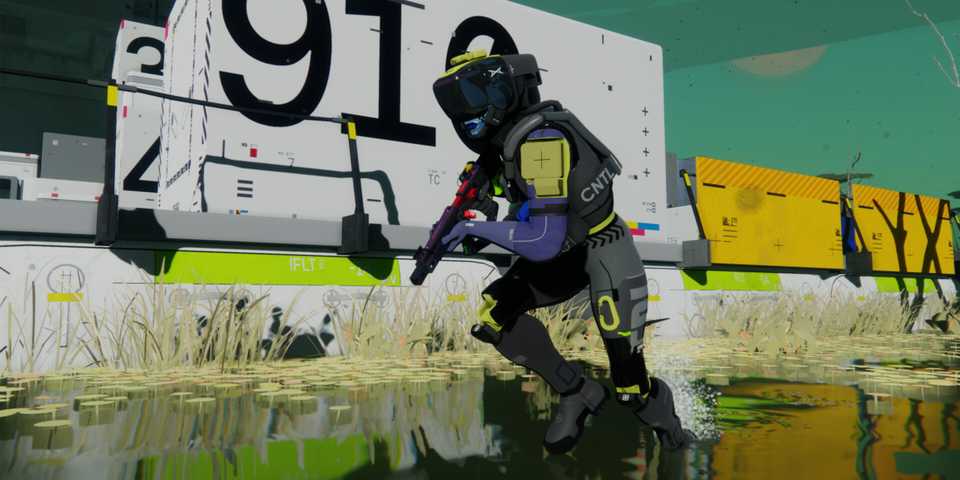
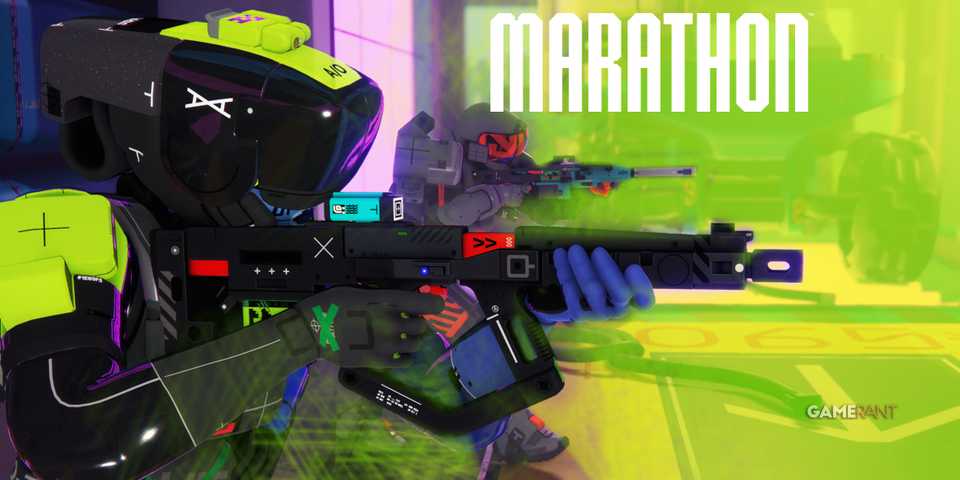
Marathon is Bungie’s first-person extraction shooter that will take players to Tau Ceti IV and its incredible biomes. Players will step into the shell of a Runner and blitz through both PvE and PvP enemies as they rush to acquire loot and extract safely. Since the high-stakes gameplay of Marathon is fast-paced, you’ll need your PC to run the game at maximum FPS to increase your odds of surviving a raid. So, here’s an optimization guide for Marathon that showcases the best graphics settings you can use to improve the game’s performance on your PC.
The following optimization guide for PC is based on the Marathon Server Slam event. The guide will be updated to reflect the changes/improvements made in the final release.

Marathon PC System Requirements Revealed
Ahead of Marathon's upcoming closed alpha playtest, Bungie releases a rather surprising list of minimum PC specs required to run the game.
Best PC Settings for Marathon (Optimization Guide)

Marathon offers several graphics settings that will allow players to adjust the quality of visuals to get the desired performance they need on their PC. All graphics settings are divided into different categories, and we'll be focusing on balancing visual quality with performance to avoid compromising on either.
With that said, here are the best PC settings for Marathon.
|
Type |
Graphics Option |
Best Settings |
Notes |
|---|---|---|---|
|
Video |
Window Mode |
Fullscreen |
While there's no option for Borderless Fullscreen, normal Fullscreen should work fine for players. |
|
Resolution |
Native |
Use your monitor's native resolution to avoid blurry textures. |
|
|
VSync |
Off |
Make sure to keep Vsync off to avoid input lag in matches. |
|
|
Frame Rate Cap |
Off |
There's no need to cap your FPS, unless you're playing off a laptop's battery power. |
|
|
Field of View |
Players Preference |
While you can raise the field of view to whichever number you like, it's recommended to keep it anywhere between 80–95 to avoid taxing FPS. |
|
|
Advanced Video |
Graphics Quality |
Custom |
There's no need to use a pre-determined graphical preset, as we'll be fine-tuning all graphics settings individually. |
|
Anti-Aliasing |
Nvidia DLSS/AMD FSR |
Players with Nvidia RTX series GPUs can use DLSS, while others can safely opt for AMD FSR and get similar results. |
|
|
Resolution Scaling |
Balanced |
Balanced will keep your base resolution to 50%, and upscale it to your preferred resolution, which will result in major performance improvement in Marathon. |
|
|
Screen Space Ambient Occlusion |
High |
High is the best setting here, which will add noticeable depth to the environments in Marathon. |
|
|
Anisotropic Filtering |
16x |
- |
|
|
Texture Quality |
GPU VRAM Dependent |
6GB VRAM: Low, 8GB VRAM: Medium, 12GB+ VRAM: High-Highest |
|
|
Shadow Quality |
Medium |
Medium is the best setting preset for Shadow Quality in Marathon, as it'll display shadow properly without flickering or causing a major load on your GPU. |
|
|
Environment Detail Distance |
Low |
While using the low preset will reduce the distance environments will be rendering, the trade-off will be worth it as your game won't suffer from random FPS when entering denser areas of the map. |
|
|
Character Detail Distance |
High |
This will ensure any PvE enemies or hostile players will be properly rendered at a distance, allowing you to take precise shots at their heads. |
|
|
Foliage Detail Distance |
Lowest |
Keeping the foliage render distance to the lowest will actually be advantageous, as you'll be able to see less vegetation at a distance to easily spot any players using them as cover in Marathon. It'll also have a huge impact on your average FPS. |
|
|
Light Shafts |
Players' Preference |
Light Shafts are aesthetic effects that don't affect your PC's performance. Use them according to your own taste. |
|
|
Motion Blur |
Off |
There's no need to use Motion Blur, as it'll prove to be a disadvantage during fast-paced combat encounters. |
|
|
Additional Video |
Chromatic Aberration |
Players' Preference |
Another one of those aesthetic post-processing effects that you can turn on or off without impacting Marathon's performance on your PC. |
|
Nvidia Reflex |
On |
If you're using an Nvidia GPU, turning on Nvidia Reflex is a no-brainer to keep your inputs accurate and snappier, minimizing input lag. |
|
|
UI Refresh Rate |
High |
Will slightly cost performance, but will help your in-game UI displays from glitching out during intense fights. |
So, these were the best settings for Marathon, which are geared towards optimizing the game on your PC. These settings were tested on a PC with an Intel i9-14900HX CPU, Nvidia RTX 4080 GPU, and 32GB RAM. The FPS averaged around 80–90, with 1% lows being at 66, which only occurred during scenes with several effects going off at once.














- Cross-Platform Play
- Full
- Cross Save
- Yes
- Number of Players
- Single-player
- Steam Deck Compatibility
- Unknown
- PC Release Date
- March 5, 2026
- Xbox Series X|S Release Date
- March 5, 2026
- PS5 Release Date
- March 5, 2026
- Genre(s)
- Extraction Shooter, FPS, Multiplayer
- Platform(s)
- PlayStation 5, Xbox Series X, Xbox Series S, PC
- X|S Optimized
- Yes
- File Size Xbox Series
- 21 GB
