


Kingdom Come: Deliverance 2 is a massive, beautiful, and complex game, which means that some players will inevitably encounter issues as they explore the 15th century Bohemian countryside. The game is well optimized and runs great on most systems, but some of the post-launch patches have introduced new performance issues and stutters for some Kingdom Come: Deliverance 2 players.
Thankfully, there are a few solutions that the Kingdom Come community has discovered for these problems, whether they be stuttering, frame rate drops, or other performance problems. These are the best ways to improve performance and eliminate stutters in Kingdom Come: Deliverance 2.

Kingdom Come: Deliverance 2 - Best Negative Perks For Hardcore Mode
The following negative Perks for KCD2's Hardcore Mode should be the least impactful, giving players the best chance of surviving.
How to Boost FPS in Kingdom Come: Deliverance 2

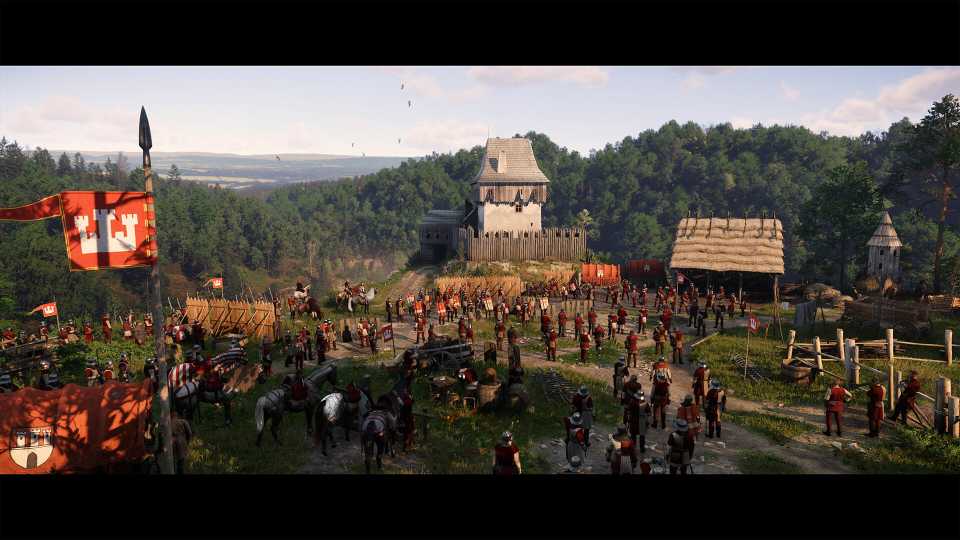
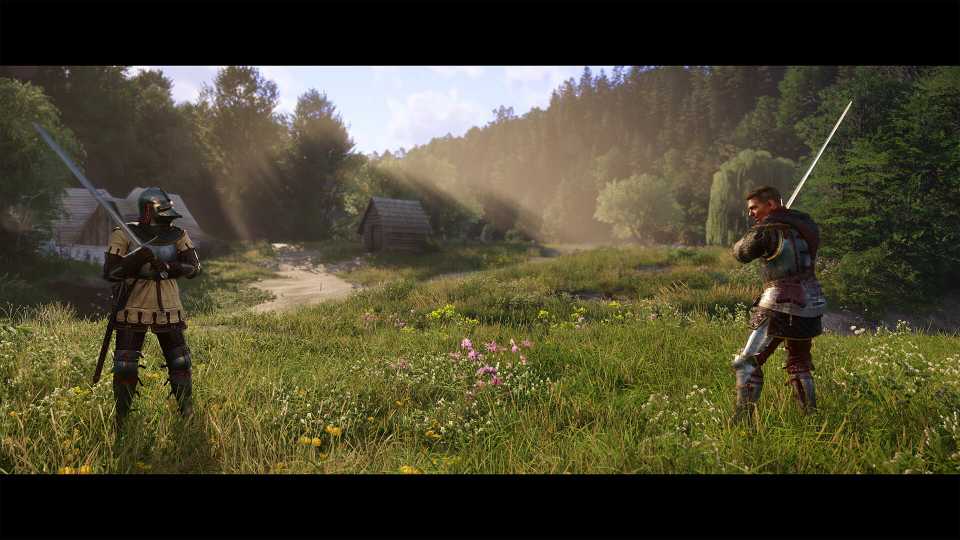
Kingdom Come: Deliverance 2 is a huge game with a lot of moving parts, so there are bound to be some performance issues in intensive areas like major cities or busy towns. Some players have also experienced slowdowns when riding through forests or even across open plains, however. There are some key settings to adjust to address these FPS issues in Kingdom Come: Deliverance 2.
The two settings that have the largest negative impact on performance in Kingdom Come: Deliverance 2 are shadows and vegetation quality. Even on high-end systems, these settings can cause huge FPS drops across all scenarios, especially in places with lots of trees and bushes. It's a good idea to drop vegetation quality to medium and adjust shadows to high to squeeze a few more frames out of the game in busy scenes like the Kuttenberg markets or Trosky Castle.
Object quality and character detail are also performance hogs, but not for the reasons that most players would expect. These settings not only affect the quality level of items and character models, but also their draw distances. Maxing out these settings makes the game render characters and items at the maximum level of detail even when the player is far away. Dropping these settings down a few notches can raise the game's minimum frame rate and result in a smoother experience overall.
How to Fix Stuttering in Kingdom Come: Deliverance 2

Since Kingdom Come: Deliverance 2's performance can vary so wildly between environments, some players have problems with stuttering. Some of the same fixes for frame rate also apply here, but there are a few additional things to keep in mind.
Any settings that have to do with draw distances should be turned down to minimize stutter in Kingdom Come: Deliverance 2, especially vegetation quality, character detail, and object quality. Loading in detailed models at a distance can cause hitching on some systems. Lowering the shader quality setting can also reduce stutters.
Additionally, some players have reported a bug with Bluetooth devices that causes the game to stutter. Players with wireless peripherals or wireless controllers should test the game with a wired input device and see if that solves their problems. Some Kingdom Come: Deliverance 2 patches have addressed this issue, but the problem continues to pop up for some players.


Kingdom Come: Deliverance II



-
 OpenCritic Reviews
- Top Critic Avg: 89 /100 Critics Rec: 95%
- Released
- February 4, 2025
- ESRB
- Mature 17+ / Use of Alcohol, Blood and Gore, Sexual Content, Strong Language, Intense Violence, Partial Nudity
- Developer(s)
- Warhorse Studios
- Publisher(s)
- Deep Silver



WHERE TO PLAY




- Engine
- CryEngine
- Number of Players
- Single-player
- Steam Deck Compatibility
- Playable
- PC Release Date
- February 4, 2025
- Xbox Series X|S Release Date
- February 4, 2025
- PS5 Release Date
- February 4, 2025
- Genre(s)
- RPG, Action-Adventure, Open-World
- Platform(s)
- PlayStation 5, Xbox Series X, Xbox Series S, PC
- OpenCritic Rating
- Mighty
- X|S Optimized
- Yes
