


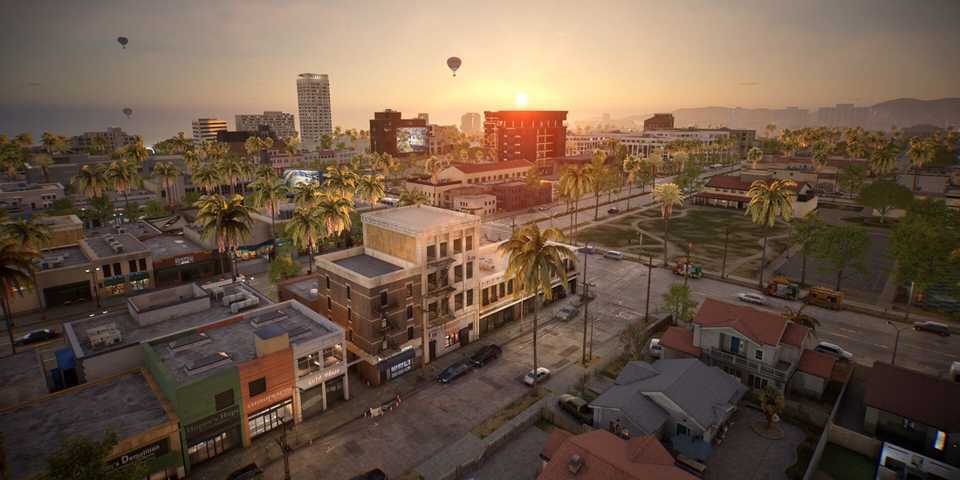
Players have the freedom to choose to live in Dowon or Bliss Bay in InZOI. The first city is inspired by Korean culture, while the second is inspired by Southern California. There's also Kucingku city, inspired by Indonesia, but it's not available during the initial Early Access release. Other cities that are still to come are Brusimo, Goldenfield, Winiber, Haegang, and Recalleta.
Each city has its own unique style and look, but players can have the freedom to edit their occupied city further to their liking by using the Edit City function in InZOI.

InZOI: Karma Complete Guide
Managing the Karma Report is an essential step in maintaining a calm and friendly or a chaotic and mischievous neighborhood in InZOI.
How To Edit The City In InZOI

To edit the city in InZOI, players need to press the Edit City button in the lower right corner of the screen, then choose City Appearance. Afterward, players have 8 sub-tabs to navigate through, which are:
- Weather
- Billboards
- Trees
- Grass
- Decorations
- Animals
- Special Effects
- Adjust Environment
Weather
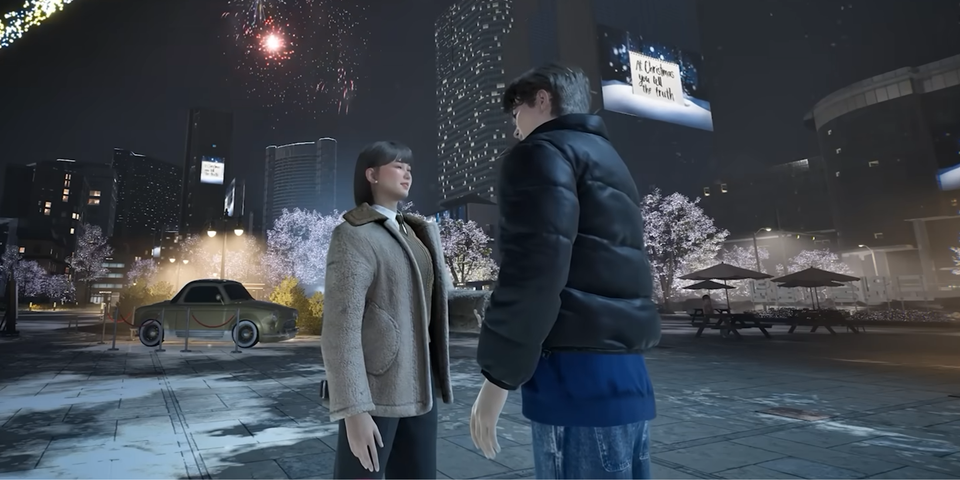
Weather editing is purely visual effects and does not impact a Zoi, so Zoi creators can freely choose an aesthetic that fits them from Sunny, Cloudy, Rainy, and Snowy. It should also be mentioned that each weather can be switched between three levels, except the Sunny weather.
Billboards
Players have the freedom to choose between having an Image roulette Billboard or a Video. They can choose from the game-offered Images and videos, or they can also add their own from their storage for images and YouTube links for videos. To add an image to the roulette, press the + button in the bottom left corner, while for the video, players have to:
- Press the + button in the bottom left corner
- Head to YouTube and grab a video link
- Paste the copied link into the text box
- Press Ok
The Billboard will display the images and play the selected video repeatedly in real-time during players' gameplay, so make sure to try it out.
Trees

Changing the city’s trees' appearance can be done by choosing the Tree sub-tab and picking one of the available options:
- Zelvoka Tree
- Maple Tree
- Palm Tree
- Chinese Fringetree
- Ginkgo
- Pine Tree
- Cypress
- Bamboo
- Yoshino Cherry Tree
If players wish to be more creative, they can change the Tree’s trunk and leaves colors by dragging the cursor along the color wheel next to the selected Tree.

InZOI: Meow Store Complete Guide
Fulfilling Zois' Urges will reward players with Meow Coins that they can exchange at the Meow Store in InZOI.
Grass

Just like the previous option, changing the city’s grass requires players to do the same thing, but this time they have the following options to choose from:
- Flowering Shrub
- Hydrangea
- Coreopsis Palmata
- Areca Palm
- Westringia
- Sunflower
- Orange Sapling
- Bamboo Sapling
- Rose Shrub
- Reed Seeding
Decorations

Decorate the central city points with floating balloons of all shapes. Increase the quantity of them by dragging the cursor over the bar under the choices option in InZOI. The available balloons, players can choose from are:
- Large Cat Balloon
- Large Panda Balloon
- Large Earth Balloon
- Large Jupiter Balloon
- Large Mercury Balloon
- Large Moon Balloon
- Large Sun Balloon
Animals

To add to the adorableness of the city and fill it with furry creatures, use the Animals sub-tab to add some animals to the city’s public space in InZOI. Players can adjust the quantity of the animals and choose up to three from the following options:
- Cats
- Dogs
- Pandas
- Deer
- Raccoons
- Squirrels
- Foxes
- Crocodiles
Special Effects

The following category allows players to add a unique charm to the city and make it more lively at night. Choose three of these options to beautify the public space of the city:
- Butterflies
- Drone
- Red Lamps
- Fireworks
- Fireflies
Adjust Environment

Adjusting the city environment in InZOI can help players establish a run-down or clean look for the city. Drag the circle to the left or right to modify the environment of your city, and set how top-notch or worn-down it looks.
How To Edit Public Spaces
To edit public spaces in InZOI, players need to go to any public property and press the Edit Public Property + Themed Studio icon next to the Edit City option. Afterward, take the liberty of molding that public property to your liking by creating your own unique public spaces.


InZOI

-
 OpenCritic Reviews
- Top Critic Avg: 77 /100 Critics Rec: 80%







WHERE TO PLAY


- Genre(s)
- Life Simulation
