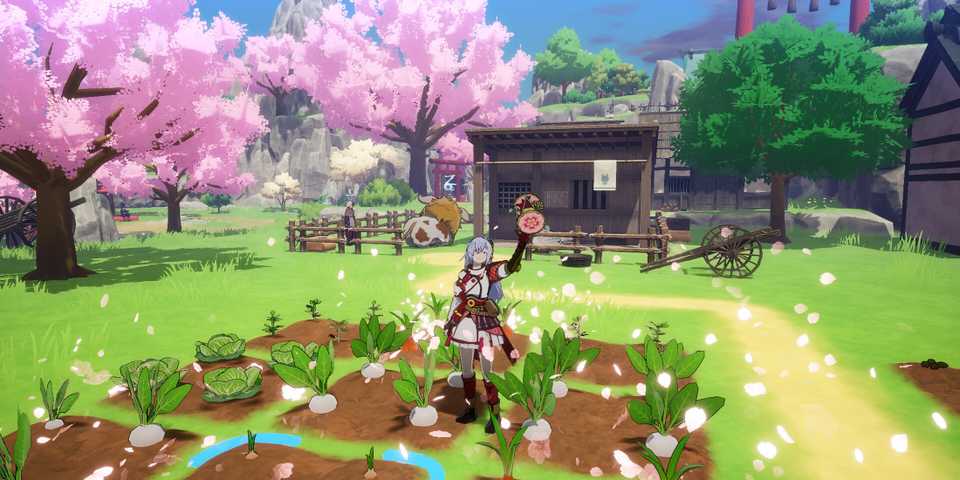
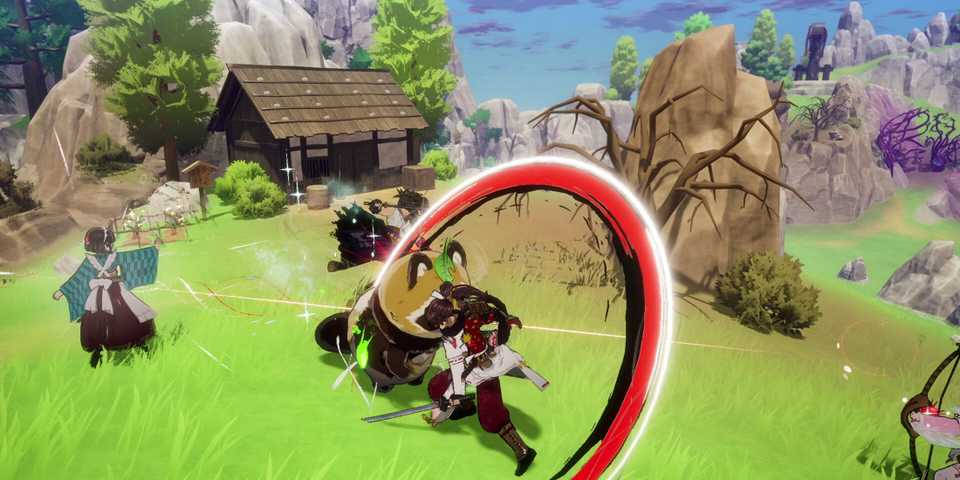
Rune Factory: Guardians of Azuma gives players the option to customize their character with different bits of gear. Not only do these provide stat benefits to the character depending on the piece of gear equipped, but they'll also be visible on your character and their party as they explore the world. However, sometimes you might not like the way a certain character looks while wearing a hat, but want the stat benefits it offers when in combat. Fortunately, Rune Factory: Guardians of Azuma transmog system provides an easy way to get around this issue.

All Rune Factory Games, Ranked
Rune Factory has been rich with installments, but some entries in Marvelous' JRPG franchise are better than others.
What is Transmog?
Substance Without the Style

The ability to transmog has shown up in numerous games over the years. It essentially allows players to equip a piece of gear and get the stats benefit without the character visibly wearing it in the game. This allows players to equip a different piece of gear that they might prefer the look of, or not where any additional gear at all, while still equipping their most powerful bits of armor or accessories. It's worth noting that the transmog system can be used on all characters in a player's party, and not just the main character.
How to Transmog in Rune Factory: Guardians of Azuma
A Simple System in the Menus

To transmog, go to the 'Gear' screen within the game menus, accessed by pressing the Menu button on Xbox, Options button on PlayStation, and + on Nintendo Switch systems. Once in the 'Gear' menu, select the 'Edit Appearance' option at the top of the screen. You can now choose what gear you want your character to wear. This will be a purely cosmetic choice. You can also choose not to have any equipped gear in a certain slot by selecting the 'Simple Look' option in the appearance slot for each armor piece.
Once this is done, go to the 'Edit Gear' option at the top of the screen. You can now select the piece of gear that you want to have equipped that your character will actually use. From a gameplay perspective, you want to choose the gear with the best stats. Once you've made your selection, simply exit the menus and continue playing.
Only the armor pieces you equip to a character can be transmogged. The weapon and accessory both can't.
The transmog system also works for the characters who adventure out with you in Rune Factory Guardians of Azuma. In the same 'Gear' menu, simply tab over using the LB/L1/L and RB/R1/R shoulder buttons, and you'll be able to customize the loadout for each one. I'd recommend going through your entire party and upgrading their gear regularly as you progress through the main questline to ensure the characters you've chosen to accompany you are equipped with powerful gear that will actually help you in combat.





-
 OpenCritic Reviews
- Top Critic Avg: 81 /100 Critics Rec: 81%
- Released
- June 5, 2025
- ESRB
- Teen / Fantasy Violence, Language, Mild Suggestive Themes, Use of Alcohol
- Developer(s)
- Marvelous
- Publisher(s)
- XSEED Games, Marvelous