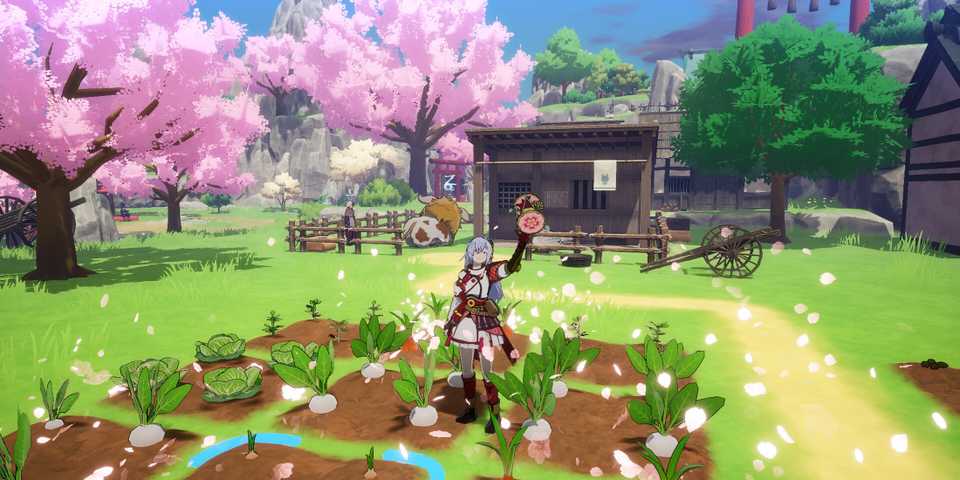
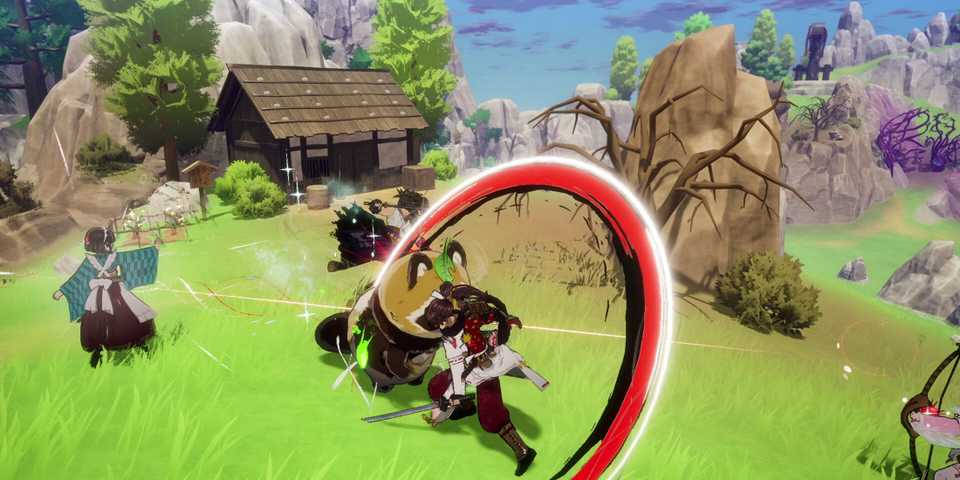
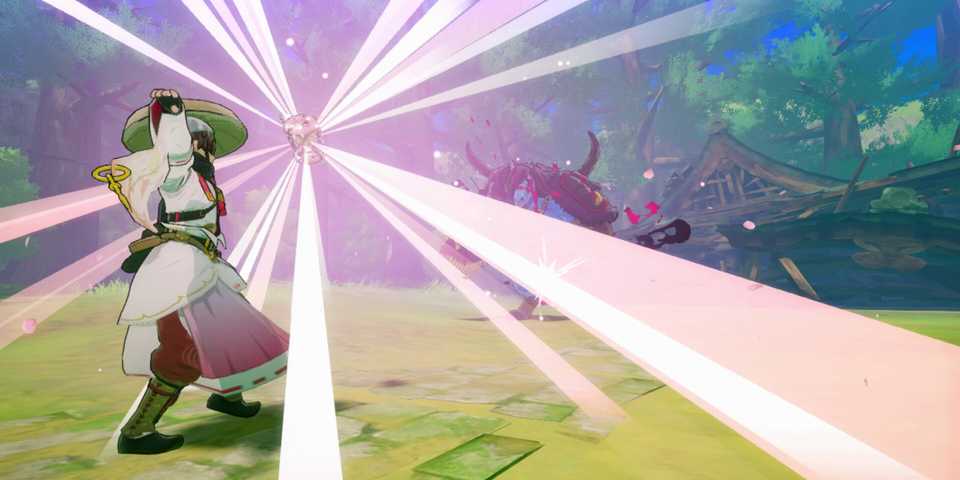
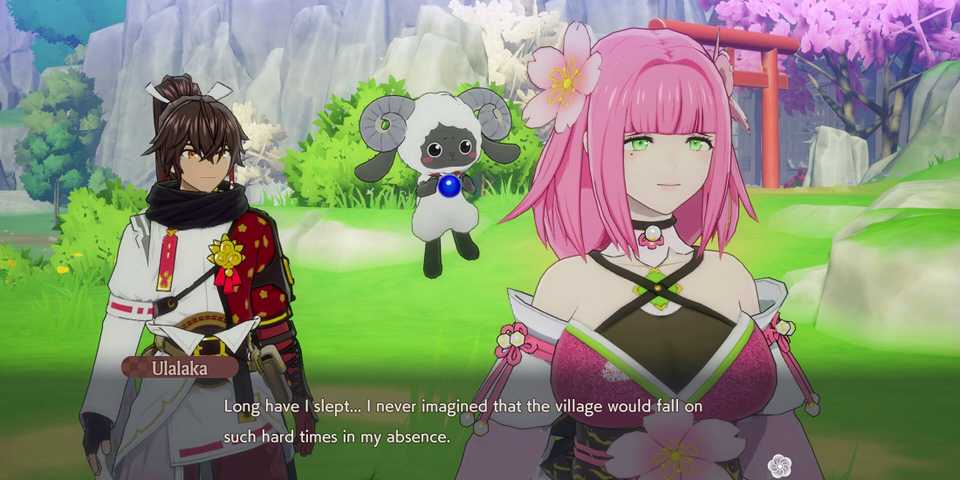
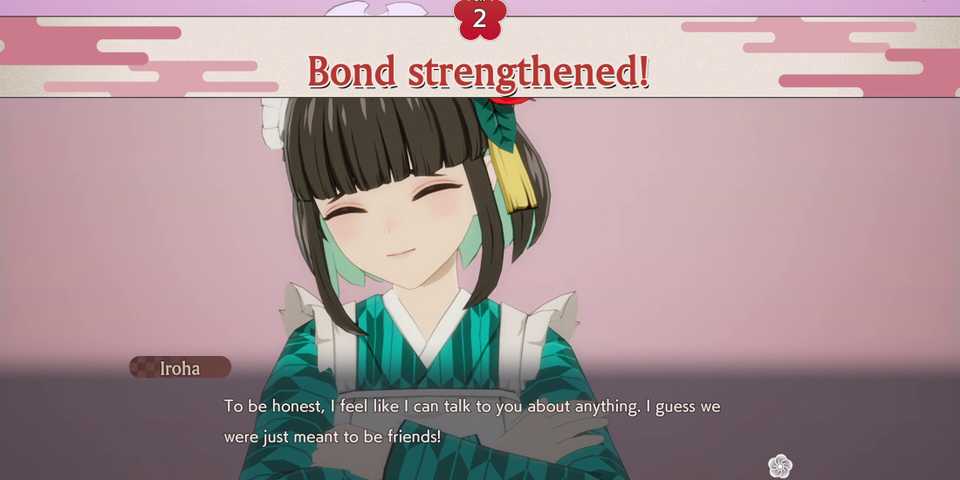
The ability to change your character's appearance is a big part of a role-playing game. Players want to find a style for their character that matches their backstory, or they just want something that makes them stand out from the crowd. Fortunately, Rune Factory: Guardians of Azuma offers players the ability to change the majority of their character's appearance, though it should be noted that there are some limitations. Here's everything you need to know on changing character appearance in Rune Factory: Guardians of Azuma.

All Rune Factory Games, Ranked
Rune Factory has been rich with installments, but some entries in Marvelous' JRPG franchise are better than others.
How to Change Characters' Clothes in Rune Factory: Guardians of Azuma
Freshen Up Your Look

Players can change the 'base layer' of clothes that a character is wearing by interacting with the wardrobe in the dragon shrine found in each village. This is where players will also find their beds and one of the shrine points used for saving the game and taking to the skies. Interact with the wardrobe, and you can select a character and browse through the different clothing options you've unlocked for each one.
At the beginning of the game, players won't have many options available to them, but these can be unlocked later in the game.

Can You Change a Character's Face and Hairstyle in Rune Factory: Guardians of Azuma?
Some Bad News for Series Veterans

Unfortunately, no, you can't change any character's hairstyle or facial characteristics. Once you've selected either the male or female main character at the beginning of the game, you'll be stuck with them and how they look for the remainder of the experience. There also isn't a character creator of any sort in the game. Also, any of the supporting characters that players meet on their adventure cannot be customized beyond the clothing that they wear and the gear players choose to equip them with.
How to Equip Gear in Rune Factory: Guardians of Azuma
Add Some Flair to Your Characters' Appearances

Gear such as weapons and armor pieces can be equipped to the main character and any character players choose to bring out with them on their questing adventures by going to the 'Gear' menu. From here, there are two options: Edit Appearance and Edit Gear. If you want to equip an item for both its stats and appearance, select the Edit Gear option and choose the piece of gear you want to use, and then do the same for the Edit Appearance option. If you've done this correctly, you should find that the same piece of gear is showing in the two circles for each gear slot. If you want to equip one piece of gear for its stats, but use another for its appearance, you can mix and match by selecting different pieces for the 'Edit Gear' and 'Edit Appearance' options.





-
 OpenCritic Reviews
- Top Critic Avg: 81 /100 Critics Rec: 81%
- Released
- June 5, 2025
- ESRB
- Teen / Fantasy Violence, Language, Mild Suggestive Themes, Use of Alcohol
- Developer(s)
- Marvelous
- Publisher(s)
- XSEED Games, Marvelous