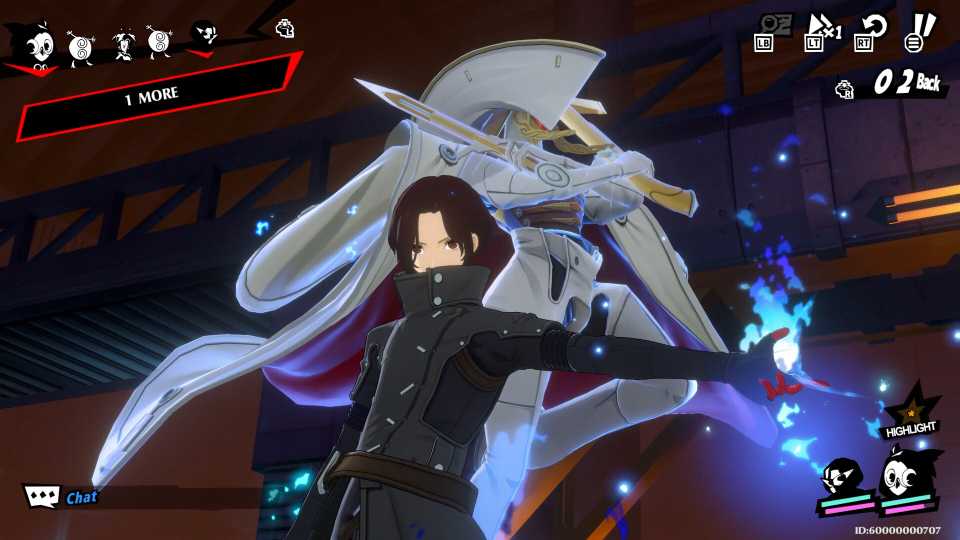
Having the main character be a wild card and giving them the ability to equip and switch between multiple Personas has become a staple element in the series after it was solidified in Persona 3. While Persona5: The Phantom X isn't a traditional Persona game, it does carry on that element, making Wonder much like the other recent protagonists.
While the first section of the game will have Wonder tied to only a single Persona, he will quickly start collecting more that can be equipped, especially using the game's Gacha mechanics. Here's how to equip and switch between different Personas as Wonder.

How to Fast Travel in Persona 5 Phantom X
Want to know how to Fast Travel in Persona 5 The Phantom X? Here's every method to move fast in the game.
How to Equip Different Personas in Persona 5 X
Wonder can start changing up what Persona he has equipped as soon as you start unlocking new Personas. This can be done earlier than the mechanic is unlocked in the story if you choose to start using the Contracts system to pull new Personas. There are three main ways you can get new Personas:
- Gacha pulls
- Defeating them in combat
- Fusion
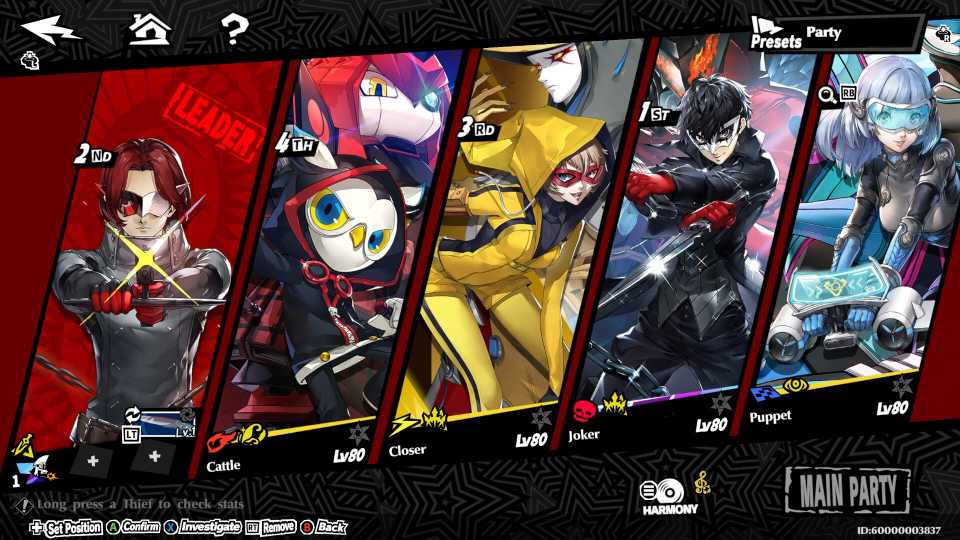
No matter how you get a new Persona, they can all be equipped onto Wonder in the same way. You'll first only be able to have one Persona equipped at a time, and can eventually have up to three by the time he hits level 30. In the Thieves menu, select Wonder, then click anywhere around the names of his currently equipped Persona(s). Doing this will open your Compendium of Personas, where you can equip, letting you choose any of them to equip onto him.
Since Persona Seals are used in Fusion, you won't lose any Personas to get new ones.
You can change his equipped Personas anytime you want outside of battle. You can also find this same menu in the party menu by clicking the Persona icons below Wonder's panel.

How to Add Friends in Persona 5 Phantom X
Persona5: The Phantom X lets players add others on their friends list to help each other out when in the Metaverse; here's how to add friends.
How to Change Personas in Combat in Persona 5 X
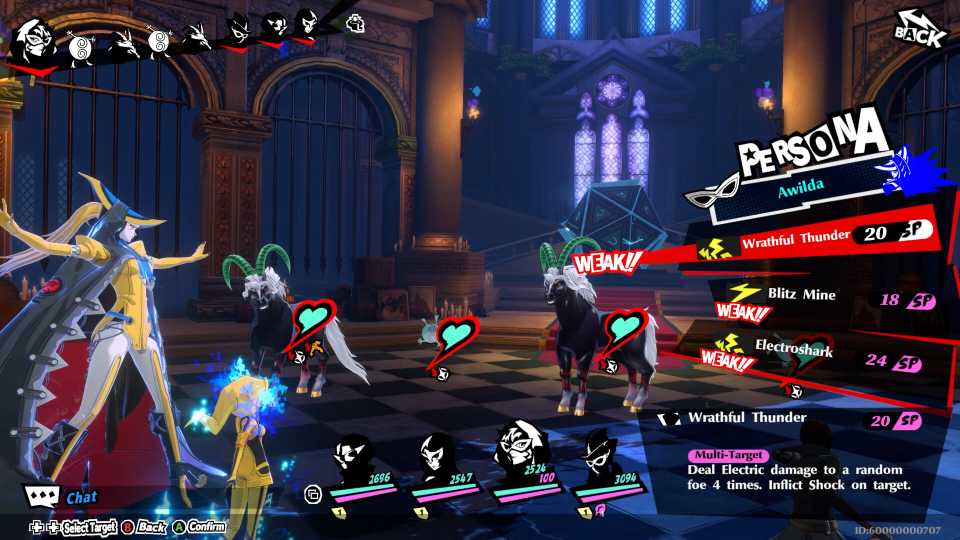
As long as you have a Persona equipped by Wonder in battle, you can switch to it on any of his turns, changing his affinities and stats slightly to suit whatever you need. This can be done by pressing the Persona action, the clicking the blue circular icon next to your Persona's name. You can switch back and forth as much as you'd like before making an action, and switch on any turn without using any resources. While Wonder may not be the best character in the game, his ability to equip and use multiple Personas definitely makes him the most unique.



-
 OpenCritic Reviews
- Top Critic Avg: 75 /100 Critics Rec: 67%
- Released
- June 26, 2025
- Publisher(s)
- Perfect World Entertainment, Atlus