


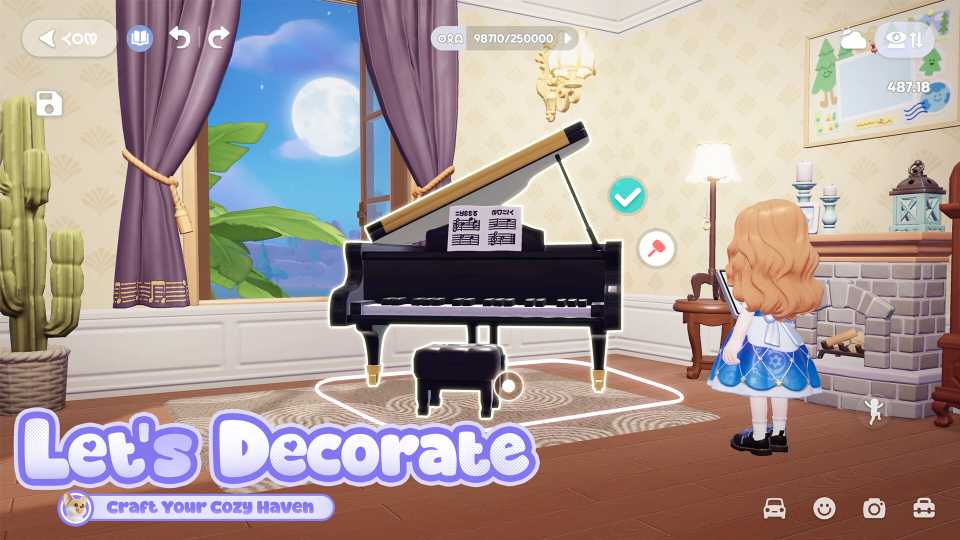
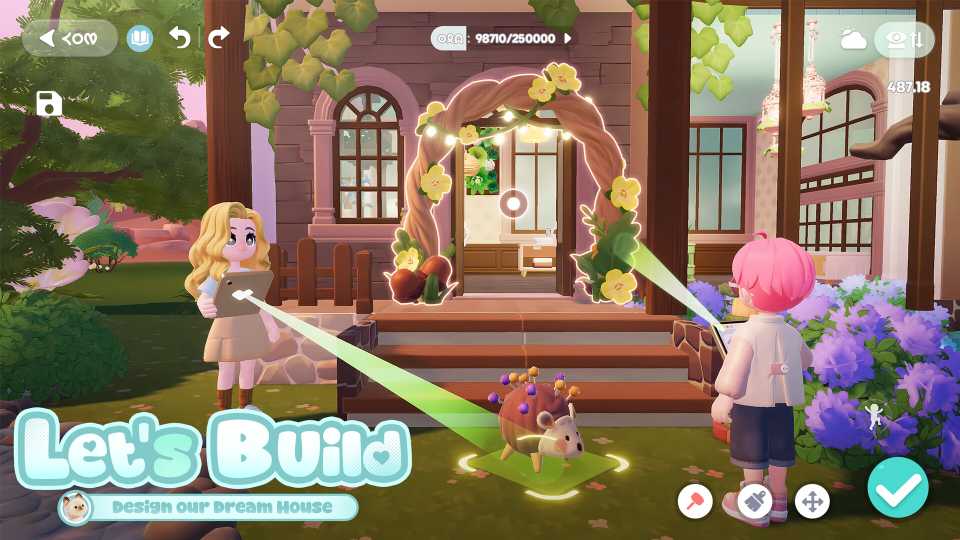
Every week, players will have the opportunity to get their homes evaluated and scored in Heartopia. These Home Evaluations will examine a player's submitted home, score it, and give them rewards based on their personal score. It's an easy way to get new items for your home simply by decorating it.
If you haven't tried out Home Evaluations yet, we'll explain the requirements and process for submitting your next evaluation in this Heartopia guide. We'll also show all the available rewards for Home Evaluation so you can decide if decorating your home is worth your time.

All Vehicles in Heartopia & How to Get Them
Vehicles are more than just transportation in Heartopia, they reflect your style, progress, and personality.
How to Submit Home Evaluations in Heartopia
Home Evaluations are available when you reach D.G. Member Level 12. After, you can head to your home plot at open the Developer's Guild app. In the upper-right corner, you'll see three icons. Select the icon that looks like a piece of paper with a badge to open the Home Evaluation screen.
You will now see a certificate hanging from your screen. It will show you the last score your home was evaluated at, the best score your home has received, and today's date next to a blue submit button. Any Heartopia players who have not evaluated their home before will go through a short tutorial here.
To submit a new evaluation, press the blue submit button. It will show you a few photos of the home design you are submitting. If everything looks good, press the blue submit button again.
Home Evaluations will judge your current home on your plot, not one of your blueprints. You will need to move a blueprint home onto your regular home plot to evaluate it.
After hitting submit, the game will load for a few moments, then return to the previous screen. This screen will show an image of the home you just evaluated, with the words Evaluation Submitted above it when done properly.
Can You Submit Multiple Home Evaluations in Heartopia?

All players will only have one home evaluated each week. However, players can change the home being evaluated for the week before they receive their results. All you need to do is return to the Home Evaluation page in the Developer's Guild app and press resubmit to evaluate the new version of your home.
How to Get Home Evaluation Results in Heartopia
Players will receive their Home Evaluation results every Saturday at 3:00 am in Heartopia. The results will include a few tips for improvement from your home's judges, so pay close attention to your feedback if you want to gather more points and earn rewards.
All Home Evaluation Rewards in Heartopia
One of the major benefits of evaluating your home every week is that you'll be rewarded as your home earns more and more points. There are 21 total rewards, ranging from Wishing Stars to new furniture recipes and clothing:
|
Reward |
Home Evaluation Points Required |
|---|---|
|
Top Hat |
500 |
|
Jazz Neon Light recipe |
750 |
|
Musical Note Monocle |
1,000 |
|
Jazz Tall Stool recipe |
1,250 |
|
20 Wishing Stars |
1,500 |
|
Musician Crew Socks |
2,000 |
|
Jazz Sofa recipe |
2,500 |
|
20 Wishing Stars |
3,000 |
|
Musician Bow Tie Suit |
4,000 |
|
Jazz Corner Sofa recipe |
4,500 |
|
20 Wishing Stars |
5,000 |
|
Musician Suit Pants |
6,000 |
|
Stage Front Light recipe |
7,000 |
|
20 Wishing Stars |
8,000 |
|
One-Sided Diamond Ear Stud |
9,000 |
|
20 Wishing Stars |
10,000 |
|
Jazz Tea Table recipe |
11,000 |
|
20 Wishing Stars |
12,000 |
|
Musician Oxfords |
13,000 |
|
20 Wishing Stars |
14,000 |
|
Jazz Bar Counter recipe |
15,000 |



- Released
- January 8, 2026
- Developer(s)
- XD
- Publisher(s)
- XD
- Number of Players
- Single-player
- Steam Deck Compatibility
- Unknown







WHERE TO PLAY




- Genre(s)
- Life Simulation, Casual, City Builder, Immersive Sim
