


Players who reach Developer Level 9 in Heartopia unlock the ability to place decorative plants in their yard. This ability is introduced through the Verdant Greenery quest, which teaches players how to purchase and place these plants.
While the quest itself is only two steps, it can be difficult to figure out where to find the decorative plants to place them. To make things a little easier, I'll teach you how to place basic plants in Heartopia to help you decorate your home and complete Heartopia's Verdant Greenery quest quickly.

Beginner Tips and Tricks for Heartopia
Heartopia is not a game you’re meant to rush. Here are some of the best tips and tricks to help out new players.
How to Place Basic Plant Decorations in Heartopia
Verdant Greenery Quest

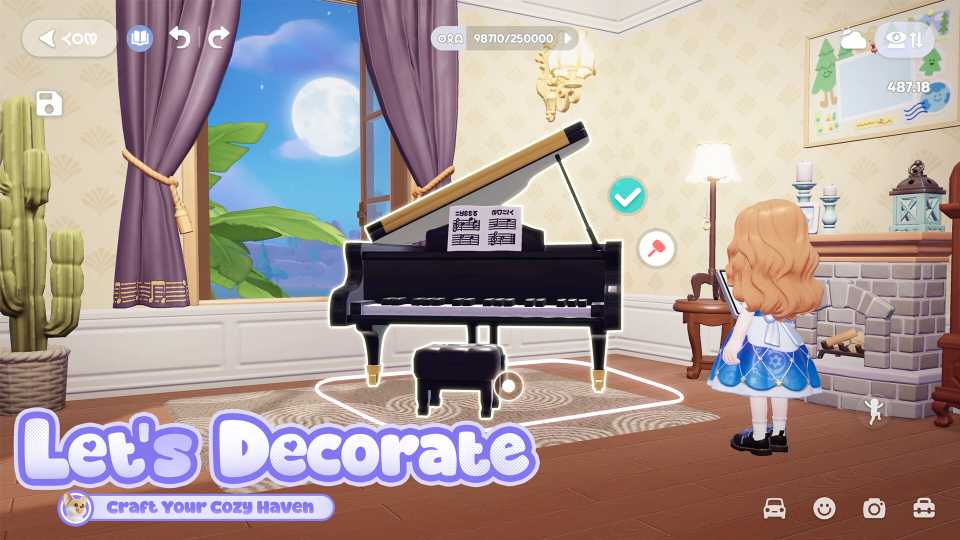
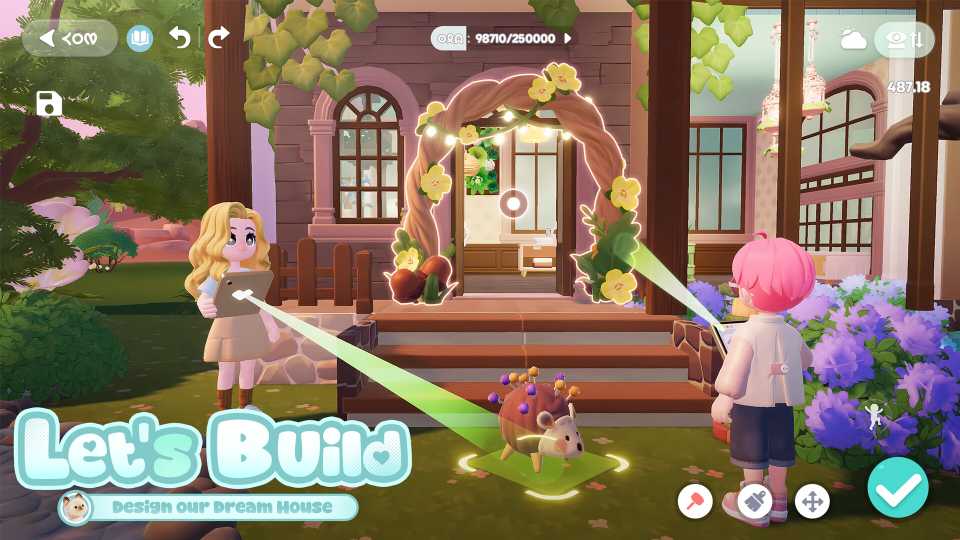
After purchasing a Basic Plant Decoration Permit from Bob's Special Home Decor Store, return to your home. Unlike regular home decorations, you cannot place these plants from your inventory. Instead, you will need to enter Build Mode by interacting with the small house icon to the left of your inventory icon.

Once in Build Mode, look at the four icons in the bottom left corner of your screen. Select the Building Material tab, which is represented by a yellow circle with a brick pattern. Inside the Building Material Tab, you will find 10 more tabs. You will need to click on the Other Tab, which is the tab on the far right with four different shapes on it. Within the Other Tab, you will find all the Basic Plant Permits you have purchased from Bob.
Before selecting a plant, look at the bottom of its picture to see a resource icon and a number. The resource icon indicates the resource that will be used when the plant is placed, while the number represents the amount of the resource that will be used.
Now tap on the plant that you would like to place. The selected plant will appear on the screen in front of you, and you will be able to move it around like a piece of furniture. Walk around and use your camera to decide where you'd like to place the plant, then press the blue checkmark in the lower right corner of the screen to set it down.
Doing this for the first time will complete the Verdant Greenery quest.
Best Tips for Placing Basic Plant Decorations in Heartopia
How to Make Your Home Feel Cozy

While placing Basic Plant Decorations, there are a few things players should keep in mind. Firstly, these plants can be placed on the ground outside, on flooring in your home, and on the surface of pools. This means that nothing is stopping you from decorating the interior of your home with these plants.
Additionally, players need to be careful because these plants can clip through their walls. If you're placing a row of bushes alongside your house, make sure to enter your home and look along the wall to make sure they aren't clipping through.

Lastly, it is handy to know that the chance of clipping can be used to make more beautiful gardens. For example, Hydrangea bushes can be placed very closely together so they appear to be one larger hedge.
How to Remove Basic Plant Decorations in Heartopia
No Plants, No Problem

If you've accidentally placed a tree in the wrong spot or want to rearrange your garden after purchasing more home plots, the process of plant removal is just as easy as placing them down.
Start by entering build mode, then aim your camera at the plant you'd like to remove. Press the white button with the red mallet at the bottom of your screen to remove the plant.
Deleting a plant will refund the resources used when placing it.



- Released
- January 8, 2026
- Developer(s)
- XD
- Publisher(s)
- XD
- Number of Players
- Single-player
- Steam Deck Compatibility
- Unknown




WHERE TO PLAY




- Genre(s)
- Life Simulation, Casual, City Builder, Immersive Sim
