Grounded 2 is best experienced with a group of friends, but it can be hard to schedule some time when your entire squad is available for a play session. Thankfully, Grounded 2 supports shared worlds, so you can jump in and make progress even when you're missing some other players from your friend group.
Shared worlds were a feature in the first game, and they're mostly the same in Grounded 2. You'll be able to harvest resources or touch up your base even when your friends aren't available, but there are some other restrictions for solo play that you should be aware of if you make a shared world in Grounded 2. There's nothing major to worry about, though, so here's what you need to know about shared worlds in Grounded 2.

Is There Crossplay in Grounded 2?
Grounded 2 lets players team up across platforms to survive its park full of dangers. Here’s how crossplay works.
How to Make a Shared World in Grounded 2

To make a shared world in Grounded 2, start a new multiplayer game from the main menu and choose the shared world option when prompted. You can also do this with existing save data if you want to open things up to your friends. Just find the save file when setting up a multiplayer session, and you'll see an option to convert that save into a shared world.
How Do Shared Worlds Work in Grounded 2?

Shared worlds technically aren't persistent dedicated servers that run 24/7 in the background. Instead, they let any of your friends serve as the host for a multiplayer session instead of just the primary owner of the world. It's basically a shared save file that constantly syncs for everyone after each play session.
There are a few restrictions for shared worlds that you should be aware of as well. The most important thing is that shared worlds are restricted to just one save slot, so you can't create multiple save files for the same shared world. Offline backup saves will be created for the last person who hosted the shared world, however. The other important restriction is that you have to be online to play on a shared world, even if you're just running solo.
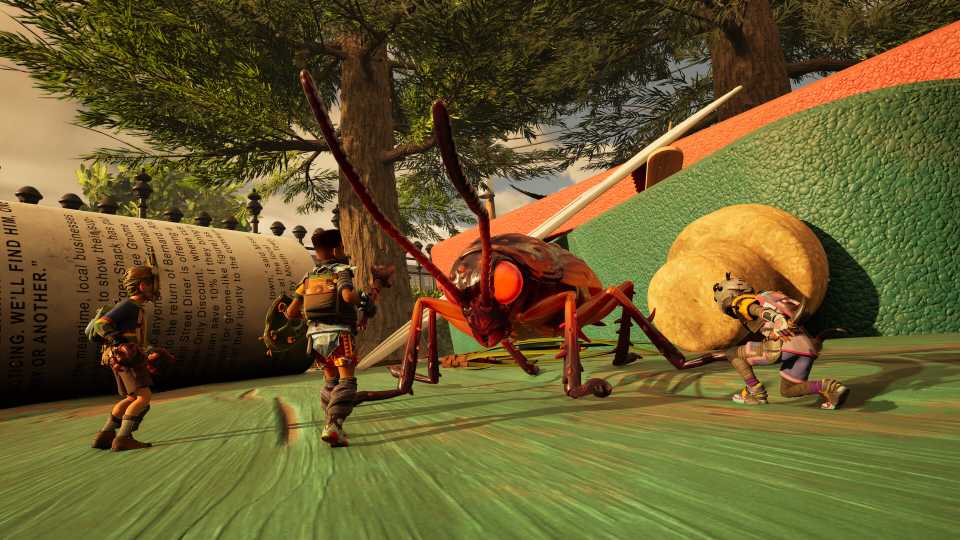
Other than that, shared worlds are an incredibly convenient way for a group of friends to play Grounded 2 without having to coordinate times when everyone is available. As long as you grant host access to the right people (even on other platforms), anyone can host a multiplayer session with the shared world save file and invite the rest of the squad to join.



- Released
- July 29, 2025
- ESRB
- Teen / Violence, Blood
- Developer(s)
- Obsidian Entertainment
- Publisher(s)
- Xbox Game Studios
- Engine
- Unreal Engine 5