


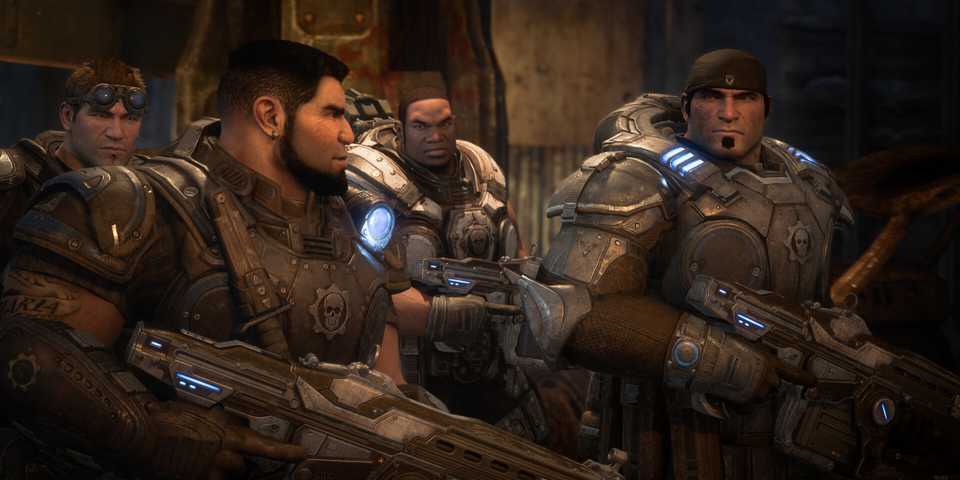
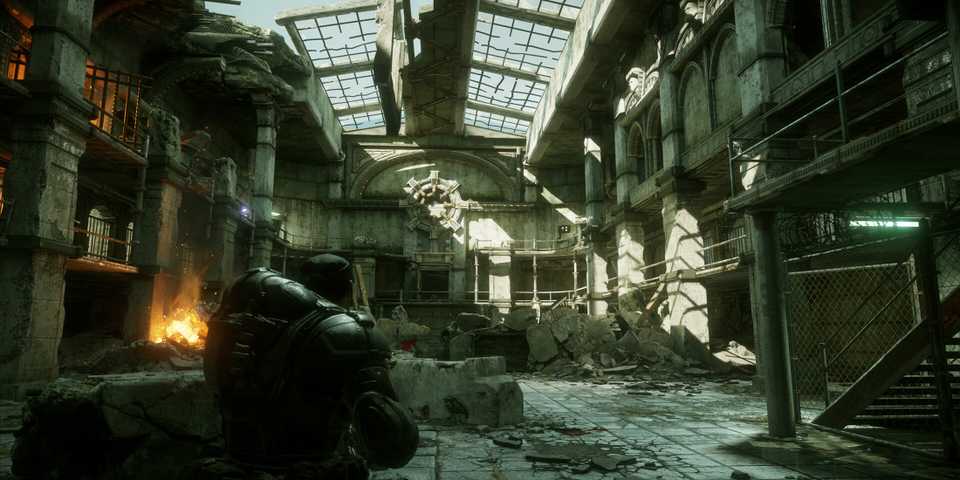
Gears of War: Reloaded is the remastered version of the original masterpiece that has landed on PC, Xbox, and PlayStation. While the game runs like a dream on all hardware, players have reported that the game frequently crashes, especially on PC. These crashes usually occur when you've installed a new update, tweaked the graphics settings, or are simply launching the game. Here are a few workarounds that you can try to resolve this issue until an official fix drops.

Gears of War: Reloaded PC Launch Gets Off to a Rocky Start
PC players appear to be dissatisfied with the launch of Gears of War: Reloaded, with some even accusing the anticipated game of false advertising.
How to Fix Gears of War: Reloaded Crashing Issue
The Gears of War: Reloaded crashing issue on PC is preventing players from launching the game, which makes it one of the most frustrating issues to face. While there's no ETA on a patch to fix this issue, it's recommended that you try the following workarounds, which may fix the issue and allow you to play the game without any hurdles.
Launch the Game in Offline Mode
Gears of War: Reloaded is mainly crashing for players right after connecting to the online servers screen. There might be a bug that is causing the connection to fail, and ultimately crashing the game back to the desktop. To resolve this issue, try the following steps on the Steam client.
- Open up the Steam client and head into the friends tab on the bottom-right.
- Click the arrow next to your name and select 'Offline Mode'.
- Once your Steam is in offline mode, launch Gears of War: Reloaded.
- After reaching the main menu, press Shift+Tab and open up the friends' menu again.
- Switch from offline to online mode.
Once you switch back to online mode, your friend list will show back up in-game, and you'll be playing the game both solo and co-op without further crashes.
Remove the Graphics Config File
Another reason why Gears of War: Reloaded could be crashing is due to graphics settings not being correctly configured. This is a common issue with games, where some graphical options aren't working as they're supposed to, which can lead to unexpected stability issues. To restore the game's functionality, it's best to restore the graphics settings to default.
Since the game crashes before most of the players reach the main menu, resetting the graphics settings from the menu is going to be tough. However, there's another way for players to do the job.
- Xbox Game Pass: Head over to the directory "\AppData\Local\Packages\Microsoft.Pender_[code]\LocalCache\Local\WarGame\Config." Once you reach the directory, delete the EngineUserSettings file and launch the game.
- Steam: Head over to the directory "\AppData\Local\Coalition\WarGame\Config." Similar to the previous method, you'll need to delete the EngineUserSettings file and launch the game.
Once the config file is deleted, your graphics settings for Gears of War: Reloaded will be reset. This will hopefully fix any crashing issue that was occurring due to graphical options.
Verify Game Files
The last thing you can do is to verify the file integrity of the game. Some game files can often become corrupted due to third-party software or malware, which could lead to frequent crashing issues.
To resolve this, you can simply verify game files, which is a functionality built into both Steam and Xbox launchers on PC. This will replace any corrupted or missing game files back into the installation directory and allow you to play without any further interruptions.


Gears of War: Reloaded



- Released
- August 26, 2025
- ESRB
- Mature 17+ // Blood and Gore, Intense Violence, Strong Language
- Developer(s)
- The Coalition
- Publisher(s)
- Xbox Game Studios
- Multiplayer
- Online Co-Op, Local Co-Op, Online Multiplayer




WHERE TO PLAY




- Cross-Platform Play
- Yes
- Franchise
- Gears of War
- Number of Players
- Single-player
- Steam Deck Compatibility
- Unknown
- PC Release Date
- August 26, 2025
- Xbox Series X|S Release Date
- August 26, 2025
- PS5 Release Date
- August 26, 2025
- Genre(s)
- Action, Third-Person Shooter, War & Military
- Platform(s)
- PlayStation 5, Xbox Series X, Xbox Series S, PC
- Local Co-Op Support
- Yes
- X|S Optimized
- Yes
