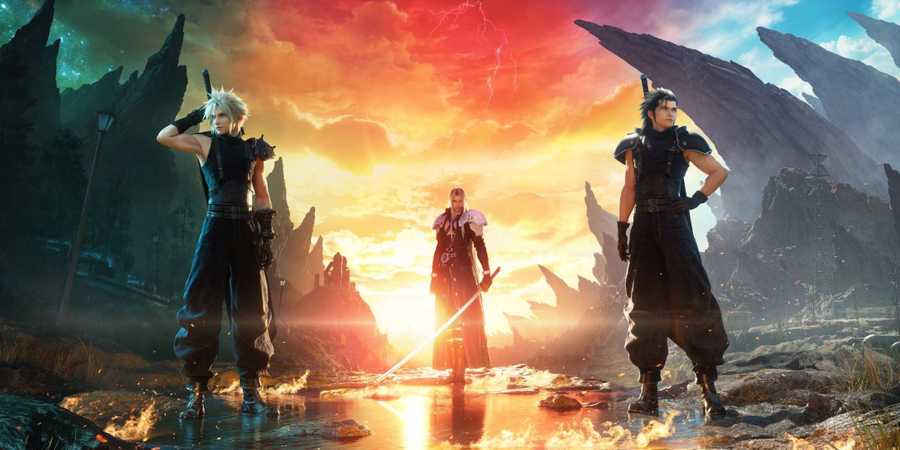
The second entry in the Final Fantasy 7 remake trilogy, Final Fantasy 7 Rebirth, has finally arrived on PC, nearly 11 months after its initial release on PlayStation 5. Unlike the first game, Rebirth didn’t receive a PS4 release, leading many PC players to anticipate that it would be more demanding than its predecessor.

Final Fantasy VII Rebirth Steam Release Time
Find out the release time and more details about the PC version of Final Fantasy 7 Rebirth in this quick guide.
If you're concerned about whether your system can handle the game, don't worry. The guide below offers graphical settings that strike the best balance between visual fidelity and performance, ensuring you can enjoy the game with ease — for the most part.
Recommended Graphics Settings For Final Fantasy 7 Rebirth
It seems Square Enix has taken the feedback about the Final Fantasy 7 Remake PC port to heart. This time around, Final Fantasy 7 Rebirth offers a wide range of graphical options for players to tweak, a stark contrast to the limited settings offered by the first game. This provides PC players with much more freedom, as it allows them to customize the visuals to achieve better performance on their hardware.
Copy the settings below exactly for smooth performance. However, if your GPU has VRAM to spare, consider setting Texture Resolution to High. RTX GPU users can also set both Dynamic Resolution Scaling (DRS) settings to 100% and the Anti-Aliasing Method to DLSS.
This above configuration will enable the game to use DLAA for improved anti-aliasing quality.
Best Graphics Settings For Mid-Range Hardware
|
Graphical Option |
Recommended Setting |
|---|---|
|
Display Mode |
Borderless Full Screen |
|
Screen Resolution |
Native |
|
Framerate |
Personal Choice |
|
Display Sync Technology |
V-Sync |
|
Dynamic Resolution Scaling (Maximum) |
100% (66% for RTX GPU) |
|
Dynamic Resolution Scaling (Minimum) |
100% (66% for RTX GPU) |
|
Background Model Detail |
Medium |
|
Ocean Detail |
High |
|
Character Model Detail |
High |
|
Effect Details |
Low |
|
Texture Resolution |
Medium |
|
Shadow Quality |
Low |
|
Fog Quality |
Low |
|
Anti-Aliasing Method |
TAAU (DLSS for RTX GPU) |
|
Characters Displayed |
5 |
|
Character Shadow Display Distance |
5 |
|
Low-Resolution Font |
Disabled |
If you're not a fan of screen shake, you'll be happy to know that you can disable it in the Camera settings. Simply scroll down to the bottom of the menu to find the option.









- ESRB
- T For Teen Due To Blood, Language, Mild Suggestive Themes, Use of Alcohol and Tobacco, Violence
- Developer(s)
- Square Enix
- Publisher(s)
- Square Enix
- Engine
- Unreal Engine 4
- Franchise
- Final Fantasy
- PC Release Date
- January 23, 2025
- PS5 Release Date
- February 29, 2024
- Platform(s)
- PlayStation 5, PC
- Genre(s)
- RPG
- How Long To Beat
- 40 Hours
- PS Plus Availability
- N/A
- OpenCritic Rating
- Mighty