


After four years of anticipation and hundreds of millions spent on legal battles, Epic Games has finally brought its beloved IP, Fall Guys, to both Android and iOS devices. However, due to the ongoing legal dispute between Epic Games, Apple, and Google, users will need to take an unconventional route to play Fall Guys on mobile: sideloading the Epic Games client.
This guide provides Android and iOS users with the easiest (and safest) methods for downloading Fall Guys Mobile and outlines the minimum system requirements needed to play the game.

Fall Guys Mobile: Crossplay and Cross-progression Explained
Fall Guys Mobile allows players from all platforms to compete against each other in a seamless crossplay experience; here’s what you need to know.
How to Play Fall Guys on Android
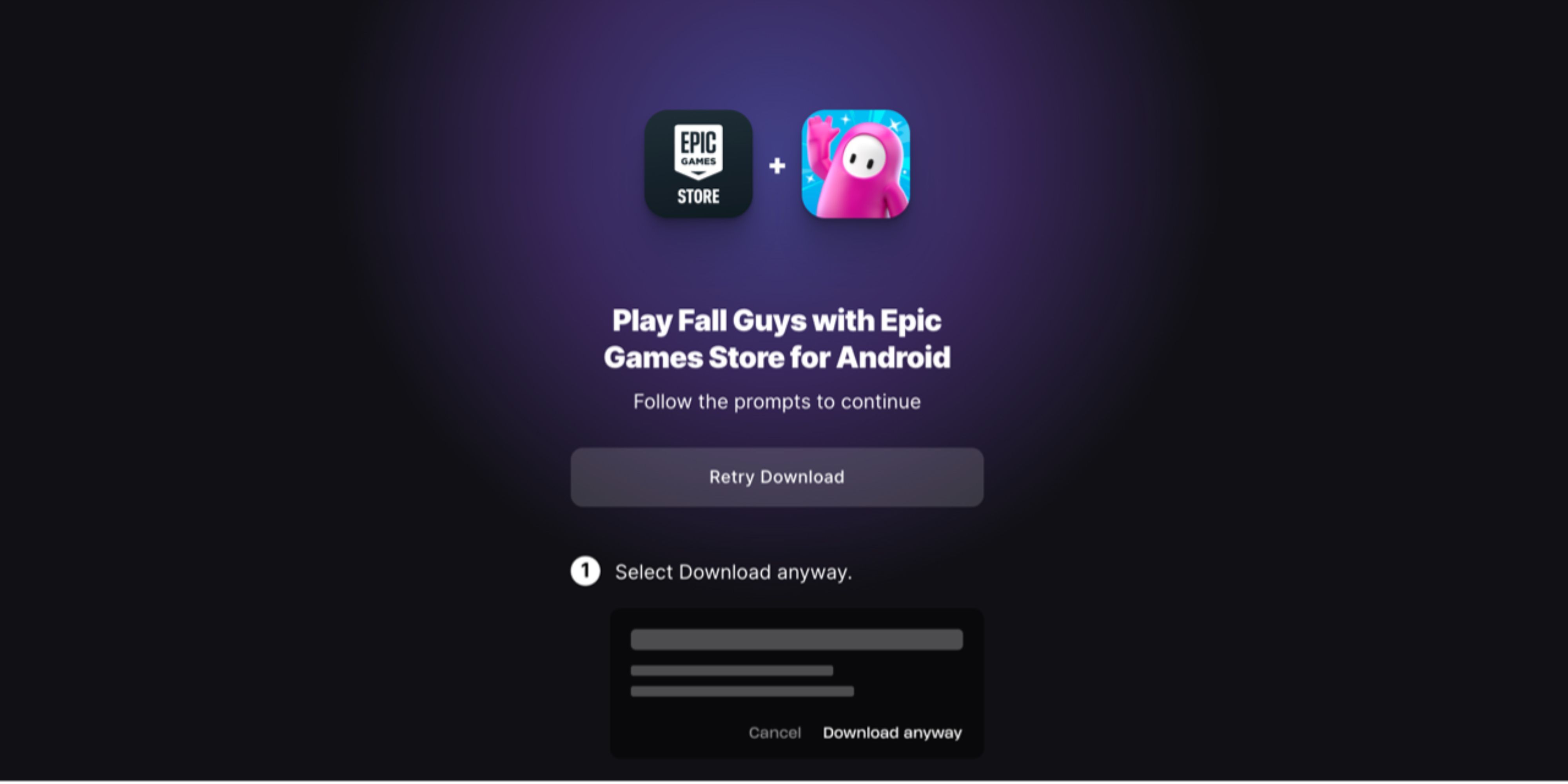
To play Fall Guys Mobile on Android, install the Epic Games client on your phone. Since Google and Epic Games are in a legal battle, you cannot download Fall Guys Mobile directly from the Google Play Store. You will instead need to head over to Epic Games’ official website and get their mobile app directly. This means you will have to install Epic Games Store Mobile on your phone as an “Unknown App.”
Step-by-step guide for playing Fall Guys on an Android phone:
- Head to Epic Store’s app download page.
- Download Epic Store Mobile.
- Select “Download Anyway” if your browser returns a malware warning.
- Enable installing “Unknown Apps” in your phone settings.
- Install Epic Games Mobile and download Fall Guys Mobile.
Fall Guys Mobile’s file size on Android is about 1.90 GB. (You will need to download game files after the initial installation.)
How to Play Fall Guys on an iOS Device

Fall Guys Mobile’s iOS port is only available in the European regions. To play the game, you must install Epic Games client on your phone by downloading it through the AltStore PAL digital marketplace. Note that Fall Guys Mobile requires iOS 17.6 or later versions.
Step-by-step guide for playing Fall Guys on iOS:
- Go to the AltStore PAL website.
- Download AltStore for iOS. You will need to toggle on “Allow Marketplace From AltStore LLC” under your Apple ID. (The app will enable sideloading for European iPhone users.)
- Look up Epic Games in the AltStore’s marketplace and install it.
- Open the Epic Games app and install Fall Guys Mobile.
The AltStore PAL is only available in Europe for iPhones running on iOS 17.4 or newer versions.
Fall Guys Mobile System Requirements

Any iPhone compatible with iOS 17 and has 3 GB of RAM can run Fall Guys Mobile. For Android devices, 64-bit Android on an ARM64 processor, Android OS 10.0 or higher, Adreno 530, Mali-G71 MP20, Mali-G72 MP12 or higher GPU, and 4 GB of RAM are required.
|
System Requirement |
Android |
iOS |
|---|---|---|
|
OS |
OS 10.0 or higher |
iOS 17.6 or later |
|
RAM |
4 GB |
3 GB |
|
CPU |
64-bit Android on an ARM64 |
- |
|
GPU |
Adreno 530, Mali-G71 MP20, Mali-G72 MP12 or higher |
- |
Given the minimum system requirements, Fall Guys Mobile is well-optimized and has the potential to compete with Stumble Guys, which has dominated the market in its absence. Thanks to its crossplay compatibility, the game offers smooth performance and relatively quick matchmaking queues. Additionally, it can run on some phones from early 2018, which is a significant advantage for a game featuring current-gen graphics.

Fall Guys




- Released
- August 4, 2020



WHERE TO PLAY




- ESRB
- E for Everyone: Mild Cartoon Violence
- Developer(s)
- Mediatonic
- Publisher(s)
- Epic Games
- Engine
- Unity
- Multiplayer
- Online Multiplayer
- Cross-Platform Play
- PC, PS4, PS5, Switch, Xbox One & Xbox Series X|S
- Platform(s)
- PS5, PS4, Switch, Xbox Series X, Xbox Series S, Xbox One, PC
- Genre(s)
- Battle Royale, Platformer, Action
- PS Plus Availability
- N/A
