


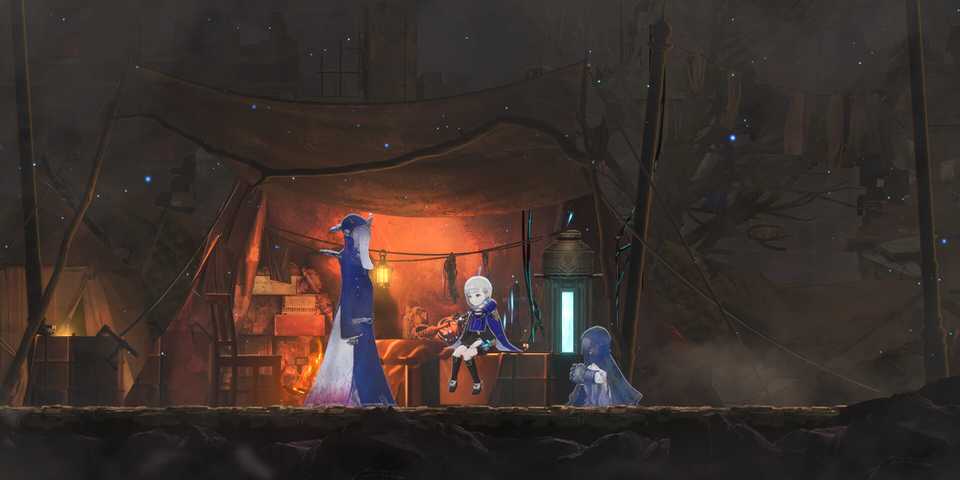
Ender Magnolia: Bloom in the Mist is the much-anticipated sequel to Ender Lilies: Quietus of the Knight. The sequel builds upon what made the original such a memorable experience and offers smoother combat, and overall better level design. While it's far from being the hardest Metroidvania out there, some players might still find it a bit challenging, especially at the early levels.
Thankfully, Ender Magnolia: Bloom in the Mist offers plenty of difficulty customization options to fine-tune your experience. For those who want to breeze through the story, you can turn down certain options to make the game easier. On the other hand, if the game feels a tad too easy, you can, in turn, bump up the difficulty to make the experience more challenging. This guide will explore how you can change and adjust the difficulty in Ender Magnolia: Bloom in the Mist.

Ranking the 11 Best Metroidvanias
Today, we're covering our picks of the best games in the action adventure platforming subgenre, Metroidvania.
How to Change Difficulty in Ender Magnolia: Bloom in the Mist

To adjust the difficulty in Ender Magnolia: Bloom in the Mist, you'll first have to start the game and play through the chapter until you reach the first Respite. The Respite serves as your main save point in the game, similar to how a Bonfire works in Dark Souls. While resting at a Respite, you'll be able to equip yourself with new abilities and relics or even watch Memories you've unlocked so far.
This is also where you'll get the option to adjust the game's difficulty. Go to the Difficulty menu, and you'll arrive at a new window that shows you all the things you can adjust.
You can adjust the difficulty anytime in the game, as long as you're in a Respite.

There are three main presets that you can choose from:
- Easy (Fragment Bonus: x0.64)
- Normal (Fragment Bonus: x1)
- Hard (Fragment Bonus: x1.57)
You can use the sliders below the presets to adjust different aspects of the game to further customize the difficulty to your liking. Doing so will set the preset to Personalized. You'll also see different settings affect your Fragment Bonus as you swap them around.
|
Difficulty Options |
Effect |
|---|---|
|
Enemy Maximum HP |
Increase or decrease the maximum health of enemies and bosses. |
|
Enemy Attack Strength |
Adjust how much damage an enemy does in a single attack. |
|
Enemy Break and Status Effect Resistance |
Affects how easy it is to stagger enemies and inflict status effects. |
|
Enemy Break and Status Effect Recovery Speed |
Affects how quickly enemies recover from status effects or staggers. |
|
Enemy Attack Frequency |
Adjust the attack frequency of enemies and bosses. |
Changing the difficulty will affect the number of Fragments you'll earn while defeating enemies and bosses in the game. Fragments are required to unlock things like Attire for the main character or Character Designs from the Extra menu.

Players who want to add an extra layer of difficulty to their experience can further activate three challenges to make the game more punishing. You'll find them at the bottom part of the difficulty menu.
|
Challenge Options |
Effect |
|---|---|
|
Disable Healing Ward |
Turning it on takes away the ability to use the Healing Ward to heal. You can only heal from a Respite. |
|
Instant Death |
Turning it on results in death with just a single hit from any enemy. |
|
Disable Enemy Attack Tells |
Turning it on makes bosses' attacks less telegraphed. |
Activating the challenges doesn't affect Fragment Bonus.
Whether you're looking for an easy walk through the main story of the sequel or want a hardcore, unforgiving Metroidvania experience, Ender Magnolia: Bloom in the Mist has you covered. By going into the difficulty menu, you'll be able to set up the game exactly how you want to play it.





-
 OpenCritic Reviews
- Top Critic Avg: 85 /100 Critics Rec: 94%
- Released
- January 22, 2025
- ESRB
- T For Teen // Violence, Blood, Mild Language
- Developer(s)
- Adglobe, Live Wire
- Publisher(s)
- Binary Haze Interactive







WHERE TO PLAY





- Engine
- Unreal Engine
- Steam Deck Compatibility
- Verified
- Early Access Release
- March 25, 2024
- PC Release Date
- January 22, 2025
- Xbox Series X|S Release Date
- January 22, 2025
- PS5 Release Date
- January 22, 2025
- Nintendo Switch Release Date
- January 22, 2025
- Platform(s)
- Nintendo Switch, PC, PlayStation 4, PlayStation 5, Xbox One, Xbox Series X, Xbox Series S
- OpenCritic Rating
- Mighty
