


Dune: Spice Wars is a popular 4X (Explore, Expand, Exploit, Exterminate) and real-time strategy title. The game puts players in charge of a faction, and the gameplay involves battling opponent factions to gain control of the resources and spice on the desert planet of Arrakis. For that, players have to recruit military units and take over the surrounding villages. The more villages players have, the more spice and other resources they’ll obtain.
Having said that, like most video games nowadays, Dune: Spice Wars also allows players to create a private match. A private room is an excellent way to play with friends, as players have more control over who they play with or against. This handy guide aims to outline the exact steps that Dune: Spice Wars players can follow to create and join a private match.
How to Set Up a Private Match in Dune: Spice Wars
- Launch Dune: Spice Wars.
- In the main menu, click ‘Multiplayer,’ the second option found just beneath ‘Singleplayer.’
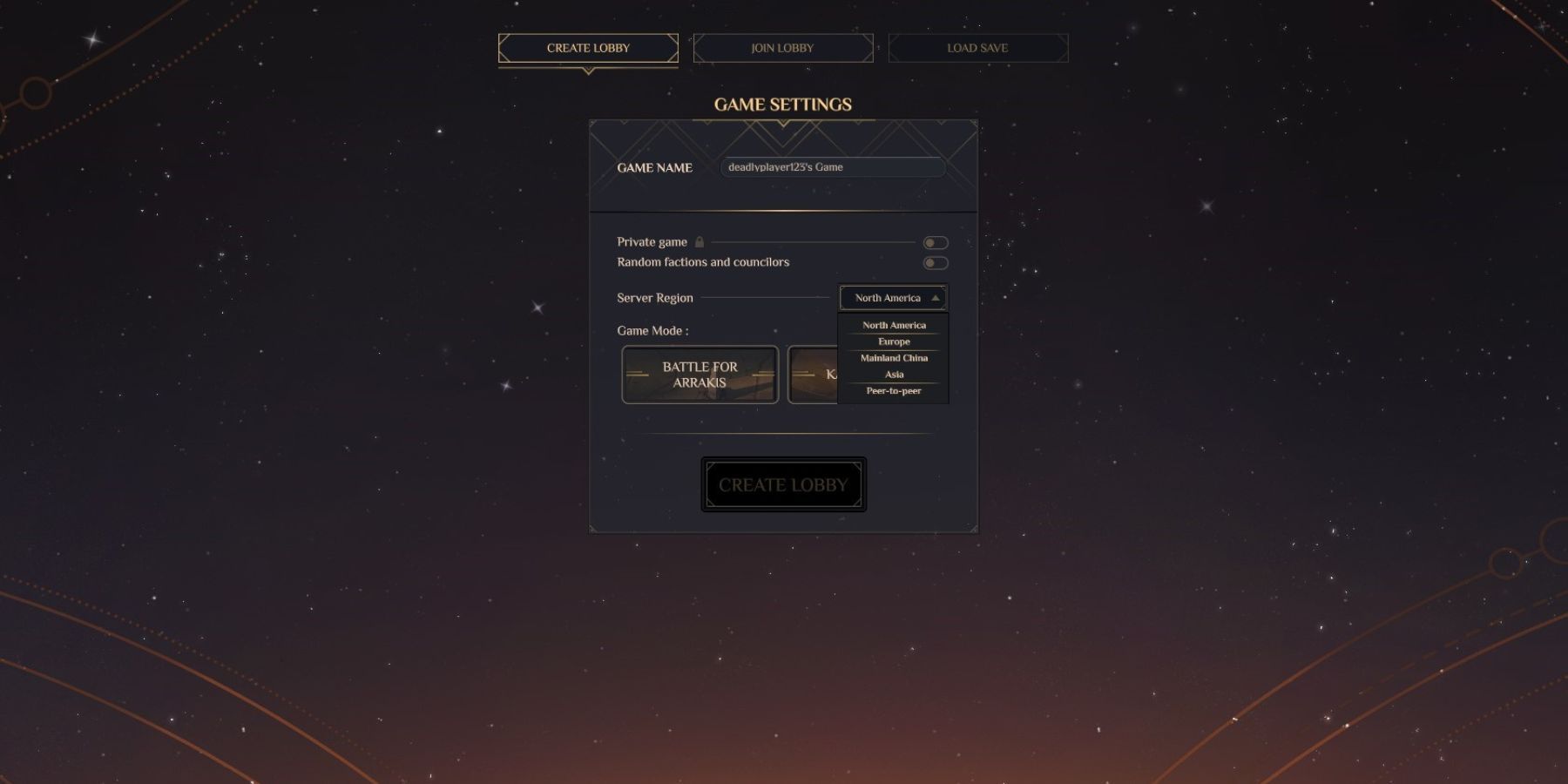
- Here, players will see three main options, i.e., create lobby, join lobby, and load save.
- To set up a custom match, players will need to click the first option, ‘Create Lobby.’
- Here, players will be able to adjust the settings of their private match, such as the game mode, random factions and councilors, etc.
- Players can also change the server region here. To switch to a different server, they can click the arrow icon next to the current server and choose their desired server from the available options.
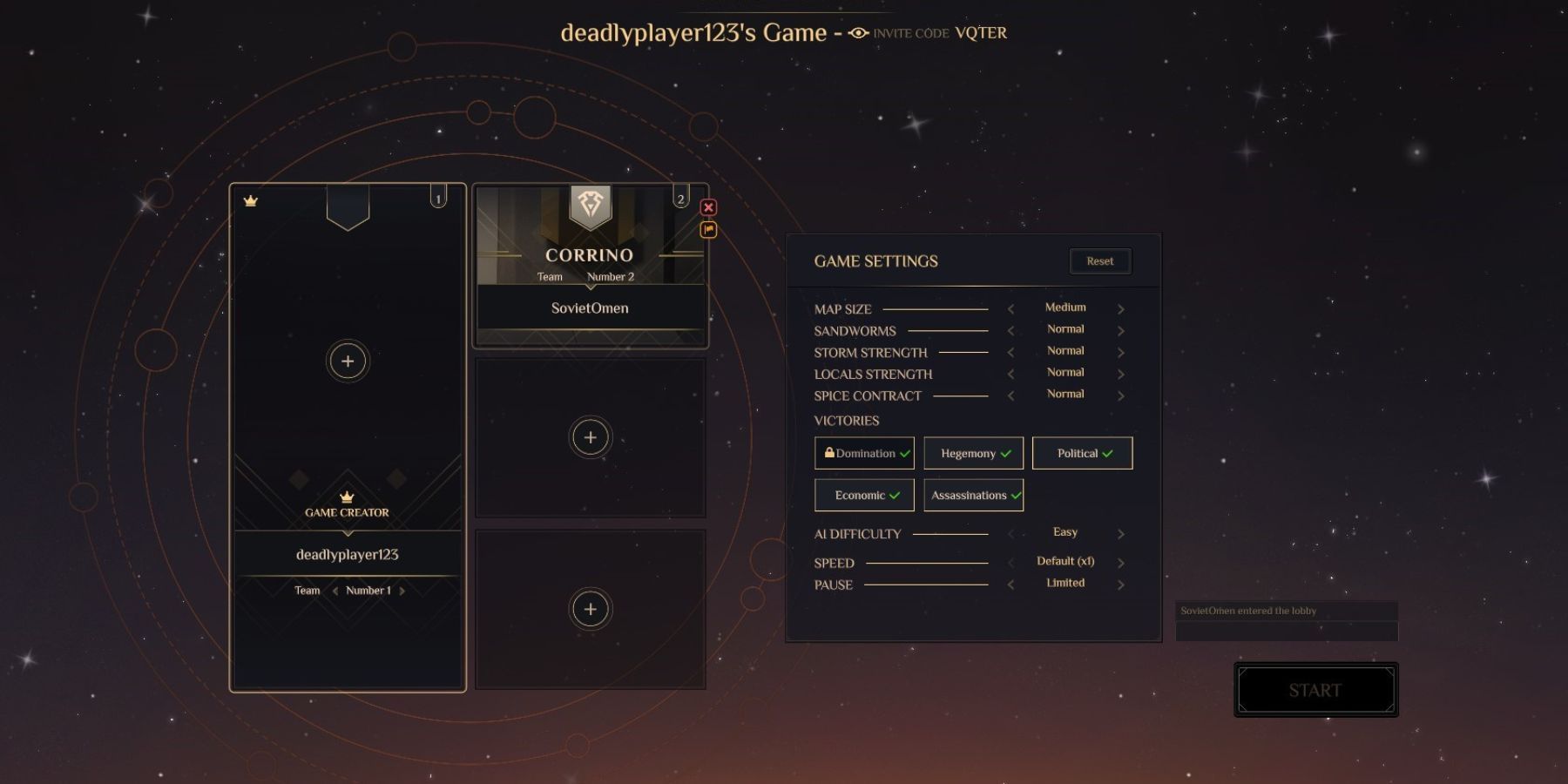
- In the ‘Join Lobby’ tab, gamers will see public rooms created by other players. Since these are public rooms, players can easily join them without providing the invite code.
Dune: Spice Wars is currently available on PC.