


Disney Dreamlight Valley just got the Return to Beast’s Castle update, and while the spotlight is on the new characters Cogsworth and Lumiere, there is a new feature that has players really excited. You can now change the skin of the Dream Castle.
The Dream Castle is the heart of the valley. It’s where you unlock new realms, meet new characters, and pretty much start all your biggest adventures. Up until now, it always looked the same, but with this update, you can give it a new look. Luckily, the process is really simple. Below, we will walk you through exactly how to change the skin of the Dream Castle in Disney Dreamlight Valley.

What To Do With Painting Scraps In Disney Dreamlight Valley (Elegant Butler Shoes)
Discover hidden Painting Scraps in the Beauty and the Beast realm to unlock a special reward in Disney Dreamlight Valley.
How to Get Dream Castle Skins in Disney Dreamlight Valley

Right now, the only way you can get Dream Castle skins is through the Premium Shop. Fans will need to spend Moonstones (the game’s premium currency) to buy them.
At the time of writing, there’s only one skin available. It’s a special Halloween-themed Castle skin that will give your Dream Castle a spooky look. The skin costs 3,500 Moonstones, which is definitely on the pricey side, but since it’s the very first Dream Castle skin in the game, a lot of players are buying it. The good news is that the Premium Shop changes its items every week, so we can expect more castle skins in the future.
To grab a Dream Castle skin, DDV players will need to head over to the Premium Shop from the main menu. Click on ‘Shop’ and you will see all the current deals there. Scroll through until you see the Halloween Castle skin. Click on it and confirm the purchase to unlock it permanently.
And it’s not just the Dream Castle skin in there. Besides that, you will find all sorts of items to decorate your valley, like Holiday Forest Trees, a Holiday Clover Tree, the Halloween Town Hall House, and plenty more.
How to Change Dream Castle Skin in Dreamlight Valley
The first step is to buy a skin from the premium shop. Once you have it, you can follow these steps to equip it:
- Head over to the Plaza. The fastest way is to press ‘M’ to open your map, then click on the Plaza Wishing Well to fast travel.
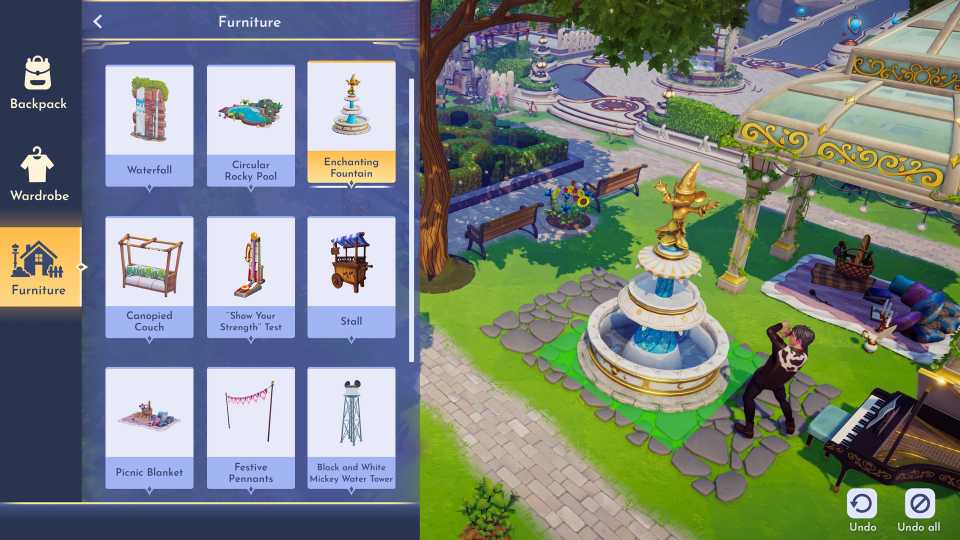
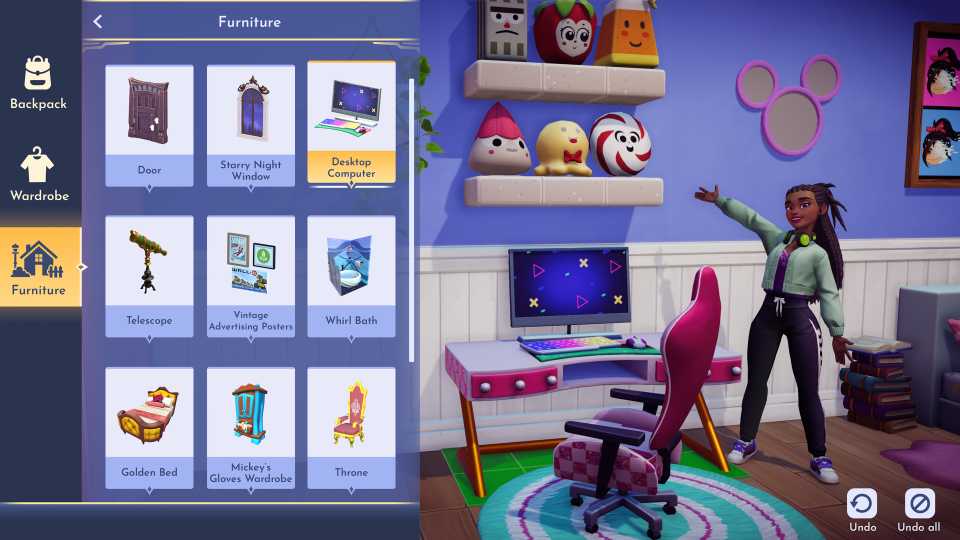
- Go to the Furniture mode. This can be done by pressing ‘F’.
- Once there, hover over the Dream Castle and click ‘Replace.’






-
 OpenCritic Reviews
- Top Critic Avg: 75 /100 Critics Rec: 77%






WHERE TO PLAY






- Genre(s)
- Life Simulation, Casual
- Platform(s)
- PlayStation 5, PlayStation 4, Xbox Series X, Xbox Series S, Xbox One, Nintendo Switch, Nintendo Switch 2, PC, iOS
- OpenCritic Rating
- Strong
