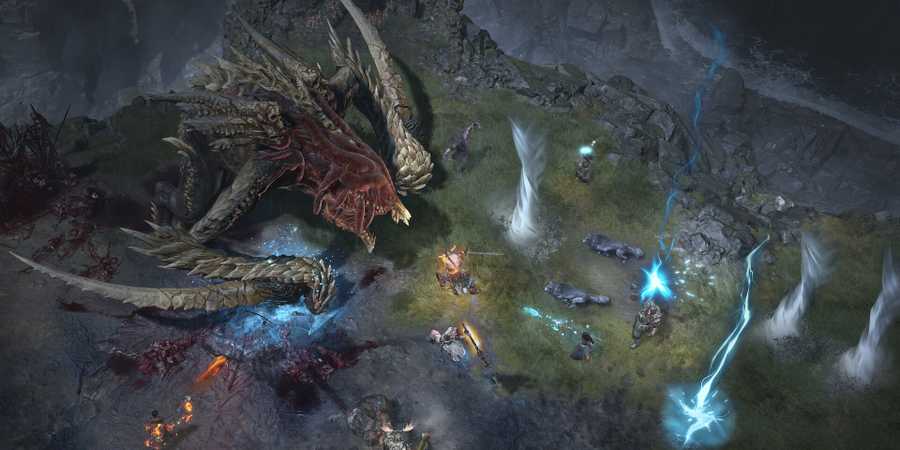
Even though the modern gaming industry offers dozens of third-party services for communication between players, in-game voice chat is still a benefit, and Diablo 4 proudly boasts this functionality. As the first game in the series to offer players this feature, Diablo 4 does everything possible to make using voice chat as easy as possible. After all, convenient communication for coordinating actions during battle is accurately what is required from this in-game feature. You can easily select a voice channel or enable silent mode, and we will tell you how to do it.

Diablo 4: Sacred and Ancestral Items, Explained
Getting better loot is at the heart of Diablo 4's gameplay loop, and the addition of Sacred and Ancestral gear drives that point hard.
How To Use Voice Chat in Diablo 4

First of all, to use voice chat in Diablo 4, you must join one of three voice channels: None, Party, and Clan. You can do this in two ways:
The first way is to join the party, select the Social menu tab, and click the Voice Chat button.
The second way is to go to the Clan menu and click Voice in the lower-left corner of the screen.
Regardless of the way, you will find yourself in the same voice chat channel menu. As the name suggests, None activates silent mode, where you can not speak or hear what others are saying. The Party channel allows you to communicate with members of your group. And by the same principle, the Clan channel allows you to talk with clan members, but there is a limitation. Clan leaders can block this feature for newcomers or specific clan members, so keep this in mind and don't panic if this happens.
Now that you have selected a channel, the next step is your preferred voice chat mode. For this, open Options and go to the Sound tab. Next, find Voice Chat Mode and select one of the options:
- Push-to-Talk. This option allows you to listen to all conversations in the selected channel, but for other players to hear you, you must hold down the assigned key (you can assign it in the Control menu).
- Open Mic. This option will play your voice whenever your microphone detects sound waves.

Diablo 4: All Boss Loot Tables
Get that gear grind going with this quick cheat sheet for all the boss drops in Diablo 4.
Speaking of the Sound tab, it is worth noting there are quite a few settings here that you should play around with. For example, you can activate automatic connections to party chats, adjust the volume and focus of voice chat, and much more, so it's worth your attention.
That's all you need to know about how to use voice chat in Diablo 4. Finally, we just add that using a microphone is not a prerequisite for using this feature. You can activate any mode without it and listen to other players talking.

Diablo 4

- Released
- June 5, 2023



WHERE TO PLAY





- Developer(s)
- Blizzard
- Publisher(s)
- Blizzard
- Franchise
- Diablo
- Platform(s)
- PlayStation 5, PlayStation 4, Xbox Series X, Xbox Series S, Xbox One, PC
- Genre(s)
- Action RPG, Hack and Slash