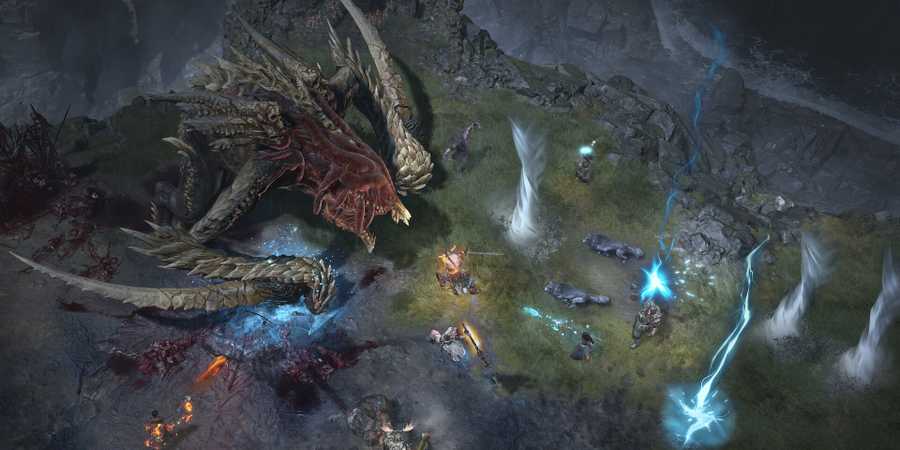
In Diablo 4, players have been encountering Error Code 75 since launch, which is accompanied by the explanation "There was a problem authenticating your account." This is a fairly common error that can occur on all devices where Diablo 4 is available, from PCs to consoles.
Luckily, it's not as bad as it sounds, and resolving the issue is typically quick and easy. So, if you need to figure out how to fix Error Code 75 in Diablo 4, this guide includes detailed instructions to assist.

Diablo 4: How To Unlock Infernal Hordes Mode
The Infernal Hordes Mode is a new endgame activity in Diablo 4 for players to enjoy. Here's how to unlock it.
How To Fix Error Code 75 In Diablo 4

Although the error description might make you think that the problem is connected to your account, it's actually not. Error Code 75 is caused by a failure to update the game to the latest version. Since developers release new patches and updates quite often, you might have simply missed the most recent one and not downloaded it — especially if you don't have automatic downloads or updates. So, to solve this problem, you just need to update the game.
How To Update Diablo 4 On Steam (PC)
To fix this error on Steam once and for all, you need to enable the "update automatically" option. This way, all updates will be downloaded automatically. Here's how to do it:
- Launch Steam.
- Go to the Library tab.
- Among the list of games, find Diablo 4 and right-click on it.
- In the drop-down list, interact with the "Properties" option.
- When a new menu opens, go to the Updates tab.
- Here, at the top of the menu, you will find the Automatic Updates section. Click on it to open the drop-down menu.
- In the drop-down menu, select the option "Always keep this game updated."
Once you do this, Diablo 4 will start updating if there are any patches that are not yet downloaded.
How To Update Diablo 4 On Battle.net (PC)
If you are using the official launcher from Blizzard Entertainment, here are the steps you need to take to manually update Diablo 4:
- Launch Battle.net.
- In the list of games, find and interact with Diablo 4.
- Once you've done that, look for the bottom left of the menu. Here, next to the Play button, you'll see another one with a gear icon. Click on it.
- In the drop-down list that appears, find and interact with the "Check for Updates" option.
- Wait for the check to finish and download the missing updates.
After installing, launch Diablo 4, and the error message should not appear.

Diablo 4: All The Mother's Gifts Rewards
The Mother's Gifts are the seasonal rewards players can get in Diablo 4 Season 5; here's what each rank gives.
How To Update Diablo 4 On Xbox
If you're playing Diablo 4 on your Xbox console, here's how to check for updates:
- From the home screen, go to the "My games & apps" menu.
- Here, find and interact with the "Manage" button.
- In the new menu, find and interact with the Updates option.
- When the tab opens, find and click the "Search for Updates" button.
If there are any updates for Diablo 4, it will automatically start downloading to the latest version.
How To Update Diablo 4 On PlayStation
Similar to Xbox, checking for updates on your PlayStation will take you only a few clicks:
- Find and hover over Diablo 4 in the list of games.
- Click on the Options button on your controller.
- In the drop-down list that opens, interact with the "Check for Updates" option.
After doing this, Diablo 4 will start updating to the newest version, if available.

Diablo 4

- Released
- June 5, 2023



WHERE TO PLAY





- ESRB
- Mature 17+ / Blood and Gore, Intense Violence, Language, In-Game Purchases, Users Interact
- Developer(s)
- Blizzard
- Publisher(s)
- Blizzard
- Engine
- Proprietary Engine
- Multiplayer
- Online Multiplayer, Online Co-Op, Local Co-Op
- Cross-Platform Play
- All platforms
- Cross Save
- All platforms
- Franchise
- Diablo
- Number of Players
- 1-2 players
- Steam Deck Compatibility
- Verified
- Platform(s)
- PlayStation 5, PlayStation 4, Xbox Series X, Xbox Series S, Xbox One, PC
- Genre(s)
- Action RPG, Hack and Slash
- How Long To Beat
- 26 Hours
- PS Plus Availability
- N/A
- File Size Xbox Series
- 158.25 GB
- Local Co-Op Support
- 1-2 players (console only)