


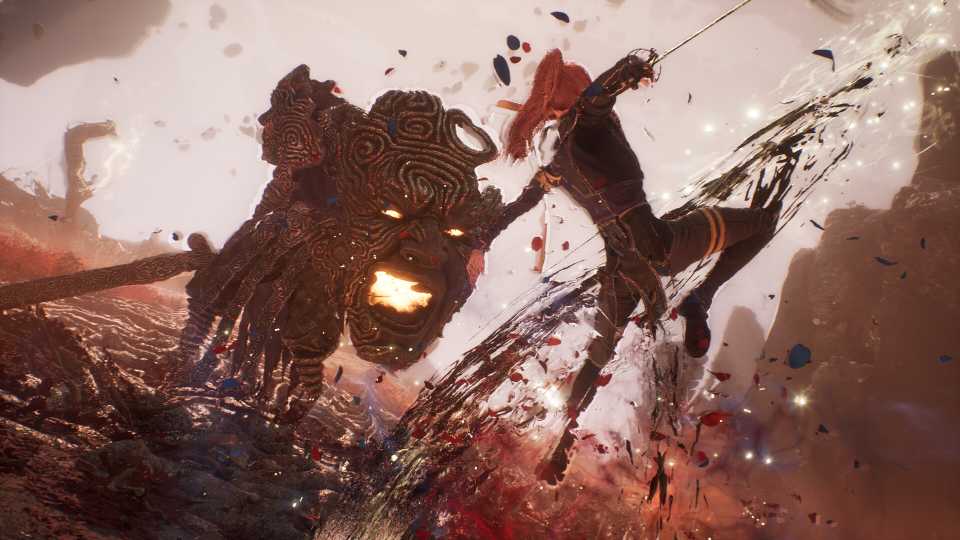
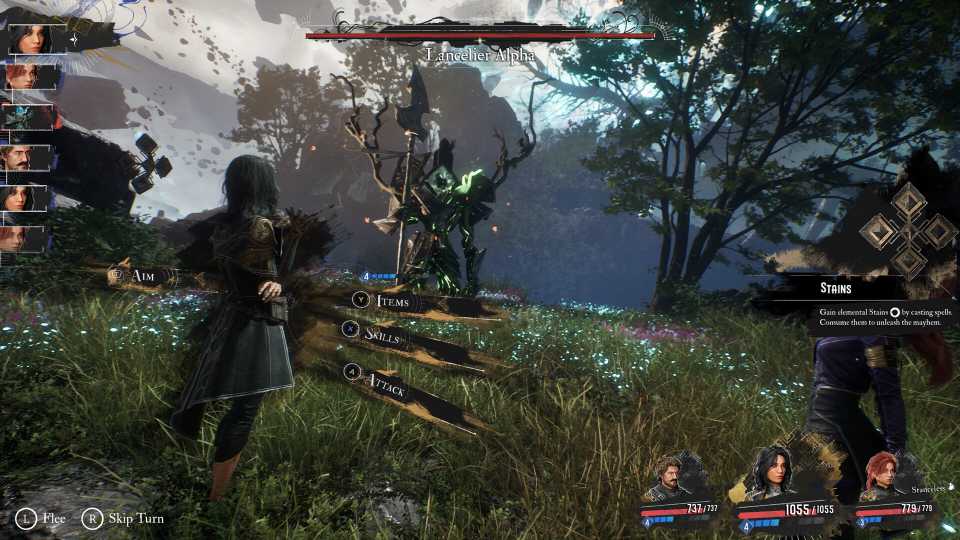
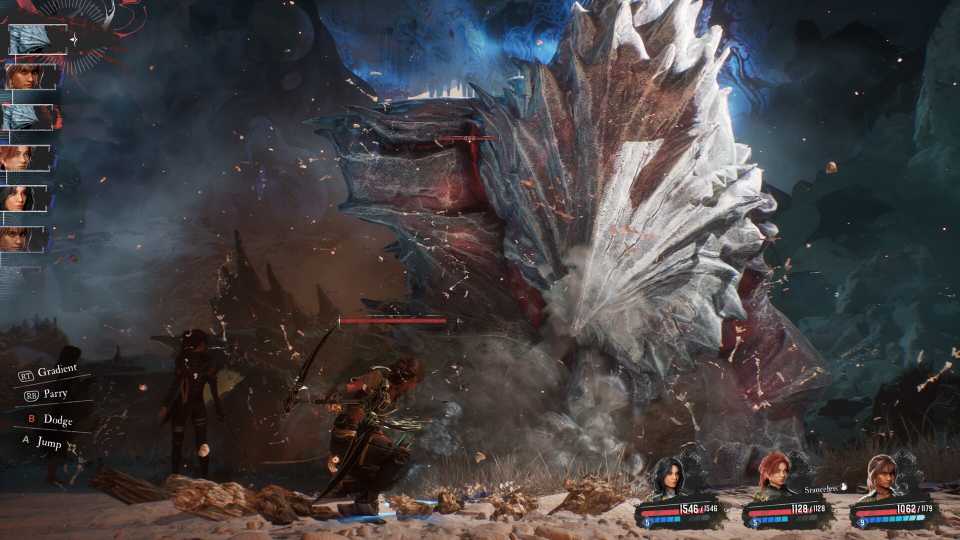
Although the combat system in Clair Obscur: Expedition 33 is turn-based, the real-time feature makes it unusual for its genre. Other than determining which move to make to hurt the enemy the most, players must stay on their toes to dodge and parry the enemy's hits. Failing to avoid the enemy's attacks will cause great struggles, as the game is meant to be unforgiving if players get hit constantly.
Thankfully, in battle, players can use potions to heal, revive, or restore AP, opening the window for a second chance. Later on, restoring these Tints can be done by resting at a checkpoint, which not only recovers the team's health and bottles, but also triggers a save in Expedition 33.

Clair Obscur: Expedition 33 - How To Get Festival Tokens & What You Get For Them
Players can get a total of three Festival Tokens in Clair Obscur: Expedition 33, and one of them is obtainable from answering Antoine's questions.
How To Save In Clair Obscur: Expedition 33

To save in Expedition 33, players must rely on the autosave feature—there's no manual save button. When the game autosaves, there will be an indicator saying "Save in progress..." On the bottom left, meaning players can see when the game is saving and when it's not.
Players can head to an Expedition Flag's Rest Point, then press Rest to trigger an autosave and restore their team's health and potion counts, a mechanic used in some soulslike games. Similarly, doing this will also cause enemies to respawn, so make sure to only Rest if you're ready for enemies to reappear.
How To Trigger Save In Clair Obscur: Expedition 33

Although there's no way to manually save in Expedition 33, players can force the game to autosave by performing certain actions. For example:
- Change a character's haircut or outfit in Clair Obscur: Expedition 33
- Switch an expeditioner's weapons in Expedition 33
- Modify a character's Pictos or Lumina
If you're trying to trigger autosave by changing your character's appearance or equipment, make sure the autosave indicator appears, because sometimes the game doesn't trigger the save.
Additionally, the following things may also trigger autosave:
- Winning a battle
- Picking up certain items
- Entering specific locations
Forcing an autosave is handy if players don't want to walk certain distances, but keep in mind that it doesn't heal the team or restore the potion bottles, unlike using the Rest feature at the Rest Point.
How To Load In Clair Obscur: Expedition 33

To load in Expedition 33, simply open the menu, then choose Load Previous Saves. There will be a list of autosave files, and players can scroll down to see which one they want to reload. Unfortunately, the save files only have a time marker on them, so players may need to try loading several times to return to the point they wish to go to.




-
 OpenCritic Reviews
- Top Critic Avg: 92 /100 Critics Rec: 98%
- Released
- April 24, 2025
- ESRB
- Mature 17+ / Blood and Gore, Strong Language, Suggestive Themes, Violence
- Developer(s)
- Sandfall Interactive
- Publisher(s)
- Kepler Interactive






WHERE TO PLAY






- Engine
- Unreal Engine 5
- Genre(s)
- Turn-Based RPG, JRPG, Fantasy
