


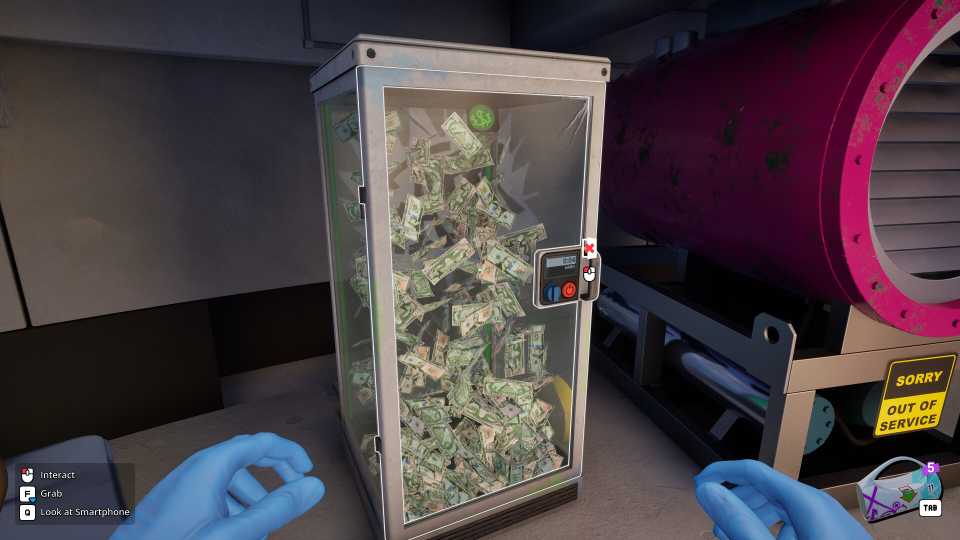
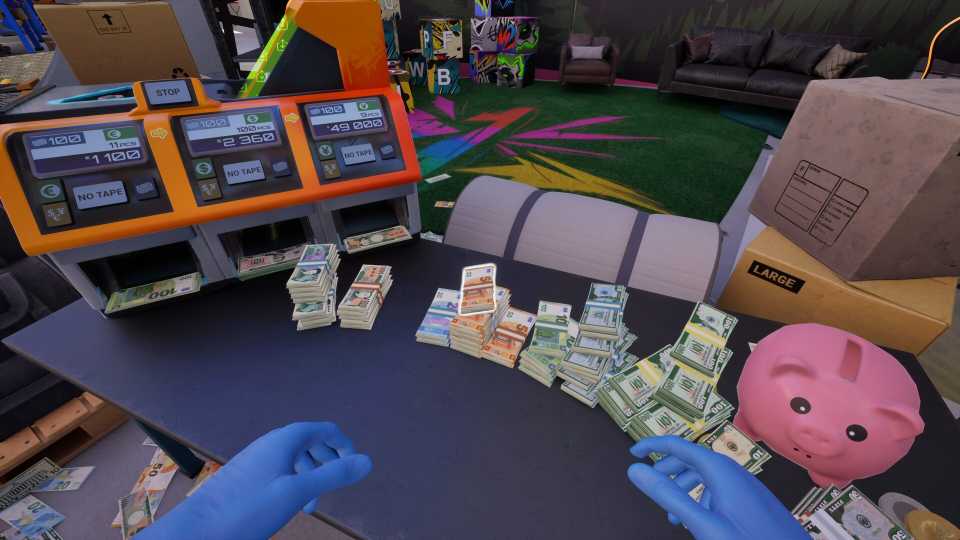
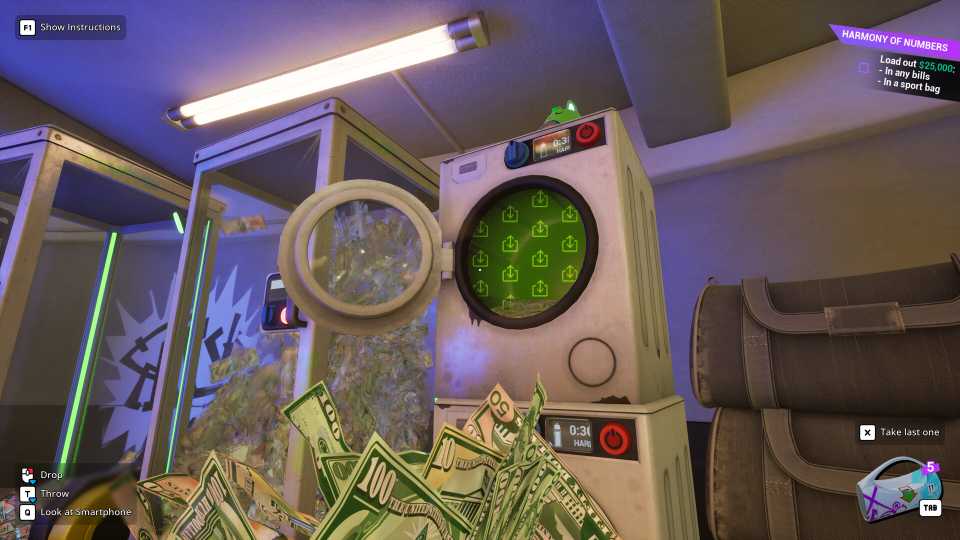
While you’re cleaning dirty money for clients in Cash Cleaner Simulator, you’ll also have to complete certain quests, each with their own set of objectives and rewards. One of the very first quests you’ll come across in the early stages of Cash Cleaner Simulator is the Light It Up quest, which unlocks a new area in your working space.
The Light It Up quest seems pretty simple at first, but there aren’t any clear instructions on how to complete it. This guide will walk you through every step necessary to complete the "Light It Up" quest, including how to turn on the broken switch that is missing its lever in the Cash Cleaner Simulator.

8 Best Medical Simulators On Steam, Ranked
There are a ton of great medical simulators on Steam, with the following games standing above the rest as most essential.
How to Complete the Light It Up Task in Cash Cleaner Simulator
After accepting the "Light It Up" Quest, your contact, Lifehacker, will start sending you some clues. One key hint involves "something glowing" and mentions darkness and ultraviolet light.
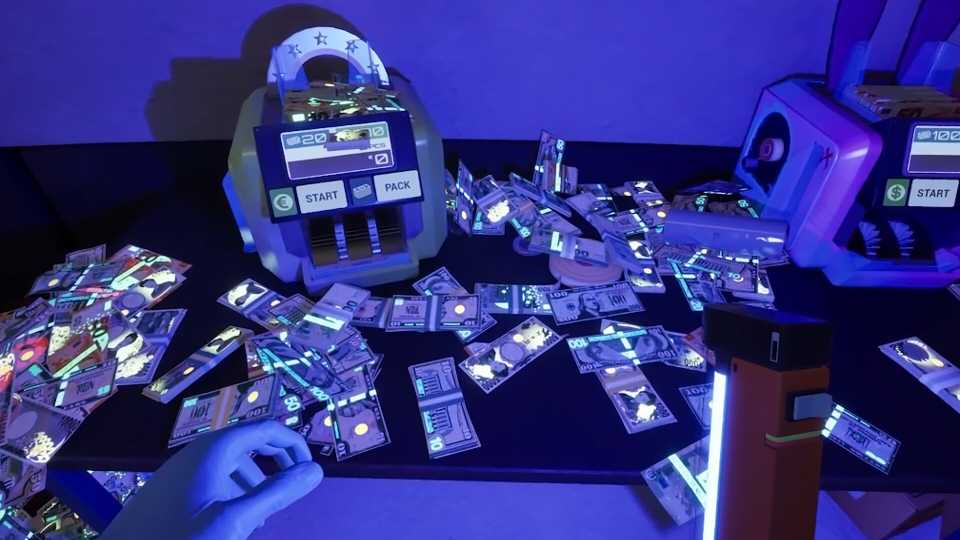
First, turn off all the lights in the room to create complete darkness. Then, equip and activate your portable UV Lamp. Scan your surroundings, particularly near the conveyor belt. You should be able to see some graffiti under the UV light. This graffiti will give you a clue about levers and handles being hidden from plain sight. More importantly, you'll also find a set of arrows pointing towards the missing lever.
The next part is pretty straightforward: simply follow the arrows. They will lead you to a steel beam near some pipes. Look up and across the beam, and you should spot a red item. This is the missing lever. To retrieve it, throw any object you have at hand towards the red lever. It’ll fall and you can then collect the item.
You can throw any item at the lever, like the boxes nearby. As long as your throwable item touches the lever, it will fall. If you want, you can also use the ladder to climb up to the beam and grab the lever.
How to Turn On the Broken Switch in the Light It Up Quest

With the lever in hand, go to the broken switch and interact with it to attach the lever. Once the lever is securely in place, interact with the switch again to turn it on. Doing so will cause the large containers to explode, opening up a larger area for your operations in Cash Cleaner Simulator. This action will complete the "Light It Up" quest.
This event will trigger a cutscene, giving you some more insight into why you’re in the lab. Before you move to the new area, make sure to gather all your tools, including any extra Cling Plastic Wraps and Bill Straps you have.


-
 OpenCritic Reviews
- Critics Rec: 57%
- Released
- May 8, 2025
- Developer(s)
- Mind Control Games
- Publisher(s)
- Forklift Interactive, Digital Pajamas





WHERE TO PLAY


- Engine
- Unreal Engine
- Genre(s)
- Life Simulation, Management
