


While the PC version of God of War: Ragnarok may not have generated the same level of excitement as its predecessor, it’s far from being a failure. Tons of PC players around the world are enjoying Kratos' latest adventure with his son. Although the PC port runs smoothly for the most part, there are some issues — one of the most notable being the game's field of view (FOV).
If you're wondering whether you can adjust the FOV and how to do it, you've come to the right place. The guide below will answer all your questions on this topic.

God of War Ragnarok: Optimized PC Graphics Settings
Those looking to enhance the performance and visual quality of God of War Ragnarok can use these graphics settings for an improved gaming experience.
Is There An FOV Slider in God of War Ragnarok on PC?
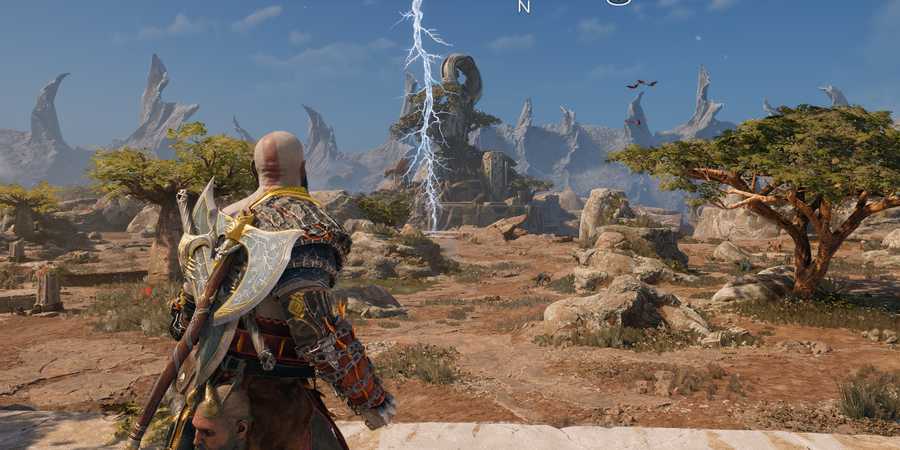
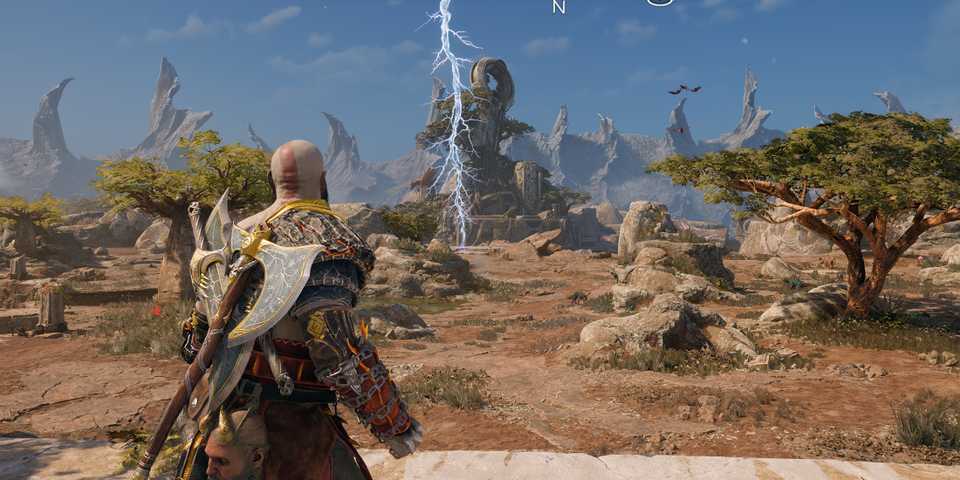
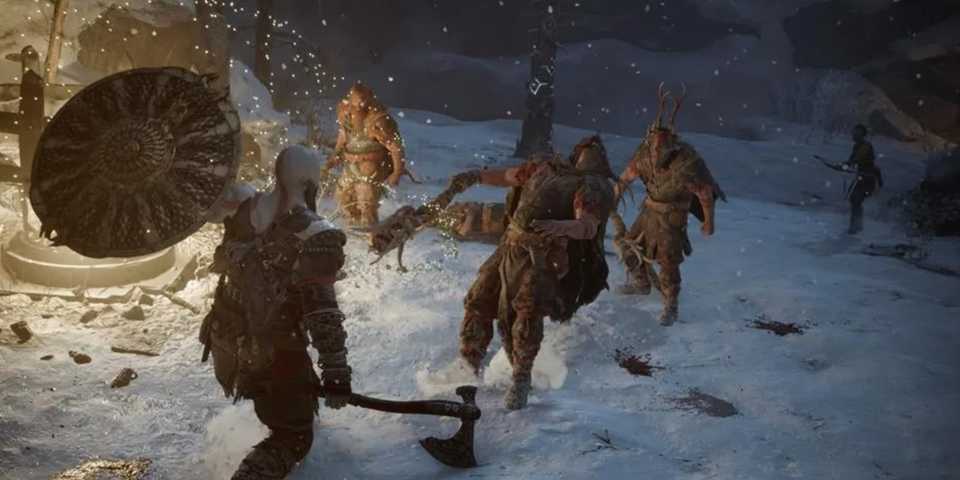
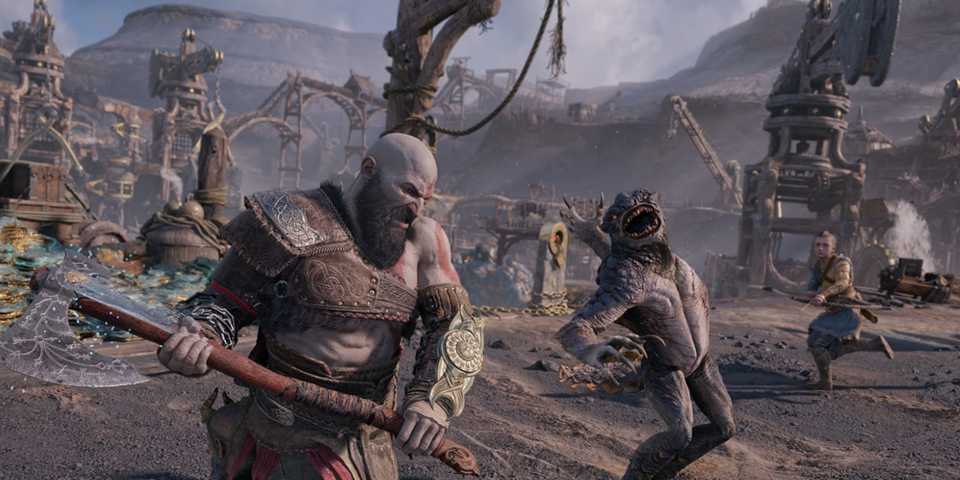
Just like the PlayStation version, God of War: Ragnarok doesn’t include an FOV slider, meaning you can’t officially adjust the field of view. This isn’t surprising, as the previous title, God of War (2018), also lacked this feature. The developer maintains the default FOV to preserve the game's unique cinematic direction, which is presented entirely without any camera cuts.
However, if you'd prefer to see more of the world and less of Kratos' backside, there’s a way to increase the FOV in your game, and that’s via a mod.

God of War Ragnarok PC Review
God of War Ragnarok is an incredible game no matter where it's played, with PlayStation delivering yet another quality PC port.
How to Change FOV in God of War Ragnarok on PC?
To change the FOV in the PC version of God of War: Ragnarok, follow these steps:
- First, download the God of War: Ragnarok FOV Changer developed by RoseTheFlower. You can find it on their GitHub page.
-
Scroll down and download the file named GoWR.FOV.changer.v1.0.zip.
- Your antivirus might flag the file, so either temporarily disable it or add an exception for this file.
- Extract the zip file into a folder.
- Open the game first — this is important, as the FOV mod will only work if the game is already running.
- Once the game is open, Alt-Tab out of the game, navigate to the extracted folder, and open GoWR FOV changer.exe.
- Alt-Tab back into the game and press F9 to enable the mod.
- Use F4 to increase the FOV, or F3 to decrease it.
- To return to the default FOV and disable the mod, press F9 again.
That's it! Now you can enjoy one of the best games of 2022 with your preferred field of view. Keep in mind, however, that you may experience some camera stutter when transitioning in and out of cutscenes — but that's a small trade-off for a wider view of the world.
The default FOV in God of War: Ragnarok is 73, so adjust it to your liking until you're satisfied with the result.


God of War Ragnarok


-
 OpenCritic Reviews
- Top Critic Avg: 92 /100 Critics Rec: 97%
- Released
- November 9, 2022
- ESRB
- M For Blood and Gore, Intense Violence, Strong Language
- Developer(s)
- Santa Monica Studio
- Publisher(s)
- Sony



WHERE TO PLAY





- Engine
- Proprietary Engine
- Franchise
- God of War
- Platform(s)
- PC, PlayStation 4, PlayStation 5
- How Long To Beat
- 26 Hours
- OpenCritic Rating
- Mighty
