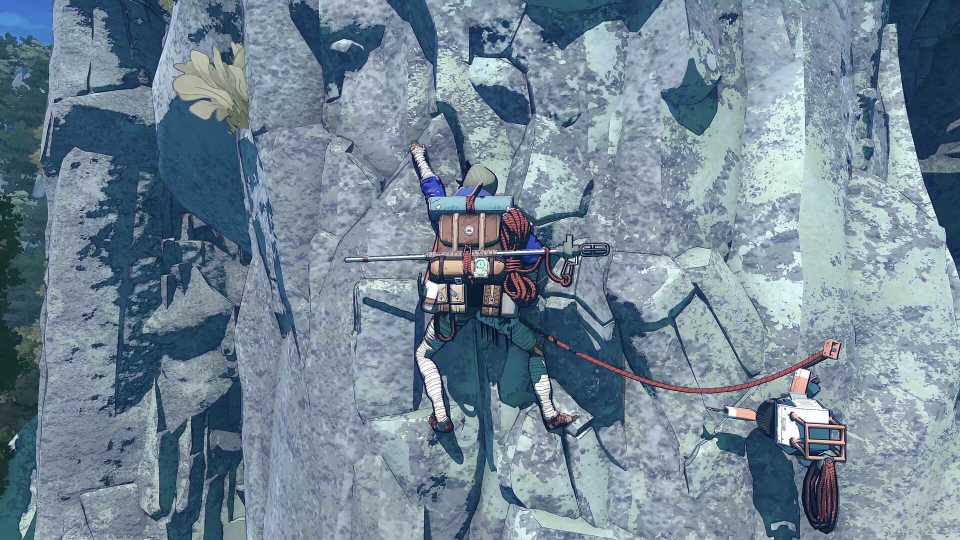
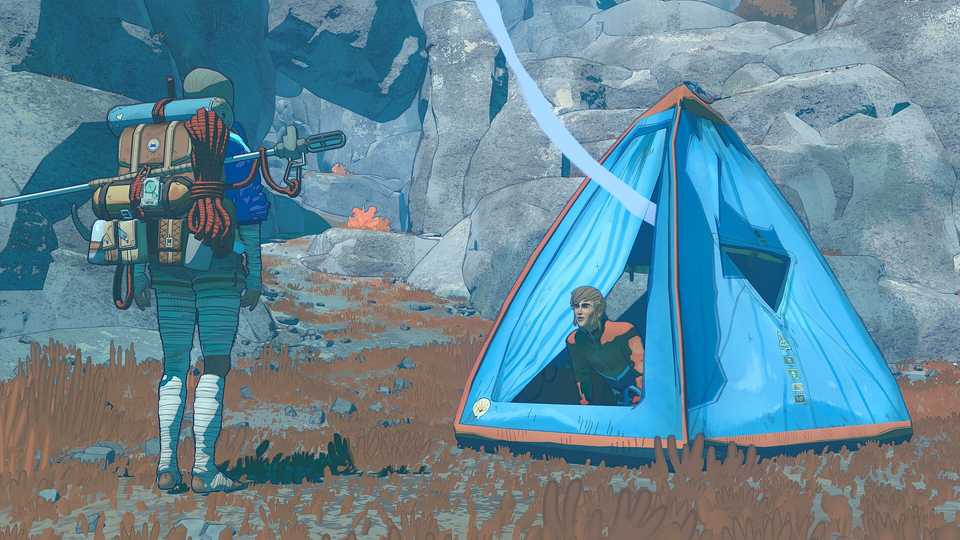
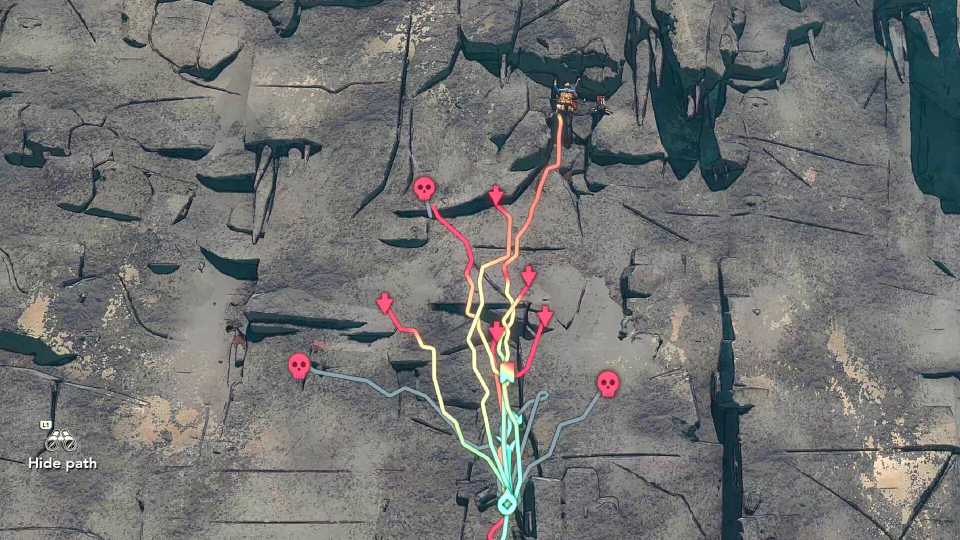
Cairn is a challenging climbing game with survival elements and resources to manage. One such resource is Chalk, which aids Aava's grip, helping her to scale Mount Kami. However, as she's unlikely to find more Chalk on this mountain, players will have to use it sparingly and make more. This guide will show players how to make more Chalk in Cairn and when it is best to use it.

Best Cozy Games To Get Lost In
Sit back, relax, and jump right into these amazing cozy games that have worlds ready for players to lose themselves in.
What Does Chalk Do In Cairn & How To Use It?

While it may be obvious that Chalk increases grip in Cairn, how exactly does it work?

First of all, Chalk can be applied at any time, even mid-climb. To do so, hold right on the D-Pad. You should see Aava rub her hands together, and some of the white powder will fall off.
Extra Grip

In the top left corner, it should now say Extra Grip: 12. The value represents the number of hand placements that can be used before the Chalk runs out. Placing one of Aava's hands will lower this to 11, for example. Placing her feet does not use up the Chalk, as it is only applied to her hands.
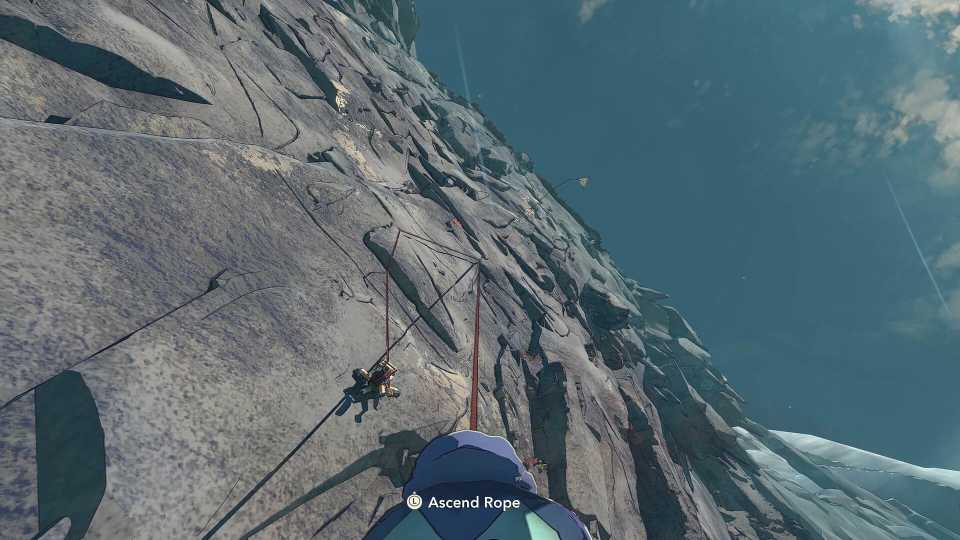
These extra grip buffed hand placements can be used to grip onto fairly flat surfaces that she normally wouldn't be able to. Chalk is therefore best used for sections of a climb without many nooks and crannies to hold onto.
There is no time limit for using these extra grips. You may rest after completing one section of a climb and still have some Chalk on Aava's hands for the next bit.
Of course, if an alternative route is possible, this is better than wasting Chalk, but as the game gets harder, players will be occasionally forced to climb these sections with Chalk.
How To Make More Chalk In Cairn
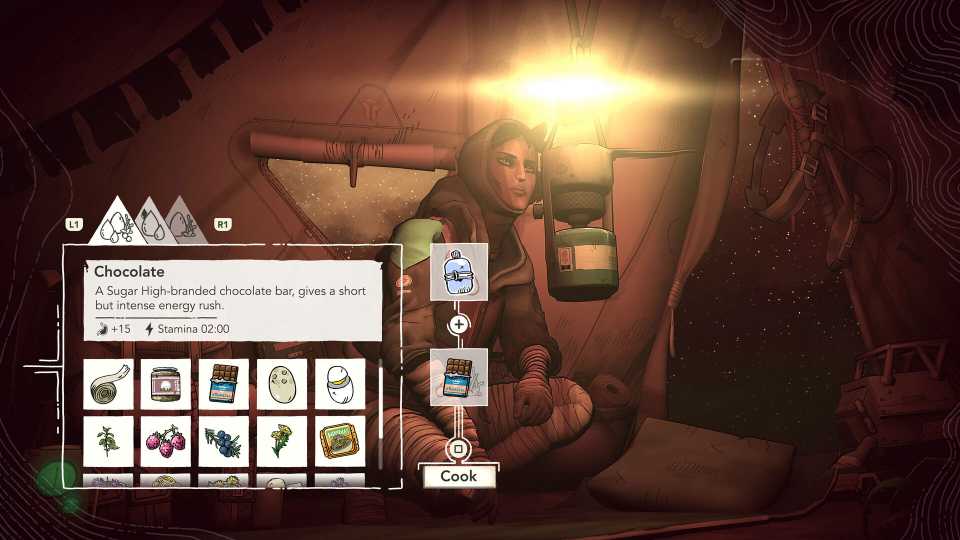
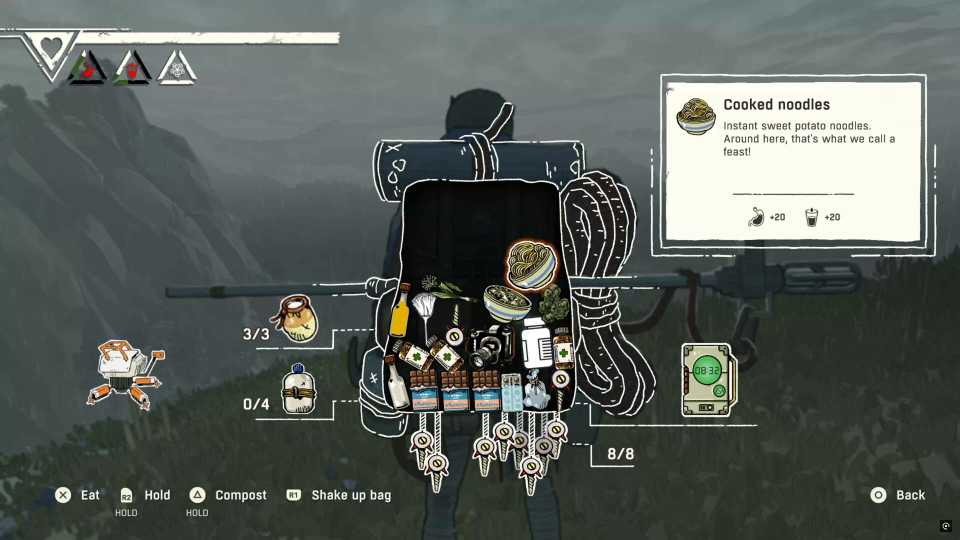
Aava's Climbot isn't just for recalling pitons and companionship; it can also make Chalk. It does so from items such as plants or plastic rubbish that are found or created when Aava eats something.
To start this process, players will need to open the backpack, which means being on the ground or off belay (hanging from a piton). If Aava is climbing, the backpack contents cannot be clicked on.
- To open the backpack, hold down on the D-Pad.
- Use the Left Stick to navigate between items.
- Hovering over one of these, you can hold Y or Triangle to compost it.
- On the left of the menu, your Climbot will begin composting, starting a timer of 12 hours.
- When this time has passed, hover over the Climbot in this menu to collect Chalk with A or Cross.
- You must have an empty slot in your Chalk Bag to do so, but this step can be done while climbing.
You can compost more items to lower the timer by 15 minutes. However, more chalk won't be made.
To pass the time, consider resting while on the ground by holding LT/L2 and holding down on the D-Pad. You can also pass time at the Bivouac (sleeping tent), and the composting can be done here.

6 Cozy Games About The Environment
These charming cozy games do an excellent job exploring the environment and ways to appreciate its beauty and worth.
What Items Should You Compost In Cairn?

While seemingly any item can be turned into chalk, you don't want to waste most items in this survival game. Best of all are plastic wrappers, as you don't want to litter the environment, and they serve no other purpose. Such items will even mention that they should be composted in their description.
To get plastic wrappers, simply eat something like a bar of chocolate. Occasionally, they can also be found littered on the ground. Other waste items are great for composting too, such as tin cans. If you're ever in a rush to make chalk and need more items, consider using plants or mushrooms.



- Released
- January 29, 2026
- Developer(s)
- The Game Bakers
- Publisher(s)
- The Game Bakers
- Number of Players
- Single-player
- Steam Deck Compatibility
- Verified