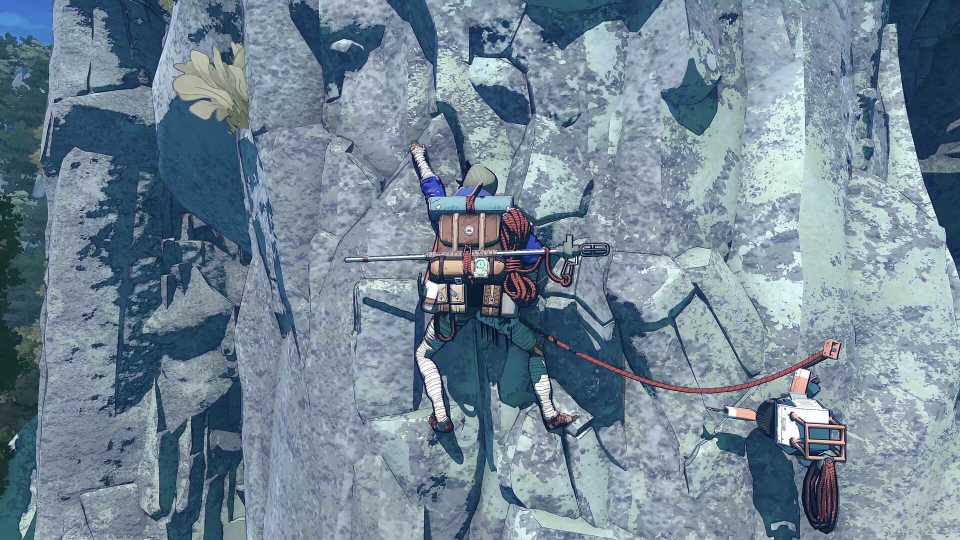
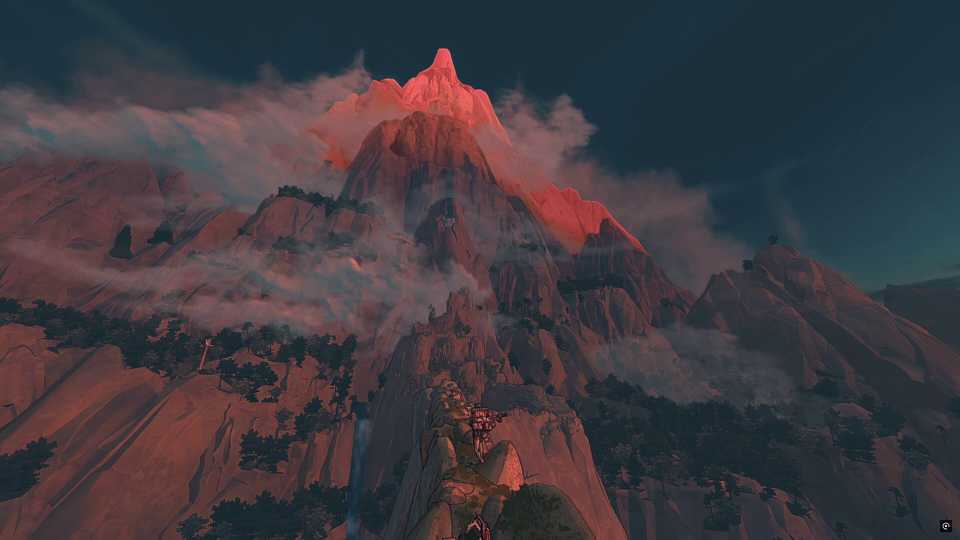
Climbing is what Cairn is all about, and without fully understanding and mastering it, players won't get far up Mount Kami. In this climbing survival game, each limb is controlled, one at a time, with players needing to find nooks and crannies for Aava to wedge her hands and feet into. This guide will explain how to climb in Cairn and provide some useful tips to master it.

Best Cozy Games To Get Lost In
Sit back, relax, and jump right into these amazing cozy games that have worlds ready for players to lose themselves in.
The Basics Of Climbing In Cairn

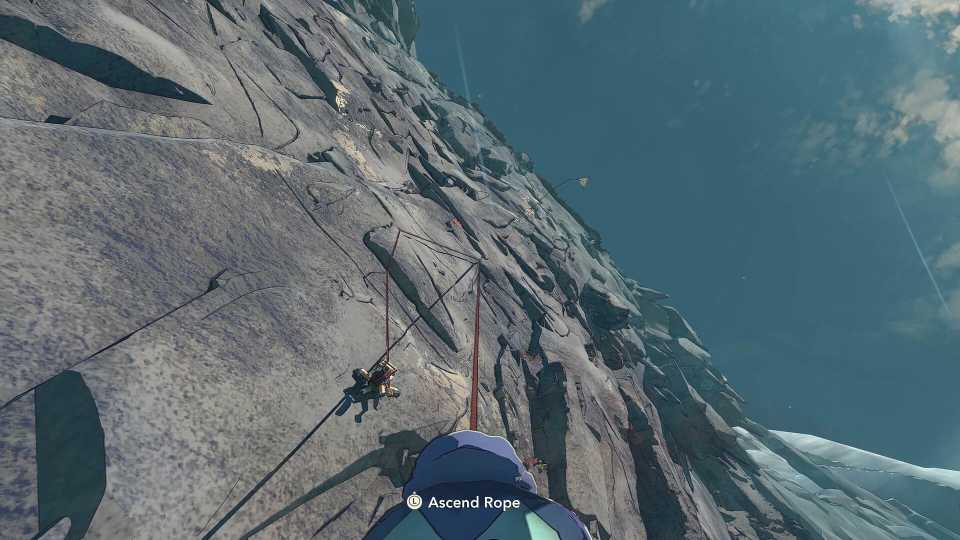
To climb in Cairn, players will move the selected limb with the Left Stick, ideally toward a ledge, nook, or anything that isn't flat. They will then press Square/X to place Aava's hand or foot.
This will be repeated with each limb, allowing Aava to slowly climb. The game will automatically choose which limb to move next, based on the weight supported by each of them and Aava's posture. However, it is possible to manually select a limb to move, and this should be done from time to time, when there is a specific ledge you want to reach, with a specific limb.
All Climbing Controls In Cairn
While most of the time players will just be moving and placing limbs, don't forget about all the other climbing controls in Cairn.
|
Name |
PlayStation |
Xbox |
PC |
|---|---|---|---|
|
Move Limb |
L3 |
LS |
WASD |
|
Place Limb |
Square |
X |
LMB |
|
Choose Limb |
R1 |
RB |
Space |
|
Cancel Last Move |
Circle |
B |
RMB |
|
Reach Further |
Hold L3 |
Hold LS |
WASD |
|
Jump Down |
Hold Circle |
Hold B |
Hold RMB |
|
Place Piton |
Hold Up D-Pad |
Hold Up D-Pad |
Hold 3 |
|
Recover Stamina |
Triangle |
Y |
Q |
|
Run & Jump |
R2 + Cross |
RT + A |
Ctrl + Space |
|
Observe Wall |
L1 |
LB |
Tab |
While there are controls for using a keyboard and mouse, it is strongly recommended to use a controller in Cairn.
Examples Of Ledges, Nooks, & Other Holds In Cairn
Above are some examples of ledges, nooks, crannies, and protrusions in rock faces that players should aim for, also known as holds. If Aava doesn't place her hands/feet in or on these, remember to cancel with Circle/B and try again.
Also, use the camera to pan around or up and down to better see if a surface is flat or not. From a different angle, you might spot a place to aim for.

Longest Open-World Games
Even the most sophisticated gamer will be bewildered by the sheer scale of these games. These are the open-world games that take the longest to beat.
How & When To Use Pitons In Cairn

A Piton can be drilled into any rock face by holding up on the D-Pad. However, there is then a small skill check, where players must land the marker in the white box. If successful, the piton will be drilled.
This acts as a mini-checkpoint, and if Aava falls from higher up, she will only drop to this point. She can also go off bevel here to rest momentarily and eat or drink. She can hold the rope and abseil down, or pull herself back up the rope.
When To Use Pitons In Cairn

Pitons are therefore the best gear available, but as there are only 6 available, players must use them sparingly.
- When Aava is shaking vigorously and about to fall.
- Before a difficult part of the climb, where there are fewer ledges, etc.
- If Aava needs to eat/drink and is a while off the ground.
- If Aava needs to descend down a wall to reach water, for example.
Pitons can and should be reclaimed by the Climbot. Sometimes only broken parts will be recovered, but if you get two parts, they can be restored by Climbot in the tent.
Tactics & Tips For Climbing In Cairn

After having learned the basics, the following are some tips to help players climb in Cairn.
Plan Your Climb
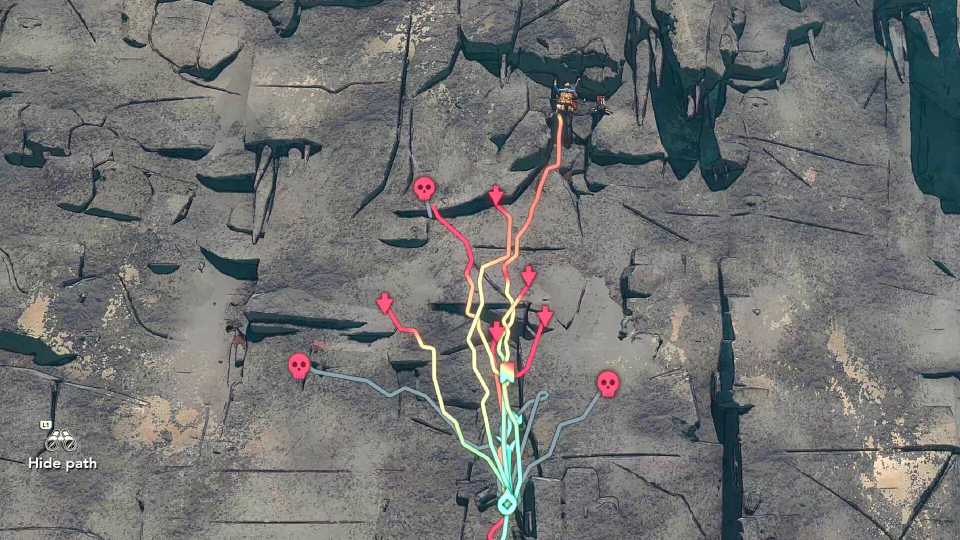
A large part of success in Cairn is planning your ascent. Even the best climbers wouldn't be able to tackle some routes. Therefore, before you set off, use L1/LB to scan the rock face from a distance and look for lots of ledges and crevices. Ideally, there would be somewhere halfway up to properly rest.
Use Chalk For Smoother Parts
Players can apply Chalk to Aava's hands by holding right on the D-Pad. Her next 12 hand placements will have extra grip, meaning smoother surfaces can be climbed. Don't neglect Chalk, nor use it too often.
Use the following guide to learn how to make more Chalk in Cairn.
Descend & Try A Different Route If It Proves Too Difficult
Stubbornness could get Aava killed. If you're partway up a route, but struggling with the next steps, and it seems unlikely to work, climb down and pick another route. This kind of patience is key to completing Cairn.
What To Do If Aava Starts Shaking?
When Aava starts shaking, your first option is to quickly place a hand or foot somewhere stable. Her muscles are failing, and if stability is not restored, she will fall, possibly to her death.
Other than placing a hand/foot, another option is to quickly drill a piton into the wall, restoring safety.
Don't Worry About Weird Body Angles & Contortions
Aava is an excellent climber and extremely flexible. Sometimes this means lifting one of her legs up high to reach a ledge or gap. Don't worry about this being an unrealistic position or painful; it's just part of the game, and making such moves is necessary to climb to the top.
Always Rotate The Camera
Some ledges or gaps can only be seen from a different angle, so make sure to constantly rotate the camera to find new options. Keep using L1/LB to look around as well.
Watch Out For Slippery Surfaces
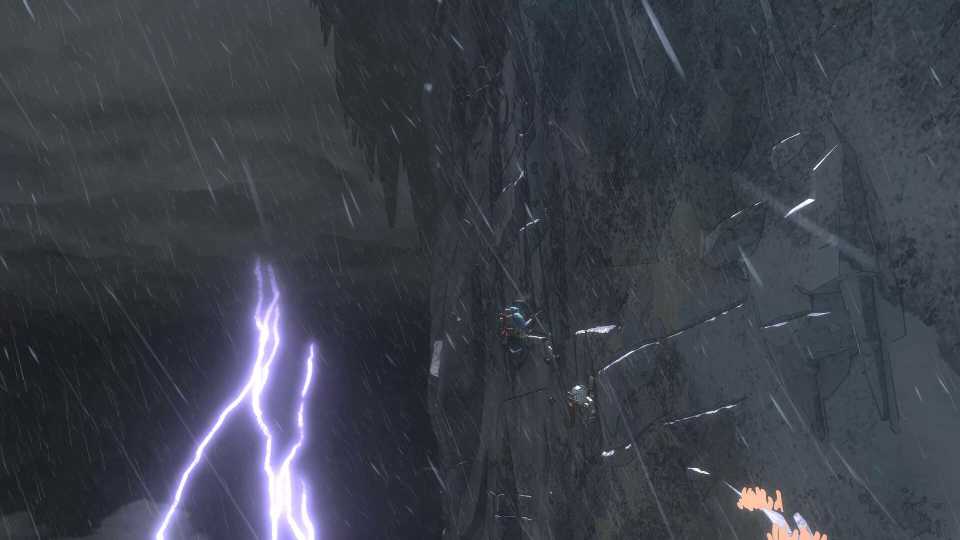
First of all, try not to climb when it is raining or too soon after rain. Instead, pass the time in the tent or use the wait function. Additionally, some rocks, even when dry, will be more slippery; these will often look glossy, and in some of these places, pitons cannot be drilled.
Listen To Aava For Signs She's Struggling
There's no stamina bar in Cairn, and instead, players must pay close attention to Aava. If she sounds like she's struggling or short of breath, she is. Find a secure hold and then press Triangle/Y to restore some stamina. Using a piton will also fully restore her stamina.

10 Best Cozy Games to Play in Short Bursts
These cozy games are great for resting in short bursts. They provide peaceful gameplay, excellent vibes, and feel-good moments whenever you want.
Make Use Of Consumables That Buff Climbing
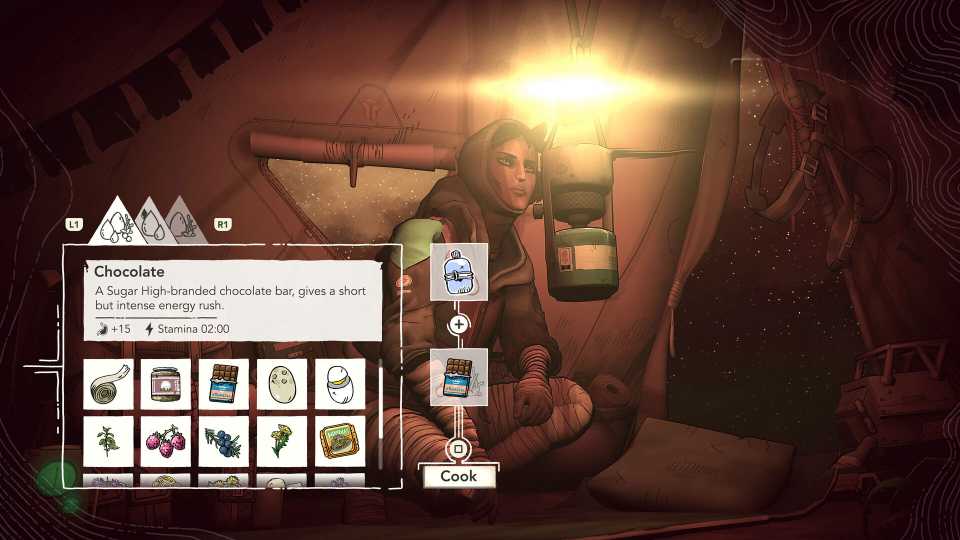
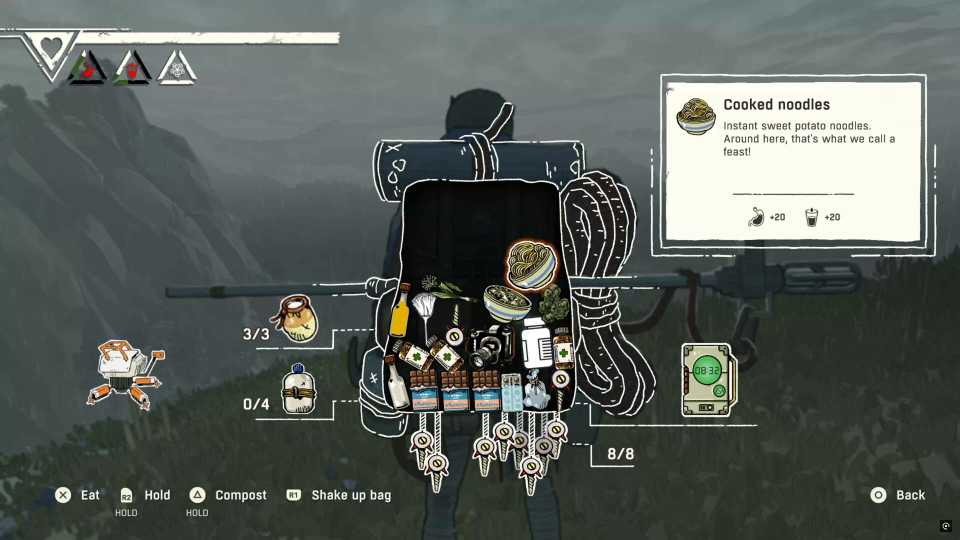
Aava has a few consumables in her backpack, such as tea that not only satisfy her thirst or hunger, but also provide her with extra focus for a few minutes.
While you won't want to waste these on easy climbs, don't forget about them either. While exploring Mount Kami, always be on the lookout for loot, as finding these consumables can not only help keep Aava alive but also help her climb.
Try Not To Climb At Night
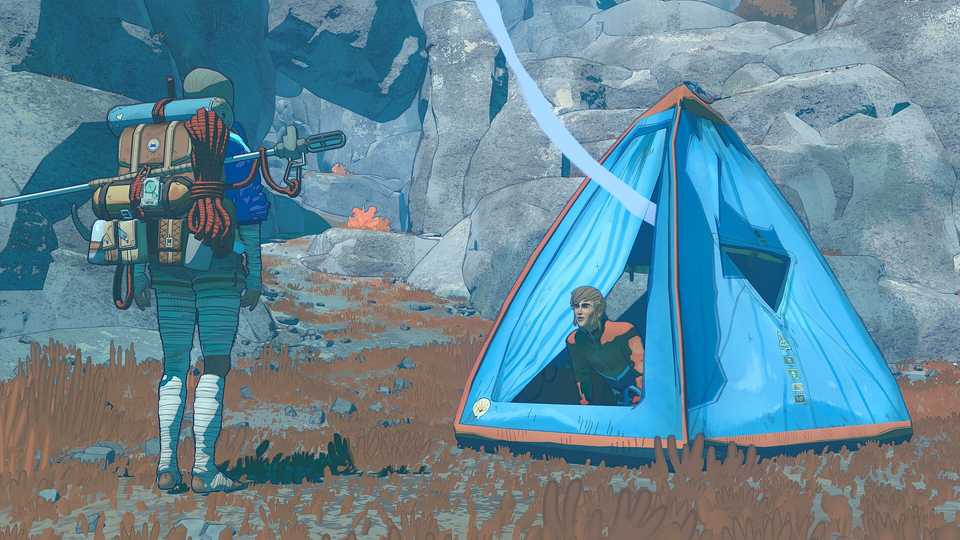
It's harder to see and colder at night, so try to sleep or wait in the tent until daybreak.
Take Your Time
Although there is a survival element to Cairn, and time cannot fully be taken for granted with supplies running low and night descending, it's also not a race. Rushing will get Aava killed, so take your time and think about the best holds.



- Released
- January 29, 2026
- Developer(s)
- The Game Bakers
- Publisher(s)
- The Game Bakers
- Number of Players
- Single-player
- Steam Deck Compatibility
- Verified