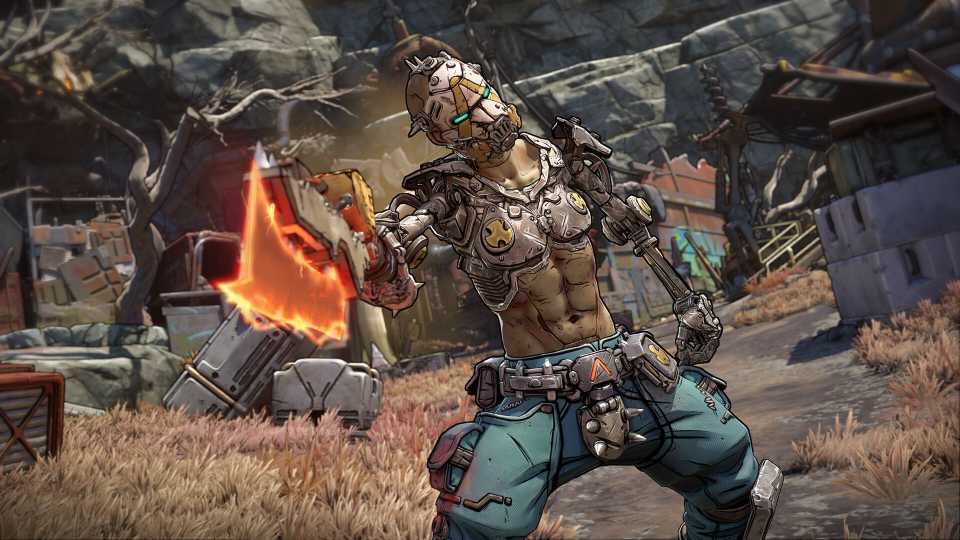
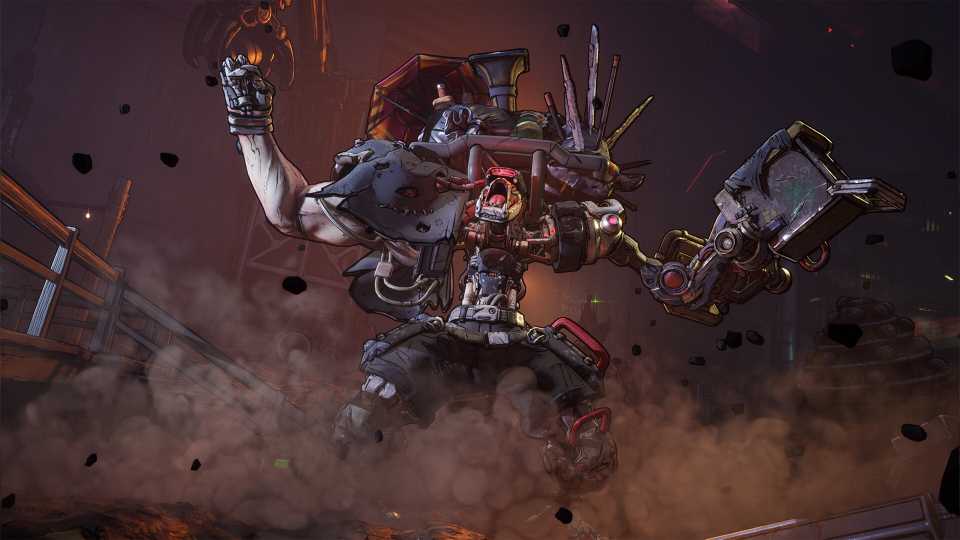
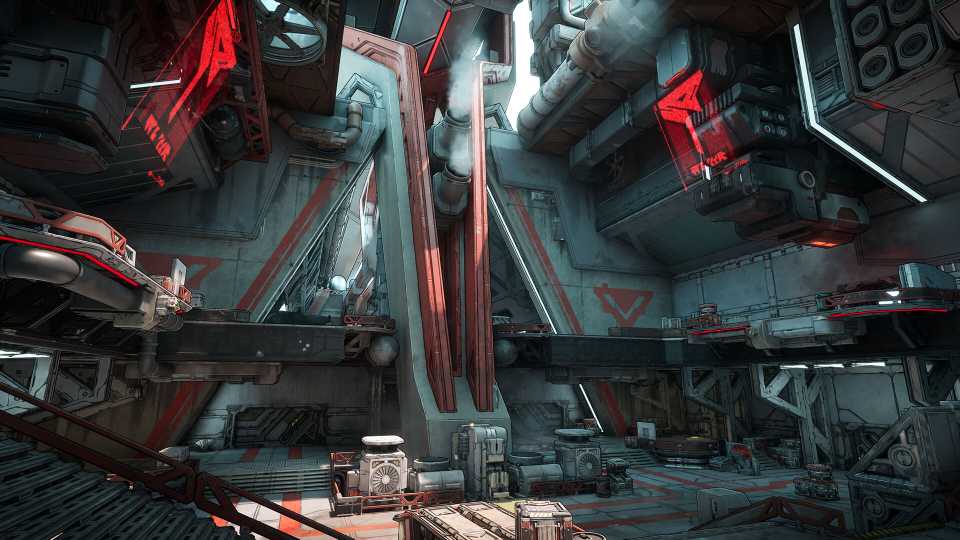
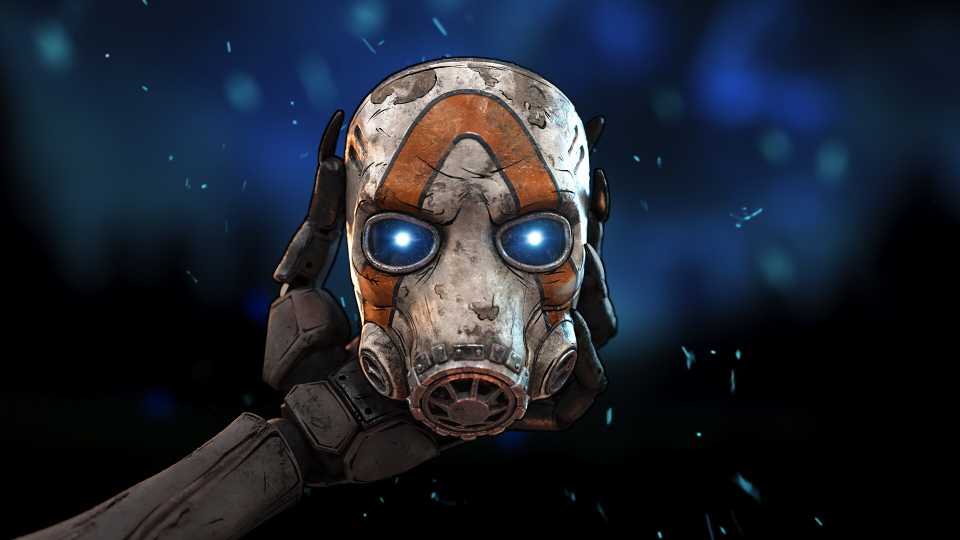
The recently released Borderlands 4 has been a huge hit, but some gamers have come up with a way to improve the title even more on console. Numerous gamers have been complaining about Borderlands 4 feeling weird to play on a controller, and by changing some settings, players can greatly improve their experience with the popular shooter.

Borderlands 4 was released on September 12 for PS5, Xbox Series X/S, and PC, and is set to be available for the Nintendo Switch 2 in October. Since launch, Borderlands 4 has received generally positive reviews, and it currently stands with an average critic score of 85 on OpenCritic. However, the fanbase has been somewhat divided on a few aspects of the new game, such as gunplay feeling off on some occasions, and the lack of a mini-map as the default.

Borderlands 4: A Lot to Process Quest Guide
Get in touch with an Order scientist and get to the bottom of Sol's bioweapon in A Lot to Process, one of Borderlands 4's main quests.
How to Improve Borderlands 4 on Consoles
- Go to "Controls," "Basic," and set all Horizontal and Vertical Sensitivity levels to 2. Set Cursor Speed to 0.5. Set Cursor Friction to 0.5.
- In "Controls," go to "Advanced." Pick both Left and Right Stick, and set all Deadzone settings to 1% and 0.5.
- In the "Gameplay" section, go to "Basic," then "Toggle Radar Display" and turn it on to get the traditional radar back.
- Finally, go to "Accessibility," "Gameplay," then turn "Grapple View Tilt" Off, and "Camera Head-bob" to >75%.
Fortunately, a gamer called Buddy_Kryyst has shared some nice options that can help Borderlands 4 players have a better experience. To “fix” Borderlands 4, players should set all Horizontal and Vertical Sensitivity levels to 2, Cursor Speed to 0.5, and Cursor Friction to 0.5 in the Controls > Basic section. After that, they can go to Controls > Advanced, and set Deadzone to 1% and 0.5 in both sticks. Additionally, players can toggle the radar on in Borderlands 4, and go to Accessibility > Gameplay to turn off Grapple View Tilt and set Camera Head-bob to 75%. Buddy_Kryyst also warned gamers that they could set the stick’s Deadzone to 0 if they want, but that this could lead to control drift in some cases.
Buddy_Kryyst’s tips were very well received by the community, which gave the fan over 1,700 upvotes, agreeing that these were incredibly helpful settings that improve the overall experience. Some other gamers have also complained that the title does not have Field of View sliders, which could improve performance even more, as most Borderlands 4 fans think the current FOV value is too low, and makes everything clunky.

Despite these hiccups, Borderlands 4 has been a huge hit. During the weekend, Borderlands 4 peaked at over 300,000 simultaneous players on Steam, and it has maintained a high engagement since then.

Hopefully, future updates will fix some of these issues that gamers have with the title. Borderlands 4 recently unveiled a new PC-specific update, which improved stability. However, these common grievances with the console version of the game have not been solved yet.


Borderlands 4




-
 OpenCritic Reviews
- Top Critic Avg: 82 /100 Critics Rec: 88%
- Released
- September 12, 2025
- ESRB
- Mature 17+ / Blood and Gore, Intense Violence, Sexual Themes, Strong Language, In-Game Purchases, Users Interact
- Developer(s)
- Gearbox Software
- Publisher(s)
- 2K