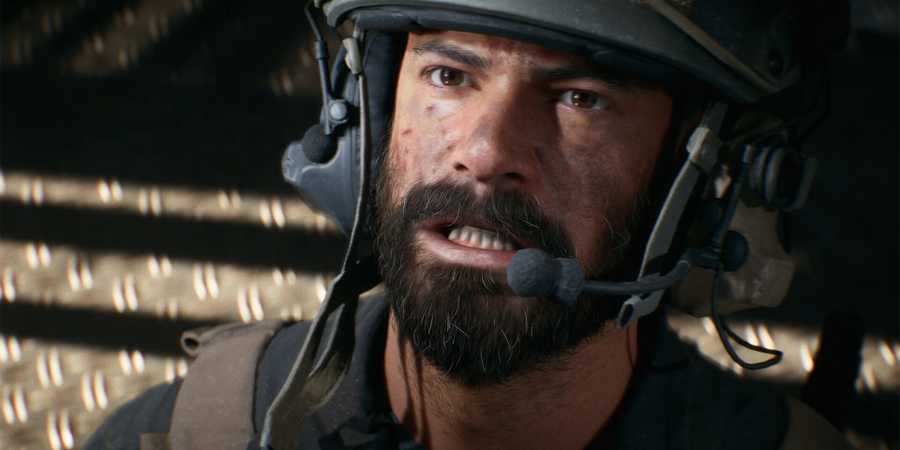
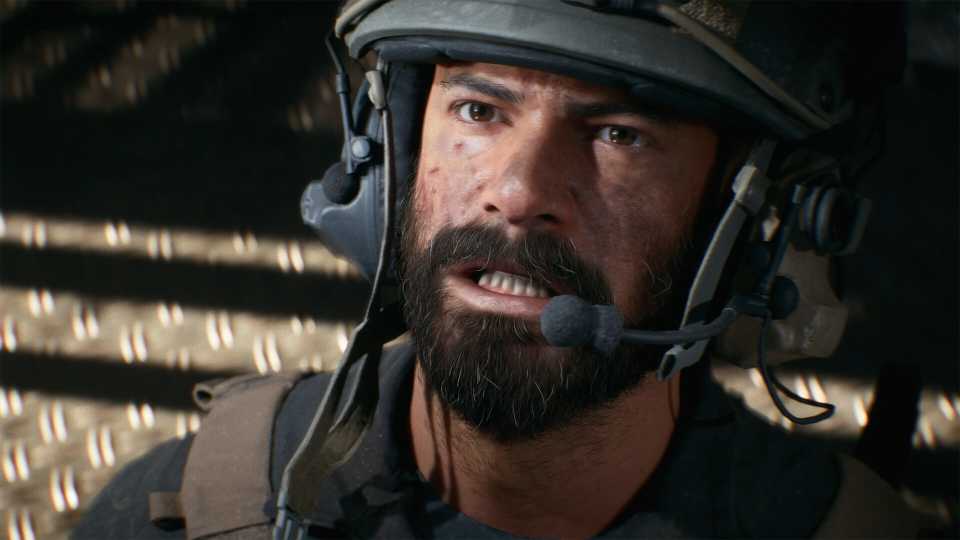
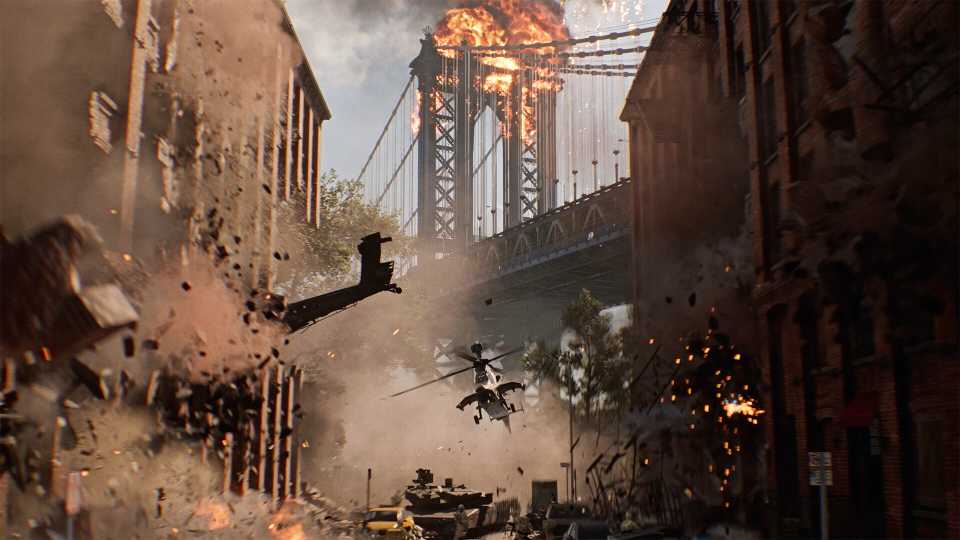
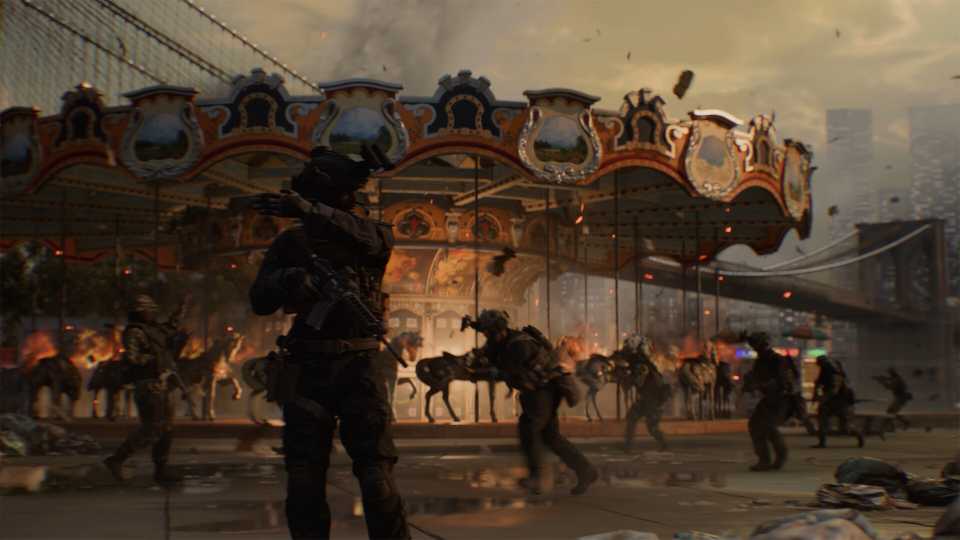
Battlefield 6 has a lot going on in its HUD, and with markers appearing above both allies and enemies, it's easy to lose immersion. However, while the HUD can be turned off completely, parts of it are necessary for gameplay. Thankfully, individual components of the HUD can be turned off or tinkered with to find a compromise between immersion and reducing HUD clutter in BF6.

Best Graphics Settings for Battlefield 6 (PC Optimization Guide)
You can improve Battlefield 6 performance on PC by trying out these best graphics settings to optimize the FPS and make multiplayer gameplay smoother.
Why Turning The HUD Off Completely Is Problematic in Battlefield 6

Battlefield 6 looks absolutely stunning with the HUD turned off, and it is perfectly possible to play this way casually. However, in both multiplayer and the campaign, there are problems with having no HUD, especially as there is no way to quickly display it.
Campaign Issues With The HUD Off
Parts of the campaign are fully playable with the HUD off, especially when following a squad leader and when using normal weapons. However, there are times when players are supposed to press a certain button or stand in a specific spot to advance the mission, but without the HUD on, the player is clueless.
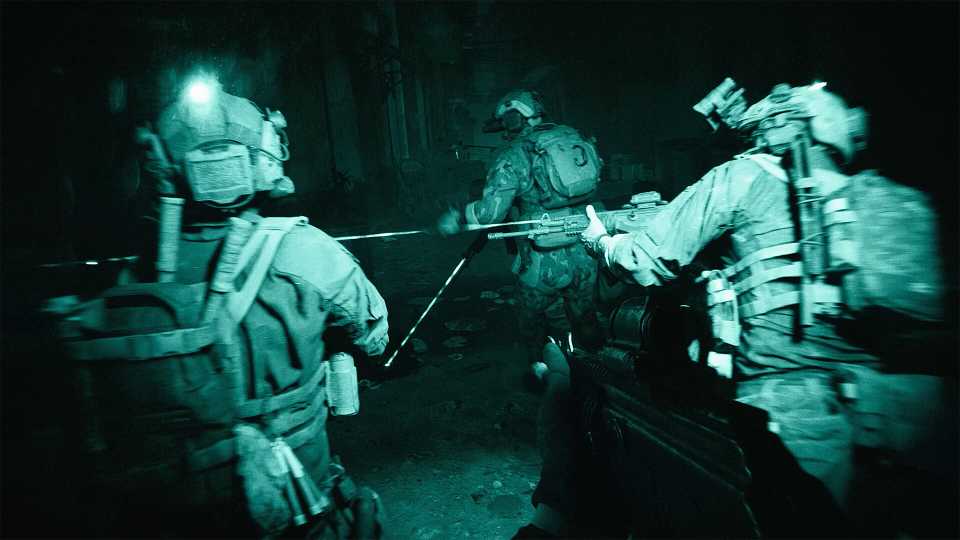
A great example is in the first mission, when the squad stops before going up the stairs. For those who get stuck here without the HUD on, it turns out they must click the interact button to tap a squad member on the shoulder, telling them to proceed.
When controlling vehicles and drones, players may also be a bit lost without the HUD. For these missions, it's best to turn the HUD back on.
Multiplayer Issues With The HUD Off
Multiplayer can also be played with the HUD off, but at times, players will be a liability to their team, and they are at a competitive disadvantage. These issues include:
- Not knowing where the objectives are.
- Not taking advantage of spotted enemies.
- Confusion over allies and enemies.
- Controlling tanks and flying planes.
Best HUD Settings To Reduce Clutter In Battlefield 6

The following settings that have been listed are only the ones that have been altered to create a more immersive HUD in Battlefield 6. If a setting hasn't been changed and remains at its default value, it hasn't been listed.
Sadly, some HUD elements can only be disabled by completely turning the HUD off at the cost of desired interface elements.
Accessibility
- Subtitles: Off
- Peak Hint: Off
- Ping Hints: Off
- Color Profiles: Play around with custom colors for enemies, friendlies, & squad.
After changing these Accessibility settings, the rest is found under Graphics, and then scroll down to Interface & HUD.
Interface & HUD
- Infantry HUD Motion: Off
- Vehicle HUD Motion: Off
- Show Soldier Overlays: Off
- Show Vehicle Overlays: Off
- Show Outlines on Targeted Friendly Soldiers: Off

How to Change Display Operator in Profile in Battlefield 6
Can't change the background operator in the Profile tab? Here's the solution in Battlefield 6.
Advanced HUD Settings
- Show Kills Made By: None
- Kill Feed Icons: Off
- Ping Notifications: Off
- Minimap Background Opacity: 0
- Show Loot: Off
- Simplified Squad List: On
- Show Compass Multiplayer: Off
- Compass Opacity: 0
- Show HUD Prompts: Off
Unfortunately, the minimap cannot be hidden, even though it could be in the beta.
HUD Icons
- Ping Hints: Off
- Objective Icons: All 50
- Friendly Icons Opacity: 0
- Friendly Icons Opacity (Zoomed): 0
- Friendly Revive Icons Opacity: 0
- Friendly Revive Icons Opacity (Zoomed): 0
- Squad Icons Opacity: 0
- Squad Icons Opacity (Zoomed): 0
- Squad Revive Icons Opacity: 0
- Squad Revive Icons Opacity (Zoomed): 0
- Enemy Icons Scale: 80
- Enemy Icons Opacity: 70
- Enemy Icons Opacity (Zoomed): 70
- Neutral Icons Opacity: 0
- Neutral Icons Opacity (Zoomed): 0
- Ping Marker Icons Opacity: 0
- Ping Marker Icons Opacity (Zoomed): 0
The most important thing is making the friendly and squad icons invisible. Thus, only enemies will be shown.
Crosshairs & Indicators
- Crosshair Opacity: 0
- Hit Indicator Opacity: 0
- Hit Indicator Number Enabled: Off
Chat
- Chat Visibility: Hide


Battlefield 6



-
 OpenCritic Reviews
- Top Critic Avg: 83 /100 Critics Rec: 90%
- Released
- October 10, 2025
- ESRB
- Mature 17+ / Blood and Gore, Intense Violence, Strong Language, In-App Purchases, Users Interact
- Developer(s)
- Battlefield Studios
- Publisher(s)
- EA