


If players are down for some ARC Raiders PVP but they are failing to get that extra edge they need to aim faster, or react in time to every sticky situation they encounter topside, then they'd better take a look at this list.
These Setting Options will give players Real Combat Advantage, while also greatly improving Performance, Visuals, and Visibility. The last option on the list is a special tip that will help players detect enemy Raiders wherever they go.

How to Get PvE Lobbies in ARC Raiders
ARC Raiders is a PvPvE extraction shooter, but there's a way players can matchmake with friendly players and enter PvE lobbies, here's how to do it.
8 Turn Motion Blur Off
A Super Annoying Option That Is Always On By Default

The first option that should be tweaked is Motion Blur. Head to Settings, then Graphics, and scroll down. Find the Motion Blur option and switch it Off. This is not only going to give players a boost in their performance, but also avoid that uncomfortable blurry effect that happens when they turn their camera around. With this option off, players will get a clearer view of their surroundings and will be able to spot enemies faster.
In combat situations, even a small advantage like this one means a lot, so keep it off at all times. Plus, ARC enemies won't give players the benefit of the doubt either and will kill them on sight. When players are running away or sliding, motion blur can get in the way as well, so no point having this on.
7 Turn RTX Off
It Greatly Increases Performance

NVIDIA RTX does give the game an awesome level of detail, but it also consumes a lot of resources, and in a game where every bit of processing power matters, it's a really bad option to have set by default.
To disable it, go to Settings, then Graphics, and scroll down to Ray Tracing. With automatic graphics detection, it might vary from High to Epic, but it's better if players leave it at 'Static.' This way, performance is going to get really better, especially during Night Raids or Electromagnetic Storm map conditions. Plus, it helps to see better under low-illumination conditions.
6 Tweak Shadow Quality, Effects, And Post Processing to Improve Visibility And Performance
Will Give You The Extra Edge You Need
Speaking about Night Raids and Electromagnetic Storms (also in Stella Montis, since most of the map is tunnels and dark corners), the best way to improve gameplay under those conditions is to tweak shadow quality to improve visibility. Players will want to go to Settings, then Graphics, and scroll down to Quality. Now search for Shadows and set it to 'Low.' Now, scroll to Post-Processing and also set it to 'Low.' Same with the Effects tab, set it to 'Low.'
This is going to have a real impact on both performance and visibility in dark areas and places where illumination hinders the vision (like those Stella Montis tunnels with the reflectors), allowing players to avoid being ambushed by Rats lurking in dark corners. It also boost performance considerably when under heavy fire or grenades/bombardier/matriarch ordnance is triggered around players. Explosions are super annoying and hinder performance a lot.
5 Turn FOV to Max
More Visibility, Easy To Detect Foes

Field of View (also known as FOV) is one of the most important settings in any third-person game with PvP mechanics, since it improves the range of vision surrounding the character, and in an extraction shooter like ARC Raiders, the more reason to do so.
To max it out, go to Settings, Graphics, and set it to 80 from 70 (which is the default). This will permit players to be more alert of their surroundings, as well as aim better and dodge better.
4 Maximize Performance and Visibility Tweaking NVIDIA DLSS
See Further And Better, Enhance Performance
In the Settings tab, look for the Graphics section and navigate to find the 'Resolution Scaling Method' option. Set the NVIDIA DLSS Quality from 'Auto' to 'Quality' and the NVIDIA DLSS Model from 'CNN' to 'Transformer.'
This is going to balance out performance and visibility at its maximum, enabling a clearer view of the maps and scenario details, to spot movement patterns with ease, and avoid stuttering in combat-heavy situations.
3 Better Controller Options For Interactions/Reload
Avoid This Common Mistake That Will Expose You In PvP

Go to Controller and scroll to Interact/Reload Behavior, then turn it to 'Tap to Interact.' This will make it so that when holding the interaction/reload key, the character is going to reload its weapon. That way, when players are nearby a container or using it as cover, their character won't stand up and start looting instead of reloading.
That simple tweak can make the difference between life and death if you like PvP in ARC Raiders. So keep it in mind before setting out to highly-contested maps like Stella Montis or during Matriarch/Queen events.
2 Better Crosshairs
For Greater Control And Aiming
To improve crosshair targeting, go to Accessibility options, then scroll down to 'Custom Crosshair Options.' There is an option there that requires fine-tuning, and it is the 'Override Crosshair Shape.' Turn it off and tweak it a bit. We recommend choosing either a circular or rounded diamond crosshair for better aiming and bloom control.
Players can also tweak colors to make crosshairs more visible in any circumstances. Just make sure to tweak the opacity to avoid obstructing the view.
1 Night Mode For Audio
Don't Miss A Single Step, No More Rats Ambushing You

Go to Audio Settings, there, look for Night Mode and turn it to On. This will decrease the volume of all loud sounds, and enhance the lesser sounds like footsteps, Raiders recharging shields, changing weapons, holstering, etc.
What this does is granting advantage to players who use environmental cues to detect the presence of rival Raiders. With this, players can also avoid being taken by surprise or ambushed while looting, since they will hear their enemies approaching with more precision.
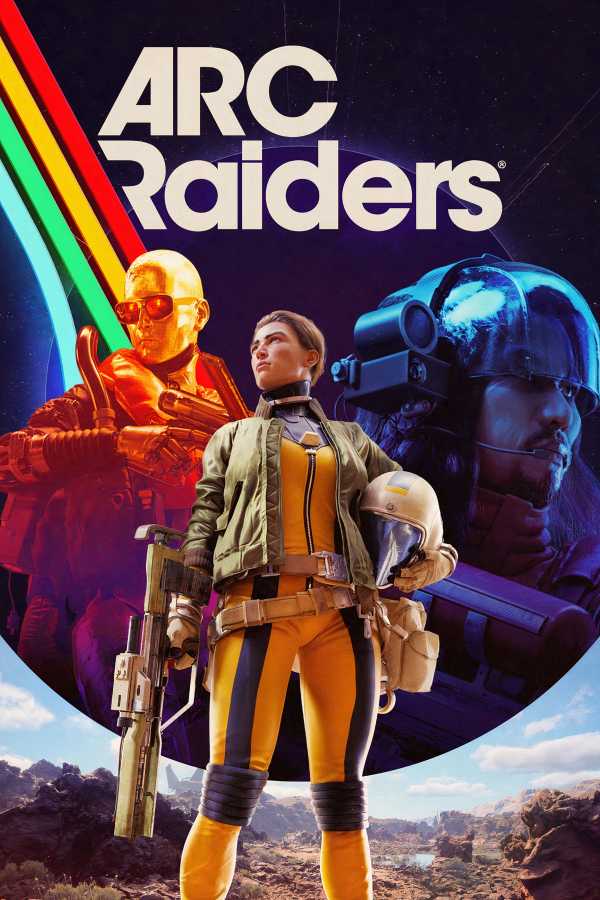
ARC Raiders




-
 OpenCritic Reviews
- Top Critic Avg: 87 /100 Critics Rec: 93%
- Released
- October 30, 2025
- ESRB
- Teen / Violence, Blood
- Developer(s)
- Embark Studios
- Publisher(s)
- Embark Studios



WHERE TO PLAY





- Genre(s)
- Extraction, Shooter, Third-Person Shooter, Survival
