


There are many UI elements to click through in the historical city-builder game that is Anno 117: Pax Romana, but learning some of the most important hotkeys will vastly improve the experience and save players time or frustration trying to find the right menu. Of course, there are many more hotkeys and shortcuts that this guide won't cover for hardcore players to truly steamroll the game, but the following are the best hotkeys for Anno 117: Pax Romana.

The 27 Best Games For Fans Of Roman History
Roman history is fraught with video game potential, a fact that these titles clearly take advantage of.
Although it's possible to play Anno 117 with a controller, players on PC will want to stick with their keyboard and mouse, as hotkeys or other quick commands aren't available with a controller. A radial system is used instead.
General Hotkeys For Anno 117: Pax Romana

The following are some everyday useful keyboard shortcuts in Anno 117: Pax Romana. Some of these, such as pausing and saving the game, are more important than others. See which ones are important to you or most hidden away in menus, and try to learn them.
Remember that you can view and change most hotkeys in the menus by going to Options and then Controls.
|
Pause/Play |
Spacebar |
|
Save Game |
CTRL + S |
|
Increase Speed |
Num. Pad + |
|
Decrease Speed |
Num. Pad - |
|
Rotate Camera |
Hold Scroll Button or Q/E |
|
Open Research |
CTRL + T |
|
Open Religion |
CTRL + R |
|
Open Prestige |
CTRL + Y |
|
Open Trade Routes |
T |
|
Open Diplomacy |
CTRL + D |
|
Open Island Storage |
K |
|
Access Ships |
N |
|
Select Next Ship |
TAB + SHIFT |
|
Postcard View |
F1 |
|
Cinematic Shot |
CTRL + F3 |
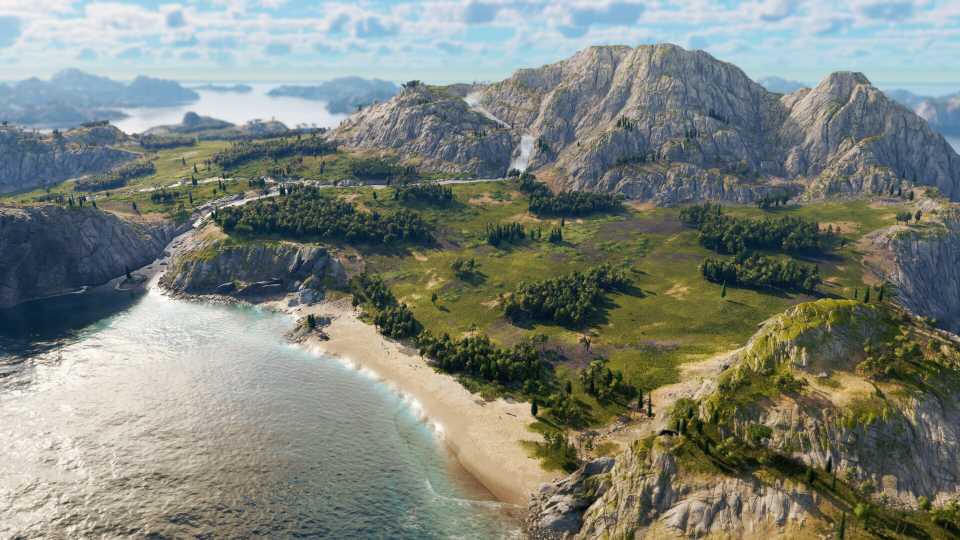
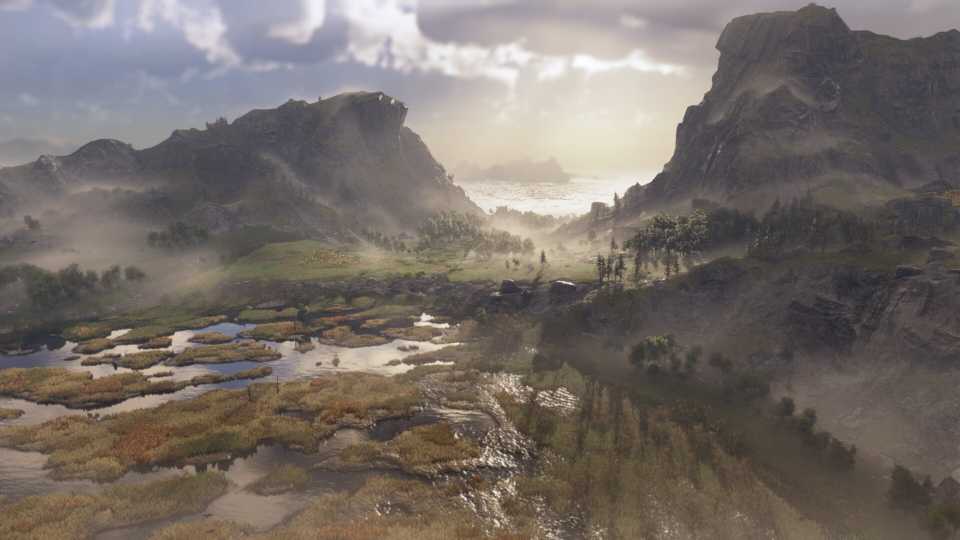
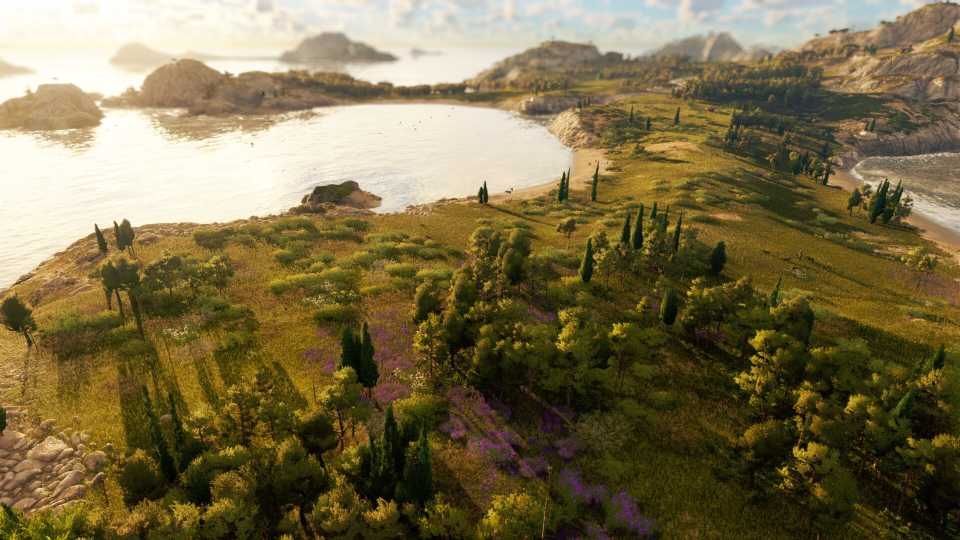
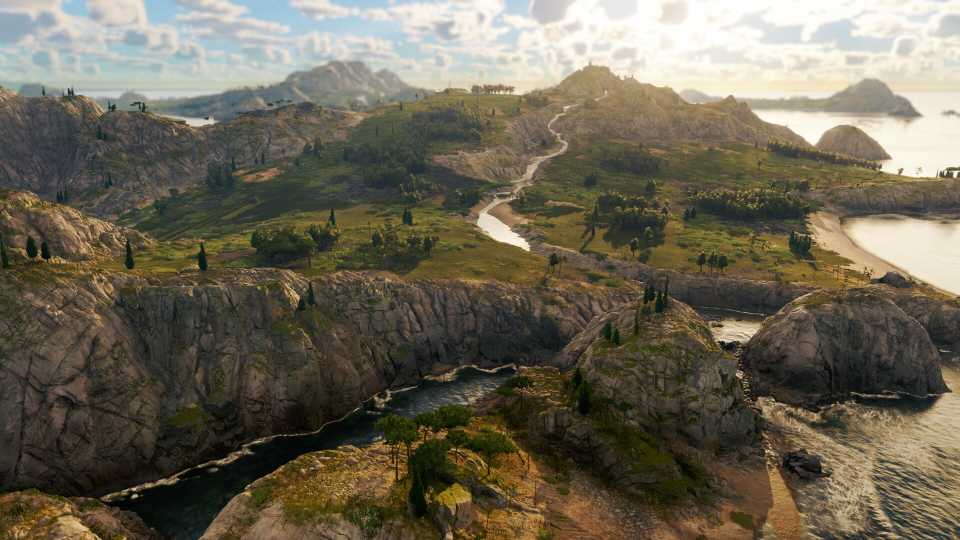
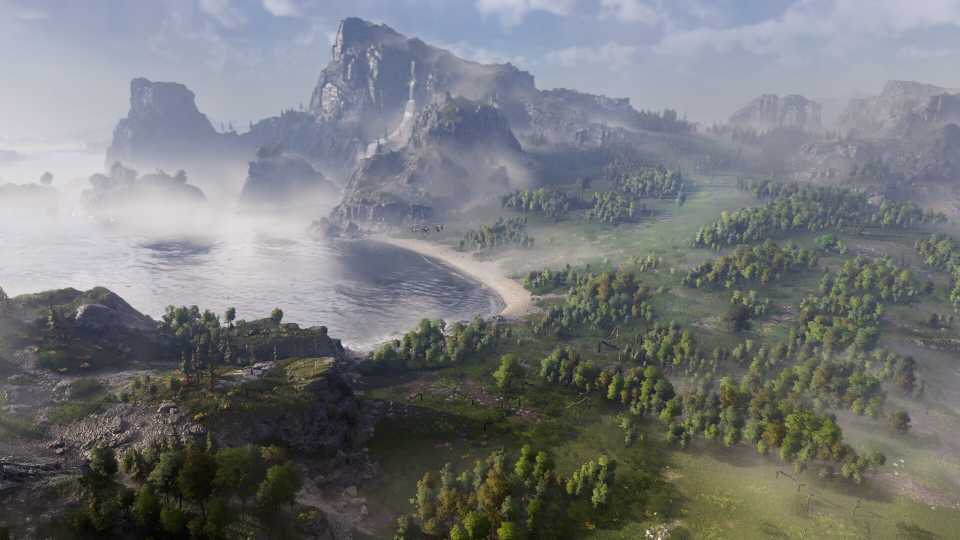
Postcard View and Cinematic Shot are essentially Anno 117's photo modes, and with how visually stunning the game is, players will want to make full use of them.
Building Hotkeys For Anno 117: Pax Romana

Building is one of the most common things players will do, especially roads and Libertus Residences, which thankfully have their own hotkeys. These are much faster to use than having to find the specific buildings in the Construction Menu, which may or may not be open already. There are also shortcuts for deleting, moving, and rotating buildings.

|
Build Roads |
R or 1 |
|
Build Houses |
H or 2 |
|
Build Warehouse |
L or 3 |
|
Copy Building |
C |
|
Move Building |
G |
|
Demolish |
X |
|
Upgrade Building |
U |
|
Mass Upgrade |
Shift + U |
|
Rotate Building |
, or. |
|
Toggle Diagonal |
CTRL +, |
|
Construction Menu |
B |
|
Planning Mode |
V |




-
 OpenCritic Reviews
- Top Critic Avg: 83 /100 Critics Rec: 92%





WHERE TO PLAY





- Genre(s)
- City Builder, Simulation, Strategy
